Month: September 2024

  • best Business Intelligence Tools

    best Business Intelligence Tools

    Introduction: Empowering Decision-Making with the Best Business Intelligence Tools

    In today’s fast-paced, data-driven world, having access to real-time insights is essential for informed decision-making. The best Business Intelligence (BI) Tools provide businesses with the ability to transform raw data into actionable insights, enabling them to make data-driven decisions that enhance performance and profitability. Whether you’re a startup or a large enterprise, the right BI tools can streamline your data analytics, reporting, and visualization processes.

    In this article, we’ll explore the top 10 BI tools, their key features, pricing, and pros & cons to help you determine which one is best suited for your organization. Additionally, we’ll compare the tools in a comprehensive table and discuss how Google Sheets can be used as a BI tool for basic needs. We’ll also delve into Power BI templates, which provide powerful customization options for businesses.

    What to Expect from Business Intelligence Tools?

    Business Intelligence tools enable organizations to collect, process, analyze, and visualize vast amounts of data. These platforms are designed to help businesses identify trends, track performance, and make informed decisions. When selecting a BI tool, it’s important to assess scalability, ease of use, data integration capabilities, and the pricing model.

    What is business Intelligence and analytics?

    Business Intelligence (BI) refers to the technologies, processes, and tools used to collect, analyze, and present business data. It enables organizations to make informed decisions based on actionable insights derived from data. BI focuses on reporting, dashboards, and data visualization.

    Business Analytics, on the other hand, involves statistical analysis, predictive modeling, and data mining. It aims to predict future trends and improve decision-making by identifying patterns within the data.

    For more in-depth analysis, check out our related article on Top 10 Business Analysis Tools.

    The Top 10 Best Business Intelligence Tools

    When it comes to choosing the best Business Intelligence tools, finding the right solution is crucial for businesses aiming to analyze data effectively and gain actionable insights. Tools like Power BI, Tableau, and Qlik stand out for their robust data visualization and reporting capabilities. These BI tools empower organizations to turn raw data into strategic decisions, driving growth and efficiency. In this article, we explore the top 10 business intelligence tools, breaking down their key features, pricing, and pros and cons for easy comparison.
    Top 10 Best Business Intelligence Tools

    1. Microsoft Power BI

    Power BI is one of the most widely used BI tools, thanks to its powerful analytics and user-friendly interface. It integrates easily with Microsoft products like Excel and Azure, making it ideal for businesses already using Microsoft solutions.

    Features:

    • Real-time data monitoring
    • Interactive dashboards
    • AI-driven insights
    • Seamless Excel and Azure integration

    Pricing:

    • Free version available
    • Power BI Pro: $9.99 per user/month
    • Power BI Premium: $20 per user/month

    Pros & Cons:

    ProsCons
    Affordable pricing and flexible plansSteeper learning curve for non-Microsoft users
    Ideal for businesses using Microsoft ecosystemLimited features in the free version
    Robust AI-powered insightsRequires additional storage costs for larger data sets

    2. Tableau

    Tableau stands out as a leader in data visualization and is known for its intuitive interface. Its drag-and-drop functionality makes it easy for users to create stunning dashboards without needing advanced technical skills.

    Features:

    • Drag-and-drop interface for creating visuals
    • Seamless integration with a wide range of data sources
    • Supports both cloud-based and on-premises deployments
    • Real-time data analytics

    Pricing:

    • Tableau Viewer: $12 per user/month
    • Tableau Explorer: $35 per user/month
    • Tableau Creator: $70 per user/month

    Pros & Cons:

    ProsCons
    Intuitive drag-and-drop interfaceHigher cost compared to competitors
    Advanced data visualization capabilitiesSteeper learning curve for complex tasks
    Suitable for businesses of all sizesRequires additional licenses for full functionality

    3. Qlik Sense

    Qlik Sense is known for its advanced analytics capabilities and its unique associative data model, which allows users to explore data in a more interactive way.

    Features:

    • Associative data model for deeper insights
    • AI-driven insights and machine learning integration
    • Strong data visualization capabilities
    • Integration with a wide variety of data sources

    Pricing:

    • Business plan: $30 per user/month
    • Enterprise plan: Contact for pricing

    Pros & Cons:

    ProsCons
    Powerful associative data model for analysisCan be complex for smaller organizations
    AI and machine learning capabilitiesRequires a steeper learning curve
    Flexible and customizableHigher initial setup costs

    4. Domo

    Domo is a cloud-based BI tool that offers a wide array of data connectors and visualization options. It is ideal for companies that require real-time data monitoring and a highly scalable solution.

    Features:

    • Real-time data monitoring and visualization
    • Extensive app marketplace for data connectors
    • Customizable dashboards
    • AI and machine learning tools for deeper insights

    Pricing:

    • Free trial available
    • Contact sales for pricing

    Pros & Cons:

    ProsCons
    Real-time data alerts and monitoringExpensive for smaller businesses
    Extensive customization and scalability optionsComplex pricing model
    Wide range of data integration capabilitiesRequires a strong data infrastructure

    5. SAP BusinessObjects

    SAP BusinessObjects offers a full suite of business intelligence tools tailored to large enterprises, focusing on collaboration and data-sharing across departments.

    Features:

    • Extensive reporting and analytics tools
    • Seamless integration with SAP ERP systems
    • Self-service reporting capabilities
    • Collaboration tools for team insights

    Pricing:

    • Contact sales for pricing

    Pros & Cons:

    ProsCons
    Ideal for large enterprises with complex needsHigh cost of ownership
    Extensive reporting and collaboration featuresNot ideal for small and medium businesses
    Seamless SAP integrationRequires expertise for full utilization

    6. Looker

    Looker, a Google Cloud company, is designed for both data analysts and business users. It provides deep data exploration capabilities while leveraging SQL to allow users to dig into raw data.

    Features:

    • SQL-based data exploration
    • Customizable dashboards and reports
    • Google Cloud integration
    • Real-time data visualization

    Pricing:

    • Contact sales for pricing

    Pros & Cons:

    ProsCons
    Strong for SQL-based data explorationRequires SQL knowledge for advanced use
    Seamless Google Cloud integrationHigh pricing for small businesses
    Real-time insights and reportingLacks some pre-built features

    7. Sisense

    Sisense focuses on embedding analytics in your workflow and is designed for scalable BI solutions. It’s especially popular for its ability to combine data from multiple sources into a single dashboard.

    Features:

    • Embedded analytics
    • Scalable architecture for large data sets
    • AI-powered analytics and machine learning
    • Real-time data monitoring

    Pricing:

    • Contact sales for pricing

    Pros & Cons:

    ProsCons
    Scalable solution for large data setsPricing may be prohibitive for smaller businesses
    Great for embedding analytics into workflowsComplex setup and configuration
    Real-time insightsSteeper learning curve for new users

    8. Zoho Analytics

    Zoho Analytics is perfect for small to medium-sized businesses looking for a cost-effective BI solution. It offers AI-driven insights and extensive integration options at an affordable price point.

    Features:

    • AI-driven insights
    • Drag-and-drop interface
    • Strong data integration capabilities
    • Customizable reporting tools

    Pricing:

    • Basic: $24/month
    • Standard: $48/month
    • Premium: $115/month
    • Enterprise: $455/month

    Pros & Cons:

    ProsCons
    Affordable pricing optionsLimited advanced features for large businesses
    Easy-to-use interfaceLacks customization for enterprise needs
    AI-driven insights for quick decision-making

    9. IBM Cognos Analytics

    IBM Cognos is a comprehensive BI solution offering a suite of tools for in-depth reporting and AI-powered analytics. It is ideal for companies looking for a scalable, enterprise-level solution.

    Features:

    • AI-powered data exploration and insights
    • Drag-and-drop report creation
    • Advanced visualization tools
    • Predictive analytics

    Pricing:

    • Starting at $15 per user/month

    Pros & Cons:

    ProsCons
    Strong AI-driven insightsRequires a learning curve for new users
    Excellent for complex reportingLimited flexibility for small businesses
    Affordable pricing for enterprise features

    10. TIBCO Spotfire

    TIBCO Spotfire is known for its advanced data visualization tools and predictive analytics capabilities, making it ideal for businesses dealing with complex data sets.

    Features:

    • Advanced predictive analytics
    • Customizable dashboards
    • AI-powered data exploration
    • Seamless integration with multiple data sources

    Pricing:

    • Starts at $125 per month

    Pros & Cons:

    ProsCons
    Advanced analytics capabilitiesHigher cost for small to medium-sized businesses
    Excellent for complex data setsComplexity in the initial setup
    Strong predictive analytics toolsRequires IT resources for full utilization

    Business Intelligence Tools Comparison Table

    ToolBest ForStarting PriceAI FeaturesIntegration OptionsEase of Use
    Power BISMBs & Enterprises using MS$9.99/user/monthYesExcel, AzureModerate
    TableauVisual data analysis$12/user/monthLimitedCloud, ExcelEasy
    Qlik SenseComplex data analytics$30/user/monthYesMultiple sourcesModerate
    DomoLarge enterprisesContact salesYes500+ connectorsModerate
    LookerData analystsContact salesYesGoogle Cloud, BigQueryModerate

    Google Looker Studio Templates

    Google Looker Studio, previously known as Google Data Studio, is a powerful tool for visualizing and analyzing data. To streamline your reporting, you can utilize Looker Studio templates, which provide ready-made dashboards that integrate with various data sources. These templates help you save time by offering pre-designed formats that are customizable to fit your needs. You can buy Looker Studio templates from marketplaces like localhost/techblg, or directly from freelance designers on platforms such as Fiverr and Upwork.

    Power BI Templates for Business Intelligence

    If you are looking to fast-track your Power BI setup, there are several preI have finished the article about the best Business Intelligence tools. Do you want me to adjust it for SEO purposes or make any other specific changes before proceeding?


    Q&A About best Business Intelligence Tools

    In what ways do BI tools support decision-makers?

    BI tools support decision-makers by providing real-time data analysis, offering data visualizations, improving forecasting, enabling data-driven insights, and automating reporting.

    What is something the Excel Power BI tools can do that Power BI Desktop cannot?

    Excel Power BI tools allow for deeper integration with Excel-specific functions like pivot tables, formulas, and data consolidation, which Power BI Desktop lacks.

    Which of the following is a challenge for creating dashboards in Excel without Power BI tools?

    Without Power BI tools, Excel users face difficulties in integrating data from multiple sources, lack advanced visualization options, and experience slower performance when handling large datasets.

    Until recently, BI tools have not been prevalent in the workplace to support business success. Why?

    Historically, BI tools were expensive and complex to implement, making them less accessible to smaller businesses. Today, advances in technology have democratized BI, allowing wider adoption.

    Which of the following Power BI tools is best suited for editing data before import?

    Power Query is best suited for editing and transforming data before importing it into Power BI, enabling more efficient analysis.

    How can Business Intelligence tools contribute to effective decision-making?

    BI tools enhance decision-making by offering real-time analytics, uncovering actionable insights, optimizing business processes, and allowing for better resource allocation.

    What is the biggest advantage of cloud-based BI tools?

    Cloud-based BI tools provide scalability, ease of access from any location, automatic updates, and the ability to handle large datasets in real-time.

    Why should small businesses invest in BI tools?

    Small businesses benefit from BI tools by gaining insights into customer behavior, improving financial forecasting, optimizing operations, and staying competitive in their market.

    How do BI tools integrate with existing systems?

    BI tools integrate with existing systems through APIs, data connectors, or plugins, making it easier to pull in data from CRM, ERP, and other business platforms.

    What industries benefit the most from BI tools?

    Industries like retail, healthcare, finance, manufacturing, and marketing benefit the most from BI tools due to their need for detailed, real-time analytics to drive strategy.

    Conclusion of the best Business Intelligence Tools:

    Business Intelligence tools are indispensable for data-driven decision-making in modern business environments. By providing actionable insights, BI tools allow companies to optimize operations, improve customer experiences, and enhance profitability. Whether you’re running a small business or a large enterprise, choosing the right BI tool can make all the difference.
    References:

    1. Power BI Overview
    2. Google Data Studio
  • Top 10 vendor management systems

    Top 10 vendor management systems

    Introduction: Understanding Vendor Management Systems

    managing vendors efficiently is crucial for operational success and a streamlined supply chain. The Top 10 vendor management systems are designed to help businesses improve their vendor sourcing, oversight, and relationship management. As businesses grow, handling multiple vendors manually becomes inefficient, leading to increased errors and decreased productivity. By leveraging a Vendor Management System (VMS), companies can automate vendor interactions, reduce risks, improve compliance, and enhance overall efficiency. This article delves into the best VMS solutions, evaluating their key features, pricing models, and the pros and cons, ensuring you find the most suitable tool for your specific needs.

    Whether you run a small business or an enterprise-level organization, choosing the right VMS is critical to maintaining strong supplier relationships and avoiding costly delays or mistakes. Additionally, vendor management systems help enforce compliance, manage contracts, and keep track of vendor performance, which is essential in ensuring product quality and service standards are consistently met. From automation to cost control and better risk mitigation, VMS platforms are now indispensable for any organization dealing with multiple suppliers.

    In this guide, we’ll review the Top 10 vendor management systems, offering detailed descriptions of their features, capabilities, and ideal use cases. By understanding the offerings of these systems, you’ll be better equipped to select the best vendor management software for your business.

    Top 10 vendor management systems

    1. SAP Fieldglass

    Overview:
    SAP Fieldglass is a cloud-based VMS designed for businesses that want complete transparency in their vendor management processes. Its capabilities extend to workforce management, contingent workforce tracking, and procurement.

    Key Features:

    • Vendor performance tracking
    • Workforce management
    • Real-time analytics
    • Integration with other SAP modules

    Pricing: Available upon request.
    Pros:

    • Comprehensive solution for vendor and workforce management
    • Robust integration with SAP ecosystem
      Cons:
    • Expensive for small businesses
    • Steep learning curve

    2. IBM Emptoris

    Overview:
    IBM Emptoris is a popular vendor management software designed for global procurement. It helps businesses manage supplier relationships by offering sourcing and procurement tools in a cloud-based solution.

    Key Features:

    • Contract management
    • Real-time vendor tracking
    • Procurement analytics
    • Risk management

    Pricing: Custom pricing based on business needs.
    Pros:

    • Strong focus on procurement
    • Advanced risk management features
      Cons:
    • Customization can be complex
    • Limited support for smaller organizations

    3. Oracle Procurement Cloud

    Overview:
    Oracle’s Procurement Cloud offers vendor management along with procurement and sourcing tools, providing a scalable solution for both small and large enterprises.

    Key Features:

    • Vendor sourcing and procurement
    • Analytics and reporting tools
    • Integrated contract management
    • Automation of procurement tasks

    Pricing: Custom pricing based on the number of users and services.
    Pros:

    • Scalable for businesses of all sizes
    • Highly customizable
      Cons:
    • Requires extensive onboarding
    • Complex for first-time users

    4. Coupa

    Overview:
    Coupa’s cloud-based VMS is ideal for businesses looking to manage their vendors while controlling costs and improving efficiency. Coupa offers a comprehensive platform for procurement, invoicing, and expense management.

    Key Features:

    • Vendor invoicing
    • Spend analysis
    • Supplier collaboration tools
    • Real-time reporting

    Pricing: Available upon request.
    Pros:

    • Highly intuitive user interface
    • Comprehensive spend management features
      Cons:
    • Pricing may be steep for smaller businesses
    • Some users report issues with customer support

    5. GEP SMART

    Overview:
    GEP SMART is an AI-powered vendor management platform focused on optimizing procurement processes. It’s designed for businesses looking to leverage automation in vendor relationships.

    Key Features:

    • AI-driven vendor management
    • Procurement automation
    • Contract management
    • Data-driven insights

    Pricing: Contact GEP for custom pricing.
    Pros:

    • Advanced AI capabilities
    • Comprehensive procurement tools
      Cons:
    • May require additional customization
    • AI tools can be overwhelming for new users

    6. Beeline VMS

    Overview:
    Beeline is a well-known vendor management system focused on workforce management, making it ideal for businesses dealing with contingent and temporary staffing needs.

    Key Features:

    • Contingent workforce management
    • Supplier performance tracking
    • Custom reporting and analytics
    • Global compliance features

    Pricing: Custom pricing based on services required.
    Pros:

    • Excellent for contingent workforce management
    • Strong compliance tools
      Cons:
    • Limited scalability for non-workforce needs
    • Pricing can be high

    7. Jaggaer

    Overview:
    Jaggaer is a cloud-based procurement and vendor management solution that offers robust features for supplier management and procurement optimization.

    Key Features:

    • Supplier performance management
    • Procurement lifecycle tracking
    • Spend analysis tools
    • Global compliance management

    Pricing: Contact Jaggaer for pricing details.
    Pros:

    • Easy integration with other procurement tools
    • Strong spend management features
      Cons:
    • Requires thorough training for effective use
    • Customization can be challenging

    8. SynerTrade

    Overview:
    SynerTrade provides a comprehensive VMS with tools for managing the entire procurement cycle. It is a popular choice for companies looking for a highly customizable solution.

    Key Features:

    • Vendor sourcing and onboarding
    • Procurement management
    • Contract lifecycle management
    • Customizable dashboards

    Pricing: Custom pricing available.
    Pros:

    • Easy-to-use interface
    • Extensive customization options
      Cons:
    • Steep learning curve for advanced features
    • Limited out-of-the-box integrations

    9. Ivalua

    Overview:
    Ivalua offers a complete vendor and procurement management solution that emphasizes supplier collaboration and risk management.

    Key Features:

    • Supplier collaboration tools
    • Spend management
    • Risk and performance management
    • Contract management

    Pricing: Pricing upon request.
    Pros:

    • Strong supplier collaboration features
    • Robust risk management tools
      Cons:
    • Complex for new users
    • Expensive for smaller businesses

    10. Zoho Creator

    Overview:
    Zoho Creator offers a flexible VMS solution that can be easily customized for different business needs. With its low-code development environment, businesses can build and modify workflows.

    Key Features:

    • Customizable vendor management workflows
    • Data analytics and reporting
    • API integrations
    • Vendor performance tracking

    Pricing: Starts at $10 per user per month.
    Pros:

    • Highly customizable
    • Affordable for small businesses
      Cons:
    • Limited advanced procurement features
    • Requires some technical knowledge for customization

    Comparison Table: Pros & Cons

    SoftwareProsCons
    SAP FieldglassComprehensive solution, SAP integrationExpensive, steep learning curve
    IBM EmptorisStrong procurement focus, risk managementComplex customization, limited for SMBs
    Oracle Procurement CloudScalable, customizableComplex onboarding, steep for beginners
    CoupaUser-friendly, spend managementExpensive, support issues
    GEP SMARTAI-powered, data insightsOverwhelming AI tools, high customization
    Beeline VMSExcellent for workforce managementLimited scalability, high cost
    JaggaerEasy integration, spend analysisRequires training, challenging customization
    SynerTradeUser-friendly, customizableSteep learning curve, limited integrations
    IvaluaSupplier collaboration, risk managementComplex setup, high pricing
    Zoho CreatorCustomizable, affordableLimited features, requires technical skills

    Conclusion

    Choosing the Top 10 Vendor Management Systems depends on your business needs, budget, and the complexity of vendor relationships. By leveraging these systems, businesses can enhance vendor relationships, streamline procurement processes, and reduce risks. Solutions like SAP Fieldglass and Coupa provide comprehensive tools for large enterprises, while Zoho Creator offers flexibility and affordability for smaller businesses.

    For businesses just getting started, you might want to read more about Best POS System for Small Business and Best Supply Chain Management Software to ensure all aspects of your business operations are covered effectively.


    how to link vendor management system to erp software


    References

  • Best Supply Chain Management Software

    Best Supply Chain Management Software

    Best Supply Chain Management Software: A Comprehensive Guide for Businesses

    Introduction

    Choosing the best supply chain management software can significantly enhance the efficiency of your operations, reduce costs, and increase profitability. In this article, we will explore five top SCM software solutions, detailing their features, pricing, and pros and cons. We will also provide insights into what questions businesses should ask when choosing an SCM platform.

    In today’s highly competitive business landscape, having an efficient supply chain is crucial for success. For companies, especially those involved in manufacturing, logistics, and retail, the right tools can make or break operations. Supply chain management software (SCM software) is designed to streamline these processes, helping businesses manage the flow of goods, information, and finances from suppliers to end customers.


    Why Supply Chain Management Software is Important

    Supply chain management software helps businesses track inventory, manage suppliers, forecast demand, optimize logistics, and ensure timely delivery. SCM systems not only streamline day-to-day operations but also provide real-time visibility into all aspects of the supply chain. Here are some of the key reasons why businesses need SCM software:

    • Enhanced Visibility: Monitor the movement of goods and materials across the entire supply chain.
    • Cost Efficiency: Optimize inventory and reduce excess stock, lowering carrying costs.
    • Improved Supplier Management: Foster better relationships with suppliers by ensuring timely payments and clear communication.
    • Demand Forecasting: Analyze historical data to predict future demand, helping businesses avoid stockouts or overproduction.
    • Compliance: Ensure that your business meets regulatory standards with integrated compliance management.

    Top 5 Best Supply Chain Management Software

    Best Supply Chain Management Software

    When managing complex operations, having the best Supply Chain Management Software can make a huge difference. Top solutions like SAP Integrated Business Planning (SAP IBP), Oracle SCM Cloud, Infor Nexus, JDA (Blue Yonder), and Manhattan Associates stand out for their robust features, such as demand forecasting, inventory management, and real-time visibility. These platforms streamline logistics, enhance supplier relationships, and optimize workflows, helping businesses of all sizes improve efficiency and reduce costs across the entire supply chain process.


    1. SAP Integrated Business Planning (SAP IBP)

    Overview: SAP IBP is a comprehensive supply chain management software offering robust tools for demand planning, supply chain monitoring, and analytics. It’s ideal for large enterprises that require in-depth data insights and seamless integration with other SAP modules.

    Key Features:

    • Advanced demand forecasting and supply chain analytics
    • Real-time collaboration across departments
    • Inventory optimization and management
    • Built-in supply chain risk management
    • Integration with other SAP modules (ERP, CRM)

    Pricing: Custom pricing (based on enterprise size and specific requirements)

    ProsCons
    Comprehensive set of features for large enterprisesExpensive for small and mid-sized businesses
    Advanced demand forecasting toolsSteep learning curve
    Seamless integration with other SAP productsRequires significant IT resources for implementation

    2. Oracle SCM Cloud

    Overview: Oracle SCM Cloud offers end-to-end supply chain management features, covering everything from procurement and manufacturing to logistics and product lifecycle management. With a user-friendly cloud-based platform, it supports businesses of all sizes, though it’s particularly suited to medium and large enterprises.

    Key Features:

    • Procurement and supplier collaboration
    • Inventory and order management
    • Product lifecycle management
    • Advanced analytics and real-time reporting
    • Transportation management

    Pricing: Custom pricing, depending on business needs

    ProsCons
    Scalable solution for businesses of all sizesHigh initial cost
    Comprehensive set of featuresCan be complex to set up and customize
    Advanced analytics and AI capabilitiesRequires strong IT support and expertise

    3. Infor Nexus

    Overview: Infor Nexus is a global supply chain management platform offering real-time visibility into supply chain processes. It integrates with various third-party applications and provides tools for supplier management, order processing, and shipment tracking.

    Key Features:

    • Real-time visibility into shipments and inventory
    • Supplier collaboration and management
    • Risk management and compliance tools
    • Integration with third-party logistics providers
    • Predictive analytics for demand and supply planning

    Pricing: Custom pricing based on specific business needs

    ProsCons
    Strong real-time visibility toolsLimited customization options
    Great for managing global supply chainsCan be expensive for smaller businesses
    Integration with third-party logistics providersSteeper learning curve for beginners

    4. JDA (Blue Yonder) Supply Chain Management

    Overview: JDA, now rebranded as Blue Yonder, is a leading SCM software that provides comprehensive solutions for supply chain planning, execution, and logistics. The platform leverages AI and machine learning to improve decision-making and operational efficiency.

    Key Features:

    • Demand and supply planning with AI-driven insights
    • Warehouse and transportation management
    • Inventory optimization tools
    • Real-time data analytics and reporting
    • Seamless integration with enterprise systems

    Pricing: Custom pricing based on business size and needs

    ProsCons
    AI-driven insights for better decision-makingCostly for small businesses
    Comprehensive warehouse and transportation toolsRequires a strong IT infrastructure for full utilization
    Advanced analytics and reporting capabilitiesComplex for businesses without IT expertise

    5. Manhattan Associates Supply Chain

    Overview: Manhattan Associates is a robust supply chain management software that focuses on inventory management, warehousing, and distribution. It’s ideal for businesses that need powerful logistics management tools and seamless integration with e-commerce platforms.

    Key Features:

    • Warehouse management and optimization
    • Supply chain execution and logistics management
    • Inventory tracking and demand forecasting
    • Integration with e-commerce platforms
    • Labor and workforce management tools

    Pricing: Custom pricing depending on the scope of use and business needs

    ProsCons
    Excellent for managing complex logisticsMore expensive than other options
    Strong e-commerce integrationFeatures may be overkill for small businesses
    Comprehensive labor and workforce management toolsLonger setup time for larger enterprises

    What to Consider When Choosing the Best Supply Chain Management Software

    When evaluating different SCM software solutions, it’s essential to consider the unique needs of your business. Here are some factors to keep in mind:

    1. Business Size: Some SCM tools, like SAP and Oracle, are designed for larger enterprises, while others may be more suitable for small to mid-sized companies.
    2. Customization and Flexibility: Your software should be adaptable to your specific workflows and integrate well with your existing systems, such as ERP or e-commerce platforms.
    3. Real-Time Data: Real-time visibility is critical for supply chain management. Choose a platform that provides real-time updates on shipments, inventory, and orders.
    4. Cost: While the initial cost is important, also consider long-term costs such as updates, integrations, and potential training for your team.
    5. Support and Training: Ensure the software provider offers adequate customer support, training resources, and implementation assistance.

    Top 10 Questions About best Supply Chain Management Software

    What is best supply chain management software?

    SCM software helps businesses manage the entire flow of goods, services, and information from supplier to customer.

    Why is supply chain management important?

    Effective SCM reduces operational costs, improves efficiency, and enhances customer satisfaction.

    Which SCM software is best for large enterprises?

    SAP IBP and Oracle SCM Cloud are ideal for large enterprises due to their comprehensive features and scalability.

    Can small businesses benefit from SCM software?

    Yes, small businesses can use tools like Infor Nexus to improve supplier relationships and optimize inventory.

    Is cloud-based SCM better than on-premise?

    Cloud-based solutions offer more flexibility, scalability, and lower upfront costs compared to on-premise systems.

    How do SCM systems handle inventory management?

    SCM software tracks stock levels, forecasts demand, and optimizes inventory to prevent shortages and overstock.

    What role does AI play in SCM?

    AI helps automate demand forecasting, optimize logistics, and improve decision-making by analyzing large data sets.

    Do SCM systems integrate with ERP solutions?

    Yes, most SCM tools integrate seamlessly with ERP systems for improved data flow and operational efficiency.

    What are the hidden costs of SCM software?

    Hidden costs can include implementation, customization, training, and ongoing maintenance or upgrades.

    Is it possible to try SCM software before purchasing?

    Many providers offer free trials or demo versions, allowing businesses to test the system before committing.

    Conclusion

    Investing in the best supply chain management software is crucial for streamlining your operations, reducing costs, and enhancing customer satisfaction. Whether you’re a small business looking to improve supplier relationships or a large enterprise in need of advanced analytics, there’s an SCM tool that fits your needs. The five software solutions we’ve discussed—SAP IBP, Oracle SCM Cloud, Infor Nexus, JDA (Blue Yonder), and Manhattan Associates—each offer unique advantages tailored to different business sizes and industries.

    As you evaluate which SCM platform is best for your business, also consider exploring related tools such as time tracking software for small business, Best Project Management Software, and Best Inventory Management Software to round out your business toolkit.

    References

    1. Gartner – Supply Chain Software Reviews
    2. Capterra – Best Supply Chain Management Tools

  • Best POS System for Small Business

    Best POS System for Small Business

    Introduction – best POS system for small business

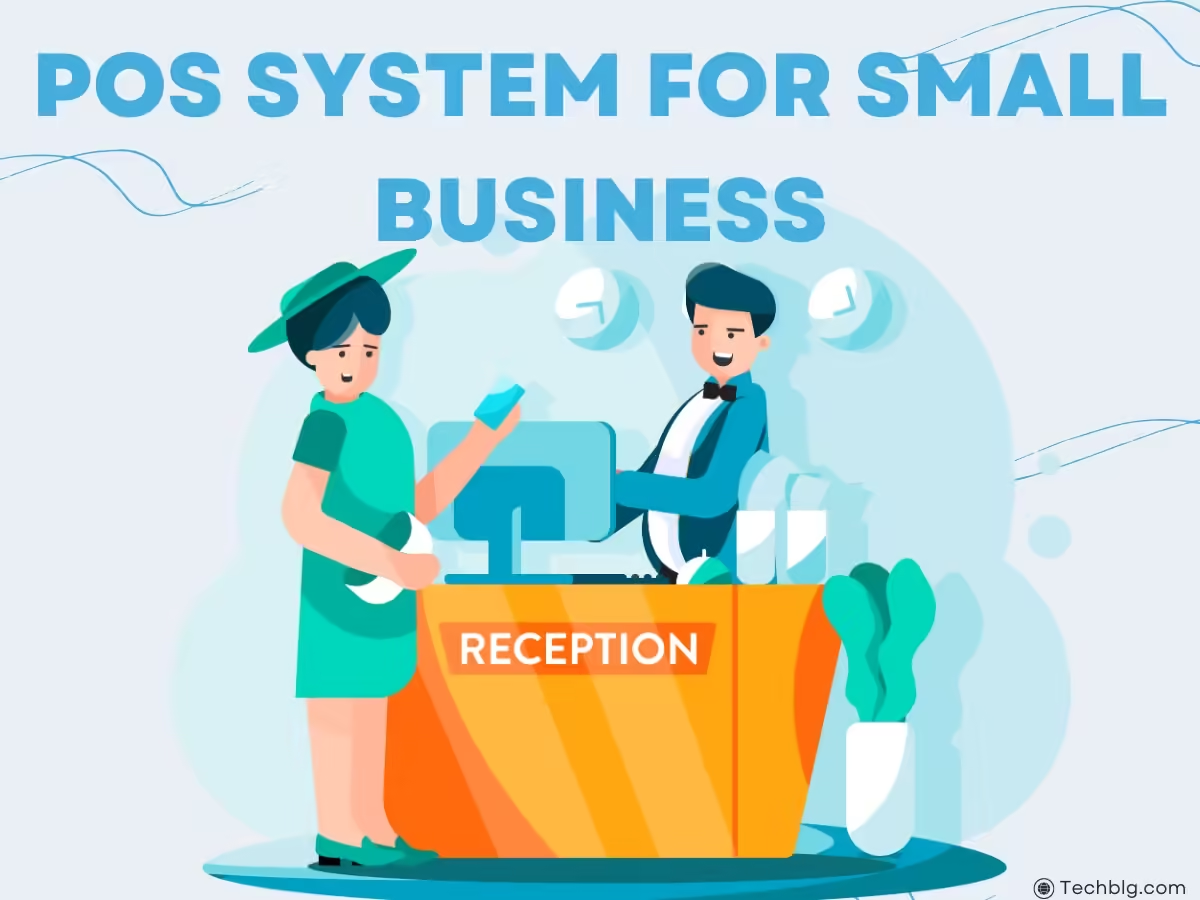
    Finding the best POS system for small business can not only streamline your operations but also provide valuable insights into your sales and help you grow your business efficiently.
    When running a small business, one of the most critical tools you can invest in is a POS (Point of Sale) system. A good POS system is more than just a cash register; it’s a comprehensive tool that handles sales, inventory management, reporting, and customer interactions all in one place.

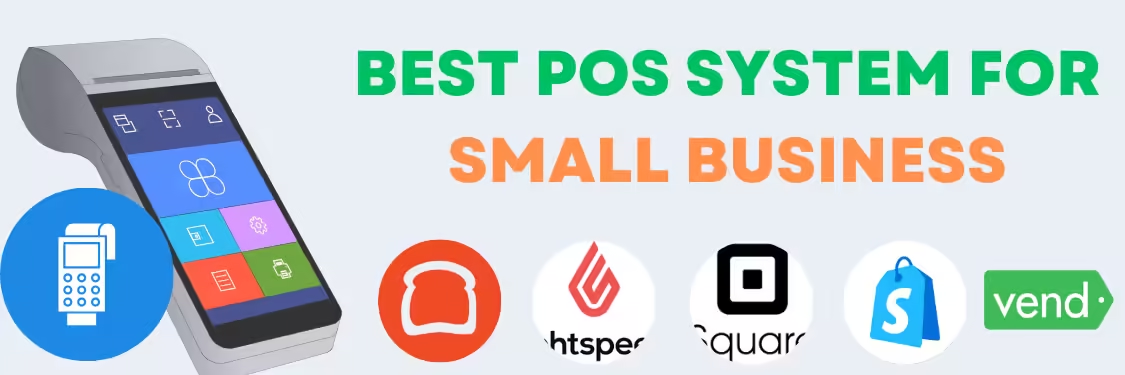
    In this article, we will explore the top five POS systems for small businesses in 2024. We’ll delve into their features, pricing, and the pros and cons of each system. Additionally, we’ll answer the most common questions small business owners have when choosing the right POS system.

    best POS system for small business top 5

    Why a POS System is Essential for Small Businesses

    A POS system is an essential tool for managing transactions, but it’s also much more. These systems can track inventory, generate detailed sales reports, manage employee productivity, and enhance customer experiences. For small business owners, a POS system can be the difference between a chaotic day of operations and smooth, efficient workflows.

    Key Benefits of POS Systems:

    1. Transaction Management: Process payments seamlessly.
    2. Inventory Management: Automatically track stock levels.
    3. Reporting: Get insights into sales trends, busiest hours, and more.
    4. Customer Relationship Management: Keep track of customer preferences and loyalty.
    5. Employee Management: Monitor sales performance and work hours.

    1. Square POS

    Square POS is one of the most popular POS systems for small businesses and is the best POS system for small business, known for its user-friendly interface and flexibility. Whether you run a retail store, restaurant, or mobile business, Square provides a solution that is both affordable and powerful. It offers a free version, making it accessible to startups and growing businesses alike.

    Features:

    • Free POS app for mobile and tablet
    • Integrated payment processing
    • Advanced inventory management
    • In-depth sales reporting and analytics
    • Multi-location management
    • Employee management tools

    Pricing:

    • Free Plan: 2.6% + 10¢ per transaction
    • Square for Retail: $60/month per location
    • Square for Restaurants: $60/month per location

    Pros:

    • No monthly fees for the basic plan
    • Easy to set up and use
    • Flexible for various business types
    • Great customer support

    Cons:

    • Processing fees can add up
    • Limited features in the free version

    2. Shopify POS

    For e-commerce businesses that also sell in physical stores and thats best POS system for small business online, Shopify POS is a top choice. Shopify integrates seamlessly with its online store platform, providing a unified system for managing both in-store and online sales. It’s ideal for businesses that want to manage their inventory and sales across multiple channels.

    Features:

    • Integrated with Shopify’s online store
    • Supports omnichannel sales
    • Customizable checkout process
    • Inventory management across online and physical stores
    • Gift cards and loyalty programs

    Pricing:

    • Lite Plan: Included in Shopify e-commerce plans (starting at $29/month)
    • Pro Plan: $89/month per location

    Pros:

    • Seamless integration with Shopify’s e-commerce platform
    • Comprehensive omnichannel capabilities
    • Great for retail businesses with both online and physical stores

    Cons:

    • Expensive for businesses without an e-commerce focus
    • Limited features in the Lite Plan

    3. Lightspeed POS

    Lightspeed POS is a cloud-based system designed for retail, restaurants, and e-commerce businesses. It stands out for its powerful inventory management tools and extensive customization options. Lightspeed is ideal for businesses that need advanced functionality and are willing to invest in a robust system.

    Features:

    • Advanced inventory management with product variants
    • Detailed reporting and analytics
    • Multi-store capabilities
    • Customer relationship management (CRM)
    • Built-in loyalty programs

    Pricing:

    • Basic Plan: $69/month
    • Standard Plan: $119/month
    • Advanced Plan: $199/month

    Pros:

    • Highly customizable for specific business needs
    • Strong inventory management features
    • Great reporting and analytics

    Cons:

    • Steep learning curve
    • Higher cost compared to competitors

    4. Vend POS

    Vend POS is another powerful system tailored for retail businesses. It offers strong inventory management features, robust reporting tools, and an intuitive interface. Vend is cloud-based, allowing businesses to access their data from anywhere.

    Features:

    • Inventory management with reorder capabilities
    • Real-time sales reporting
    • Integrated loyalty programs
    • Multi-outlet support
    • Custom receipts and branding

    Pricing:

    • Lite Plan: $99/month
    • Pro Plan: $129/month
    • Enterprise: Custom pricing for large businesses

    Pros:

    • Excellent for retail businesses
    • Easy-to-use interface
    • Comprehensive inventory management

    Cons:

    • Expensive for smaller businesses
    • Limited features in the Lite Plan

    5. Toast POS

    Specifically designed for restaurants, Toast POS offers features tailored to the foodservice industry, including table management, menu customization, and online ordering. Toast provides a combination of hardware and software that makes it a complete solution for restaurants and cafes.

    Features:

    • Table management and order tracking
    • Customizable menu options
    • Online ordering and delivery integrations
    • Employee time tracking
    • Detailed reporting and analytics

    Pricing:

    • Starter Kit: Free (processing fees apply)
    • Essentials: $99/month
    • Growth Plan: $165/month

    Pros:

    • Industry-specific features for restaurants
    • Affordable for small food businesses
    • Great customer support

    Cons:

    • Limited to foodservice businesses
    • Can be expensive as the business scales

    What to Consider When Choosing the Best POS System for Small Business

    When selecting a POS system for your business, it’s important to consider several factors:

    1. Business Type: Different POS systems cater to specific industries (retail, restaurants, e-commerce, etc.).
    2. Ease of Use: For small businesses, a user-friendly interface is essential to reduce training time and errors.
    3. Cost: Look at the total cost, including hardware, software, and transaction fees.
    4. Features: Ensure the POS system offers essential features such as inventory management, reporting, and employee management.
    5. Scalability: Choose a system that can grow with your business, supporting additional locations and users.

    Top 10 Questions About POS Systems for Small Businesses

    1. What is a POS system, and why is it important for small businesses?
      • A POS system is a tool for managing sales, transactions, and inventory, making it crucial for efficient business operations.
    2. Which POS system is best for retail businesses?
      • For retail businesses, Vend POS and Lightspeed POS are top options due to their robust inventory management features.
    3. Can I use a POS system on my mobile device?
      • Yes, many POS systems like Square offer mobile-friendly options.
    4. How much does a typical POS system cost?
      • Costs vary from free plans (Square) to advanced systems that charge $199/month (Lightspeed).
    5. Do I need internet access to use a POS system?
      • Cloud-based systems like Vend and Lightspeed require internet access, but some offer offline capabilities.
    6. How do POS systems handle inventory management?
      • POS systems track stock levels, send reorder alerts, and manage product variants, which helps with inventory control.
    7. What are the best POS systems for restaurants?
      • Toast POS is designed specifically for restaurants, offering features like table management and online ordering.
    8. Can a POS system integrate with my accounting software?
      • Yes, many POS systems, including Square and Shopify, integrate with accounting software like QuickBooks.
    9. Is customer support available for POS systems?
      • Most systems offer customer support, though availability and quality can vary.
    10. What are the hidden costs of a POS system?
    • Hidden costs may include transaction fees, hardware costs, and add-ons like loyalty programs or advanced reporting.

    Conclusion for the best POS system for small business

    Choosing the best POS system for small business is crucial for streamlining operations, improving customer experience, and driving growth. Each of the five POS systems we reviewed—Square, Shopify POS, Lightspeed, Vend, and Toast POS—offers unique strengths tailored to different types of small businesses. Whether you’re running a retail store, a restaurant, or an e-commerce business, investing in the right POS system can significantly impact your efficiency and profitability.

    As you consider which POS system is best for your business, don’t forget to check out our other articles like Best HR Software for Startups, Best Project Management Software, and Time Tracking Software for Small Business to round out your toolkit.

  • Best customer support software

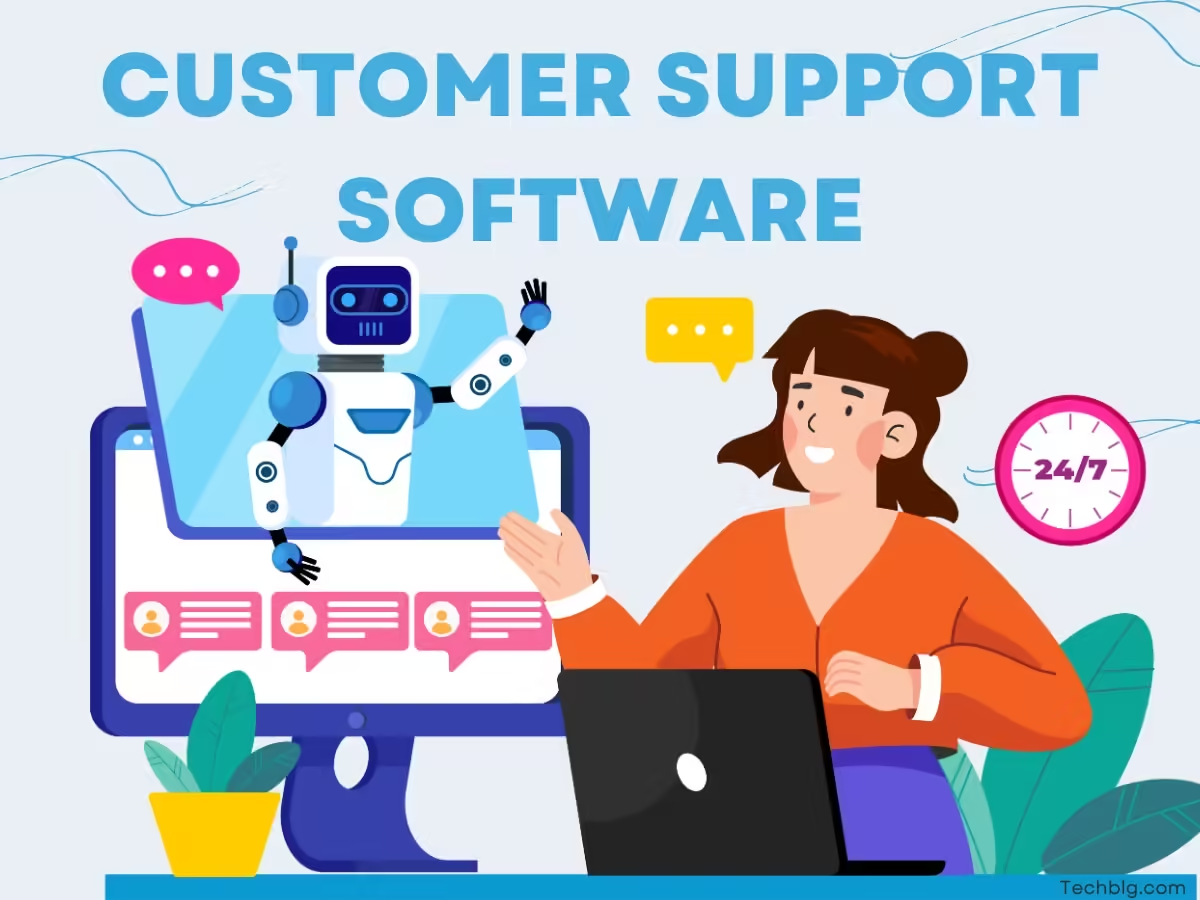
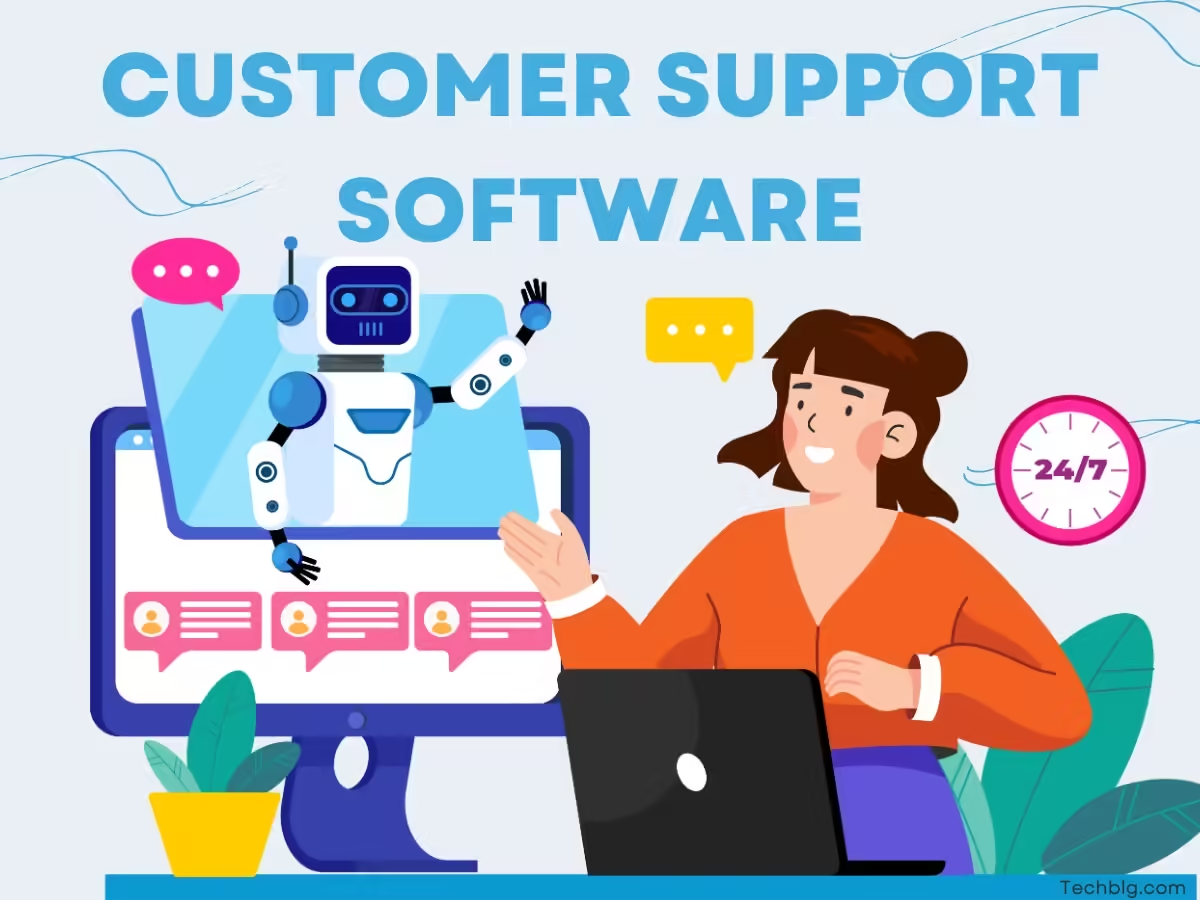
    Best customer support software

    Introduction

    In today’s fast-paced digital world, best customer support software is a must-have tool for any business. Whether you’re a small startup or an established company, having the right customer support platform can make a huge difference in how you handle customer inquiries, feedback, and complaints. The best customer support software not only streamlines communication but also improves customer satisfaction, increases loyalty, and boosts overall productivity.

    In this article, we will review the best customer support software options in 2024, detailing their features, pricing, pros, and cons. We’ll also answer some frequently asked questions about customer support systems to help you make an informed decision. By the end, you’ll understand which tool is best suited for your business, whether it’s a small startup or a growing enterprise. Additionally, we will reference articles such as Best HR Software for Startups, Best Project Management Software, and Time Tracking Software for Small Business for those looking to create a comprehensive suite of business tools.

    What is the Best customer support software?

    Best customer support software

    Customer support software, often known as helpdesk software, allows businesses to manage customer inquiries, complaints, and feedback from multiple channels, such as email, live chat, social media, and phone. These systems help businesses keep track of interactions, route requests to the correct department, and provide detailed analytics on customer satisfaction. The right customer support platform can enhance communication efficiency and customer retention, both crucial factors for business growth.

    1. Zendesk

    Overview

    Zendesk is one of the most popular customer support platforms on the market. It’s a comprehensive helpdesk software solution offering omnichannel support, including email, chat, social media, and phone. Zendesk excels in its ease of use and is scalable, making it ideal for both small startups and large enterprises.

    Features:

    • Omnichannel support: email, chat, phone, social media
    • Ticket management system
    • Customizable dashboards
    • Knowledge base for self-service
    • Detailed analytics and reporting

    Pricing:

    • Suite Team: $49 per user/month (billed annually)
    • Suite Growth: $79 per user/month (billed annually)
    • Suite Professional: $99 per user/month (billed annually)

    Pros:

    • Easy to use with a user-friendly interface
    • Strong customer support and comprehensive documentation
    • Scalable to meet business growth

    Cons:

    • Pricing can be expensive for small businesses
    • Advanced features require higher-tier pricing plans

    2. HubSpot’s Service Hub

    Overview

    HubSpot’s Service Hub offers a robust solution for companies looking to streamline customer service, manage feedback, and improve customer satisfaction. It’s part of the HubSpot ecosystem, making it perfect for businesses already using HubSpot for CRM or marketing.

    Features:

    • Ticketing system
    • Customer feedback collection tools
    • Knowledge base
    • Conversational bots
    • Integration with HubSpot CRM

    Pricing:

    • Free: Basic customer service features
    • Starter: $45 per month (billed annually)
    • Professional: $450 per month (billed annually)

    Pros:

    • Seamless integration with HubSpot CRM
    • User-friendly interface
    • Comprehensive ticketing and feedback system

    Cons:

    • High cost at advanced levels
    • Limited customization options in lower tiers

    3. Freshdesk

    Overview

    Freshdesk is a cloud-based customer support solution that offers multiple support channels, including email, live chat, and phone. Freshdesk’s standout feature is its affordability and robust automation tools, which are ideal for small to midsize businesses.

    Features:

    • Multichannel support
    • Ticketing system
    • AI-powered automation
    • Self-service portal
    • Collaboration tools

    Pricing:

    • Free: Basic features for small teams
    • Growth: $15 per user/month
    • Pro: $49 per user/month

    Pros:

    • Affordable for small businesses
    • AI-driven automation
    • Easy to set up and use

    Cons:

    • Limited reporting and analytics features in lower tiers
    • Can become costly as the business scales

    4. Zoho Desk

    Overview

    Zoho Desk is a highly customizable helpdesk software that integrates seamlessly with Zoho’s entire suite of applications, including Zoho CRM. It’s designed for startups and small to midsize businesses and offers a variety of tools to improve customer support and engagement.

    Features:

    • Multichannel ticketing
    • Automation and workflow rules
    • Integration with Zoho CRM
    • Self-service and community forums
    • SLA management

    Pricing:

    • Free: Basic features for up to 3 agents
    • Standard: $14 per agent/month
    • Professional: $23 per agent/month

    Pros:

    • Great for teams using Zoho products
    • Affordable pricing tiers
    • Extensive customization options

    Cons:

    • Can be difficult to integrate with third-party apps
    • Steeper learning curve

    5. Intercom

    Overview

    Intercom offers a modern customer support platform that combines messaging with AI-powered bots and a live chat interface. It’s an ideal solution for startups that want to offer real-time support to customers and are looking for a conversational approach to customer service.

    Features:

    • Live chat with chatbots
    • Product tours and onboarding tools
    • Multi-channel messaging
    • Automated ticketing system
    • AI-powered suggestions

    Pricing:

    • Starter: $74 per month
    • Growth: $99 per month
    • Accelerate: Custom pricing

    Pros:

    • Excellent messaging and bot capabilities
    • Highly customizable chat and onboarding tools
    • Modern, user-friendly interface

    Cons:

    • Expensive compared to competitors
    • Limited reporting features

    Why Invest in Customer Support Software?

    Investing in customer support software is crucial for startups and small businesses aiming to scale. Efficient customer service can make or break a company’s reputation. With the right software, you can ensure fast responses, track customer interactions, and improve the overall customer experience. Additionally, a well-implemented system can help with employee productivity by automating tasks and improving workflows.

    Top 10 Questions to Ask About best Customer Support Software:

    1. What are the essential features of customer support software?
    2. How much should I budget for customer support software?
    3. Which customer support software is best for small businesses?
    4. Can customer support software integrate with my CRM?
    5. Is it necessary to have omnichannel support?
    6. How scalable is the software for growing businesses?
    7. Are there free customer support software options?
    8. How does AI factor into modern customer support platforms?
    9. What is the best customer support software for startups?
    10. Can customer support software improve customer satisfaction ratings?

    Conclusion

    Choosing the best customer support software can significantly enhance your customer service capabilities, streamline communication, and improve overall satisfaction. Whether you’re a startup using HubSpot’s Service Hub or a larger company opting for Zendesk, the right software will ensure you can meet your customers’ needs efficiently. Along with exploring customer support platforms, consider investing in other business tools such as HR systems, Project Management Software, and time tracking software to create a holistic, scalable, and efficient business environment.

    References

    1. PCMag – Best Customer Service Software of 2024
    2. Capterra – Top Helpdesk Software for Small Business
    3. G2 – Customer Support Software Reviews
    4. Business News Daily – Best Customer Support Tools

  • time tracking software for small business

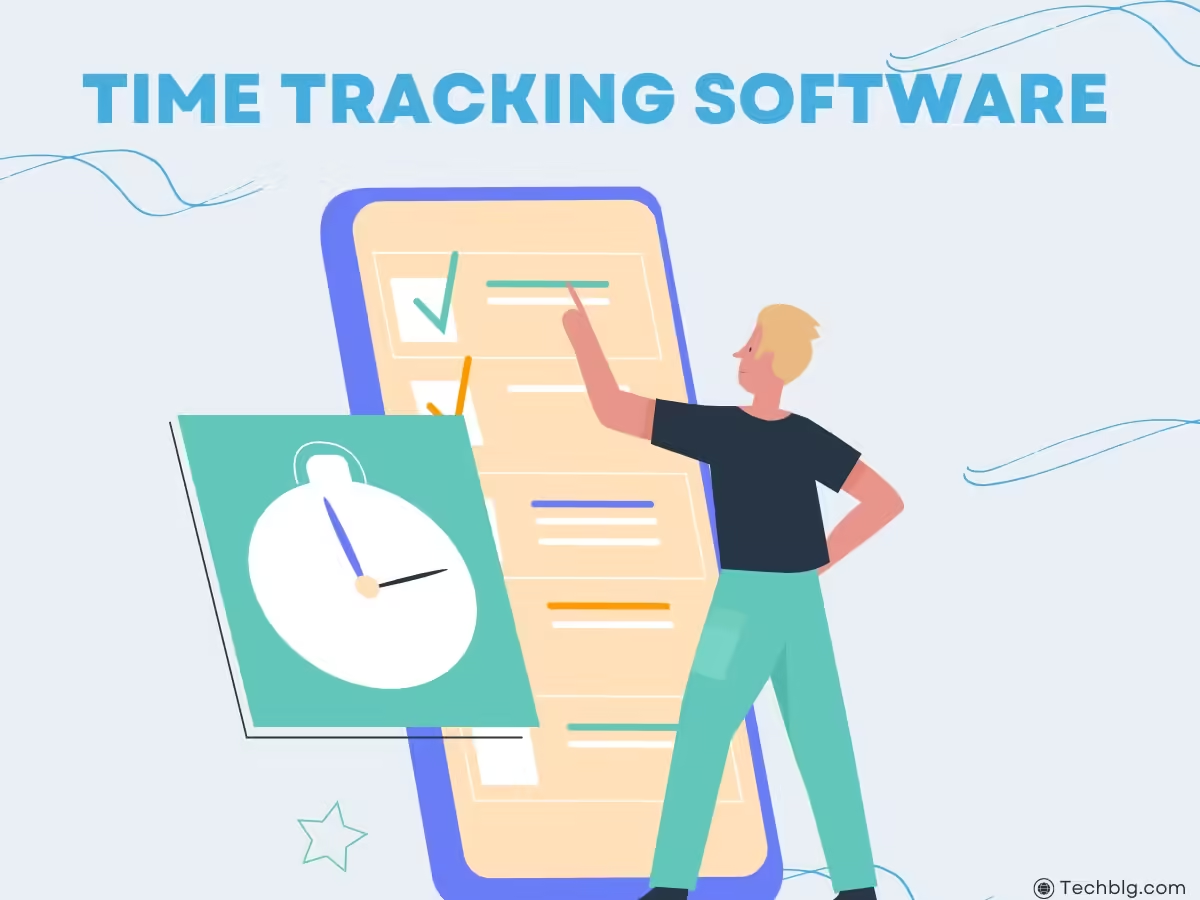
    time tracking software for small business

    Introduction: Why Time Tracking Software is Essential for Small Businesses

    When it comes to managing productivity and efficiency, especially in a small business, time tracking software for small business plays a crucial role. Whether it’s monitoring employee hours, improving project timelines, or ensuring accurate billing, time tracking tools have become essential for streamlining operations and boosting profitability. In this article, we will explore five of the best time tracking software options for small businesses, providing a detailed breakdown of their features, pricing, pros, and cons. By understanding the landscape of these tools, you can make an informed decision that fits your company’s unique needs.

    For startups looking to combine time tracking with other operational software, our articles on Best HR Software for Startups and Best Project Management Software might also offer valuable insights to complement this guide.


    Top 5 Time Tracking Software for Small Businesses

    Tracking Software for Small Business

    Choosing the right time tracking software can be transformative for small businesses, helping to streamline operations, improve billing accuracy, and boost productivity. With so many options available, it’s important to select a tool that meets your unique business needs. In this list of the top 5 Time Tracking Software for Small Businesses, we’ll explore leading platforms like QuickBooks Time, Clockify, BambooHR, and others, each offering distinct features, integrations, and pricing models to support efficient time management and overall business success.

    1. QuickBooks Time Review

    QuickBooks Time (formerly TSheets) is one of the most popular time tracking software solutions, particularly well-suited for small businesses that already use QuickBooks for accounting. It simplifies payroll and time tracking by seamlessly integrating with various accounting and payroll platforms, ensuring smooth data transfers between your business tools.

    Key Features:

    • GPS tracking for remote teams
    • Mobile app for clocking in/out
    • Time-off tracking and scheduling
    • Customizable reports for payroll and invoicing
    • Integration with QuickBooks, Xero, and Gusto

    Pricing: Starts at $20/month + $8 per user/month.

    Pros:

    • Excellent integration with QuickBooks
    • Easy-to-use mobile interface
    • GPS tracking feature is great for field teams

    Cons:

    • Pricing can be high for larger teams
    • No advanced project management features

    2. Timesheet App Review

    The Timesheet App offers an intuitive solution for tracking employee hours, project progress, and overall business efficiency. Ideal for small teams, it comes with various features that make monitoring employee time simple yet effective.

    Key Features:

    • Time tracking with customizable timesheets
    • Invoice generation based on hours worked
    • Project and task-based tracking
    • Offline mode for remote work
    • Notifications and reminders for deadlines

    Pricing: Free for up to 3 users; premium plans start at $4 per user/month.

    Pros:

    • User-friendly interface
    • Affordable for small businesses
    • Offline mode is useful for fieldwork

    Cons:

    • Limited integration options
    • No payroll or HR features

    3. BambooHR Time Tracking Review

    BambooHR is well-known for its HR solutions, but its time tracking module also offers robust tools for small businesses to manage employee attendance, time-off, and workforce efficiency. As part of an all-in-one HR solution, BambooHR time tracking integrates well with other HR functionalities like payroll, benefits, and onboarding.

    Key Features:

    • Time-off management
    • Automatic reminders for timesheet submissions
    • Employee self-service portal
    • Integration with payroll systems like Gusto and ADP
    • Comprehensive reporting features

    Pricing: Custom pricing based on company size.

    Pros:

    • Seamless integration with other HR features
    • Ideal for companies looking for all-in-one solutions
    • Excellent employee self-service portal

    Cons:

    • Custom pricing means costs can increase as your team grows
    • Lacks advanced project management tools

    4. Clockify Review

    Clockify offers one of the most versatile time tracking platforms, with a generous free plan that supports unlimited users and projects. It’s perfect for small businesses that need a flexible, affordable solution to track hours, monitor employee progress, and generate detailed reports.

    Key Features:

    • Unlimited users and projects (even on the free plan)
    • Detailed timesheet tracking for individual tasks and projects
    • Billable hours tracking
    • Integration with Asana, Trello, Slack, and other tools
    • Reports and analytics to monitor employee performance

    Pricing: Free for unlimited users; paid plans start at $9.99 per user/month for advanced features.

    Pros:

    • Highly affordable with a robust free plan
    • Great for small teams with simple time tracking needs
    • Integrates with popular project management tools

    Cons:

    • Lacks advanced scheduling or payroll features
    • Limited customer support on the free plan

    5. Harvest Review

    Harvest is a time tracking tool built for small businesses that need to track billable hours, generate invoices, and keep tabs on project budgets. It’s particularly useful for businesses in service industries like consulting, design, or development, where accurate time tracking is directly linked to client billing.

    Key Features:

    • Time and expense tracking
    • Automatic invoicing based on billable hours
    • Project budgeting and forecasting
    • Integrates with Trello, Slack, QuickBooks, and more
    • Visual reports for time spent on tasks and projects

    Pricing: Free for 1 user; $12 per user/month for paid plans.

    Pros:

    • Great for service-based businesses
    • Integration with popular tools like QuickBooks and Trello
    • Invoicing and billing features are easy to use

    Cons:

    • Expensive for teams with many users
    • Limited payroll functionalities

    FAQs: Most Common Questions About time tracking software for small business

    1. What is time tracking software for small business?
      Time tracking software helps businesses monitor employee hours, manage projects, and generate reports for billing or payroll.
    2. Why do small businesses need time tracking software?
      Time tracking software improves productivity, ensures accurate billing, and simplifies payroll and compliance processes.
    3. What is the best time tracking software for small businesses?
      QuickBooks time tracking software for small business and Harvest are often considered the best, but others like BambooHR and Clockify are also great options depending on your specific needs.
    4. Does time tracking software integrate with payroll systems?
      Yes, many time tracking tools, like QuickBooks Time and BambooHR, offer integration with payroll systems such as Gusto and ADP.
    5. Is there free time tracking software for small business available?
      Yes, Clockify offers a robust free plan that supports unlimited users and projects.

    Conclusion time tracking software for small business

    Time tracking software is essential for small businesses aiming to streamline their operations, reduce manual data entry, and improve productivity. Whether you need a simple time tracker for a few employees or an all-in-one solution that integrates with payroll and HR, there’s a tool on the market to meet your needs. QuickBooks Time, BambooHR, and Clockify offer different advantages depending on the size and nature of your business, ensuring you can find the perfect match.


    References

    Techradar
    PC mag
    Business News Daily

  • Best HR Software for Startups

    Best HR Software for Startups

    Best HR Software for Startups: A Comprehensive Guide

    Best HR Software For Startup

    In the fast-paced world of startups, efficient human resource (HR) management is crucial to success. Startups must streamline hiring, payroll, employee data management, and performance tracking to scale quickly. That’s where the best HR software for startups comes in, providing a variety of tools to simplify HR tasks, allowing founders and teams to focus on growth and innovation.

    This article explores the top 10 HR software options, providing details on each platform’s features, pricing, pros, and cons. Additionally, we’ll address frequently asked questions, focusing on how these tools can benefit startups.

    Introduction

    Managing human resources effectively is a challenge for startups, especially when scaling rapidly. The right HR software ensures efficient talent acquisition, employee management, and compliance with labor laws. The best HR software for startups should simplify these tasks while being flexible enough to accommodate future growth.

    In this article, we’ll look at popular HR software solutions like BambooHR, HR Cloud, and others. Whether you’re looking for a comprehensive human resource information system (HRIS) or a specialized talent management system, these platforms offer scalable solutions. Additionally, we’ll mention Best Billing Software for Small Business and Best Small Business Accounting Software as essential tools for overall business efficiency.

    Why Startups Need HR Software

    Startups are often running on lean teams with limited time and resources. Effective HR management, therefore, becomes essential for managing everything from recruitment to employee benefits. HR software allows startups to automate time-consuming tasks such as payroll processing, tax compliance, and onboarding.

    The best HR software for startups helps simplify workflows, reduce human error, and improve decision-making processes. This is essential when you need to focus on growing your business, not on manual HR tasks.


    10 Best HR Software for Startups

    Here’s a detailed overview of 10 leading HR software solutions tailored to the needs of startups.

    1. BambooHR Review

    BambooHR is an intuitive and user-friendly HR software designed for small and medium businesses. It offers a comprehensive suite of HR features, including employee records, time tracking, and performance management.

    Features:

    • Applicant Tracking System (ATS)
    • Employee self-service portal
    • Payroll integration
    • Time-off management

    Pricing: Starts at $99/month for small teams.

    Pros:

    • Easy to use
    • Comprehensive HR features
    • Good customer support

    Cons:

    • Pricing can be steep for very small startups
    • Limited customization options

    2. HR Cloud Review

    HR Cloud provides a suite of HR tools tailored for startups and growing businesses. It offers features like employee engagement, onboarding, and performance reviews.

    Features:

    • Onboarding automation
    • Employee engagement tools
    • Compliance tracking
    • Customizable workflows

    Pricing: Starting at $6/user/month.

    Pros:

    • Affordable
    • Great for employee engagement
    • User-friendly interface

    Cons:

    • Limited integrations with other business software
    • Advanced features only available in higher-tier plans

    3. H&R Block Review

    H&R Block offers HR software geared towards simplifying payroll and tax processes. Ideal for startups that want to minimize their tax and payroll headaches, this software is a reliable choice for managing complex payroll requirements.

    Features:

    • Payroll processing
    • Tax calculations and filings
    • Employee benefits management
    • Mobile app for easy access

    Pricing: Custom pricing based on business size.

    Pros:

    • Excellent for payroll and tax management
    • Strong customer support
    • Mobile-friendly

    Cons:

    • Limited to payroll and tax functionalities
    • Lacks broader HR management features

    4. Zoho People Review

    Zoho People is part of Zoho’s business management suite. It provides comprehensive HR solutions for startups, including time tracking, leave management, and performance appraisals.

    Features:

    • Employee database management
    • Attendance tracking
    • Performance appraisals
    • Learning management

    Pricing: Starts at $1 per employee per month.

    Pros:

    • Affordable pricing
    • Highly customizable
    • Good for small teams

    Cons:

    • Customer support can be slow
    • Limited integrations with third-party apps

    5. Gusto Review

    Gusto is an all-in-one payroll, benefits, and HR platform designed for small businesses. Startups benefit from Gusto’s payroll automation and compliance features.

    Features:

    • Payroll and tax filing
    • Employee benefits management
    • Time and attendance tracking
    • Employee onboarding

    Pricing: Starting at $39/month + $6 per employee.

    Pros:

    • Easy payroll management
    • Great benefits administration
    • Excellent customer support

    Cons:

    • Limited features outside payroll
    • More expensive as the team grows

    6. TalentLMS Review

    TalentLMS is a cloud-based learning management system (LMS) that helps startups manage employee training. It’s essential for startups investing in employee development and onboarding.

    Features:

    • Course creation tools
    • Employee progress tracking
    • Integration with other HR tools
    • Mobile learning options

    Pricing: Starts at $59/month for 40 users.

    Pros:

    • Easy to set up and use
    • Customizable training programs
    • Scalable pricing

    Cons:

    • Limited HR features outside training
    • No payroll or compliance tools

    7. Rippling Review

    Rippling combines HR, IT, and payroll management into one platform, making it ideal for startups that need an all-in-one solution.

    Features:

    • Employee onboarding
    • Payroll automation
    • Device and app management
    • Time and attendance tracking

    Pricing: Starts at $8 per user/month.

    Pros:

    • Seamless integration with IT management tools
    • Easy payroll setup
    • Customizable workflows

    Cons:

    • Can be expensive for larger teams
    • Some advanced features are limited

    8. Paycor Review

    Paycor offers robust HR software with a focus on payroll, talent management, and reporting. It’s suited for startups that are scaling quickly and need customizable tools.

    Features:

    • Payroll processing
    • Compliance tracking
    • Talent acquisition and development
    • Reporting and analytics

    Pricing: Custom pricing based on company size.

    Pros:

    • Comprehensive HR tools
    • Excellent payroll capabilities
    • Great reporting features

    Cons:

    • Pricing can be high
    • Can be complex for small teams

    9. Zenefits Review

    Zenefits is a cloud-based HR software designed to simplify employee benefits, payroll, and compliance for startups. It’s known for its intuitive user interface and automation capabilities.

    Features:

    • Benefits administration
    • Payroll integration
    • Compliance management
    • Time and scheduling tools

    Pricing: Starts at $10 per employee per month.

    Pros:

    • Easy to use
    • Comprehensive benefits management
    • Excellent automation features

    Cons:

    • Can get expensive with add-ons
    • Limited advanced HR features

    10. Deputy Review

    Deputy is designed for employee scheduling and workforce management. It’s ideal for startups that need to streamline scheduling, task management, and communication.

    Features:

    • Shift scheduling
    • Time and attendance tracking
    • Task management
    • Integration with payroll systems

    Pricing: Starts at $2.50 per user/month.

    Pros:

    • Affordable pricing
    • Great for employee scheduling
    • Easy to use

    Cons:

    • Limited to scheduling and attendance
    • No comprehensive HR tools

    FAQs: Most Common Questions on HR Software for Startups

    1. What is HR software for startups? HR software for startups is designed to manage tasks like hiring, payroll, benefits administration, and compliance.
    2. Why do startups need HR software? It streamlines HR processes, reduces administrative work, and ensures compliance, allowing startups to focus on growth.
    3. What’s the best HR software for small teams? BambooHR and Zoho People are often recommended due to their affordability and ease of use.
    4. What is the cost of HR software for startups? Pricing varies but generally starts around $5-$10 per user/month, with custom plans available for larger businesses.
    5. Can HR software integrate with other tools? Yes, most HR software integrates with payroll, accounting, and CRM systems for seamless workflow management.

    Conclusion

    Choosing the best HR software for startups is vital for streamlining HR processes, improving employee satisfaction, and ensuring compliance. Whether you need payroll solutions, performance management, or time tracking, there’s an HR platform to meet your needs. Tools like BambooHR, Zoho People, and Gusto offer comprehensive features at various price points, allowing you to focus on scaling your business. Don’t forget to explore other essential tools such as Best Billing Software for Small Business and Best Small Business Accounting Software to further streamline your operations.

    By investing in the right HR software, startups can set themselves up for sustainable growth, minimize administrative workload, and focus on building a successful business.


    References

  • Best Project Management Software

    Best Project Management Software

    Introduction Best Project Management Tools

    In an era where efficiency and collaboration drive success, selecting the best project management software is crucial for businesses of all sizes. This specialized software streamlines project workflows, enhances team collaboration, and provides insights that help managers make informed decisions. Whether you are a small startup or a large corporation, utilizing effective project management tools can transform the way you operate, enabling you to meet deadlines and exceed client expectations. With a myriad of options available, understanding which software aligns with your specific needs and team dynamics is essential. In this comprehensive guide, we will explore ten top-tier project management software solutions, detailing their features, pricing, and advantages, ensuring you find the right fit to propel your projects to success.

    What is Best Project Management Software?

    Project management software is a powerful tool designed to assist individuals and teams in planning, executing, and managing projects with remarkable efficiency. At its core, this software provides a suite of functionalities that facilitate task scheduling, resource allocation, and progress tracking. With intuitive dashboards and collaborative features, teams can seamlessly communicate, share documents, and monitor project milestones in real time.

    From small startups tackling their first initiatives to large enterprises managing complex portfolios, the right project management tool can make a transformative difference in achieving success. By streamlining workflows, enhancing transparency, and providing critical insights into project health, these platforms empower teams to stay organized, adhere to deadlines, and ultimately deliver quality results.

    Moreover, the best project management software often includes advanced capabilities such as Gantt charts, time tracking, and reporting tools, enabling managers to make data-driven decisions. In today’s fast-paced business environment, leveraging such technology not only helps in optimizing resources but also in fostering a culture of collaboration and accountability among team members.

    As organizations continue to navigate the complexities of project delivery, understanding the essential features and benefits of project management software becomes increasingly vital. This ensures that teams are not just working hard but are also working smart, paving the way for successful project outcomes.

    Project management software is critical for Create a Scalable Business Model because it provides the tools to streamline workflows, optimize resources, and keep projects on track. By helping teams stay organized, meet deadlines, and collaborate effectively, it lays the foundation for growth and adaptability. Without a solid project management system in place, managing increasing complexity can quickly become overwhelming, hindering scalability. Implementing the right software early on can ensure a smooth path to expansion and long-term success.

    Criteria for Choosing Best Project Management Software

    When selecting project management software, consider the following factors:

    1. Features: Identify essential features, such as task management, time tracking, collaboration tools, reporting, and integrations with other applications.
    2. Ease of Use: The software should have an intuitive interface that allows quick adoption without extensive training.
    3. Pricing: Evaluate the cost and consider whether it fits within your budget. Many tools offer free trials or tiered pricing models.
    4. Scalability: Choose a solution that can grow with your business and handle increased project complexity over time.
    5. Customer Support: Good customer support is essential, especially if you encounter issues while using the software.

    Top 10 Project Management Software

    Best Project Management Software

    When it comes to managing projects effectively, choosing the right software is crucial. The top 10 project management software options provide diverse features tailored to different team sizes and project complexities. From powerful tools like Microsoft Project and Jira, which excel in task tracking and collaboration, to user-friendly platforms like Asana and Trello that prioritize visual organization, each software has its unique strengths. This list will explore these top contenders, detailing their functionalities, pricing, and overall benefits to help you find the perfect fit for your project management needs.

    1. Microsoft Project

    Microsoft Project is a robust project management software designed for planning, scheduling, and managing projects efficiently. It offers advanced features to help teams track progress and allocate resources effectively.

    • Features: Task scheduling, resource management, Gantt charts, budgeting, collaboration tools.
    • Pricing: Starts at $10 per user/month (with different tiers based on features).
    • Pros: Comprehensive feature set, integration with Microsoft Office, great for complex projects.
    • Cons: Steep learning curve, higher cost compared to alternatives.

    2. Jira Project Management

    Jira is a leading project management tool tailored for software development teams, focusing on agile project management methodologies. It helps teams plan, track, and manage software development projects.

    • Features: Agile boards, backlog prioritization, sprint planning, reporting, integration with development tools.
    • Pricing: Starts at $7.75 per user/month.
    • Pros: Ideal for agile methodologies, powerful tracking features, customizable workflows.
    • Cons: Can be overwhelming for non-technical teams, setup complexity.

    3. asana project management

    asana project management is a versatile project management tool that helps teams organize tasks, track project progress, and collaborate seamlessly, making it suitable for teams of all sizes.

    • Features: Task assignments, project timelines, calendar views, collaboration features, reporting.
    • Pricing: Free tier available; premium plans start at $10.99 per user/month.
    • Pros: User-friendly interface, flexibility, good integration options.
    • Cons: Limited features in free version, can become cluttered with many tasks.

    4. Google Workspace

    Google Workspace provides a suite of collaboration tools that facilitate project management through shared documents, spreadsheets, and presentations. It enhances team communication and productivity.

    • Features: Google Docs, Sheets, Calendar, Meet, and Drive integration, real-time collaboration.
    • Pricing: Starts at $6 per user/month.
    • Pros: Familiar interface, strong collaboration tools, great for remote teams.
    • Cons: Lacks dedicated project management features, depends on external tools for task tracking.

    5. basecamp project management

    basecamp project management is a straightforward project management tool designed for collaboration and communication. It centralizes project-related discussions and tasks, making it easy for teams to stay organized.

    • Features: To-do lists, message boards, file sharing, scheduling, automatic check-ins.
    • Pricing: Flat rate of $99/month for unlimited users.
    • Pros: Simple and intuitive, great for small teams, good value for unlimited users.
    • Cons: Limited advanced features, less suitable for complex projects.

    6. Trello

    Trello uses a card-based system to help teams manage tasks visually. It’s ideal for smaller projects and teams that prefer a simple, drag-and-drop interface.

    • Features: Boards, lists, cards, due dates, checklists, integrations.
    • Pricing: Free tier available; Business Class starts at $12.50 per user/month.
    • Pros: Visual and intuitive, easy to use, flexible for various project types.
    • Cons: Limited functionality for larger projects, reliance on power-ups for advanced features.

    7. Monday.com

    Monday.com is a flexible project management tool that allows teams to build custom workflows and manage projects effectively. It offers a highly visual interface for tracking progress.

    • Features: Customizable dashboards, automation, timeline views, collaboration tools, integrations.
    • Pricing: Starts at $8 per user/month.
    • Pros: Highly customizable, user-friendly, great visualization options.
    • Cons: May be overwhelming for new users, higher cost for advanced features.

    8. Wrike

    Wrike is a robust project management platform that caters to teams of all sizes, providing tools for collaboration, planning, and tracking project performance.

    • Features: Gantt charts, time tracking, reporting, task dependencies, collaboration tools.
    • Pricing: Free tier available; paid plans start at $9.80 per user/month.
    • Pros: Comprehensive features, great for larger teams, customizable workflows.
    • Cons: Complex setup for new users, pricing can escalate with added features.

    9. Smartsheet

    Smartsheet combines the simplicity of spreadsheets with project management capabilities, allowing teams to manage projects, track progress, and collaborate in one place.

    • Features: Grid views, Gantt charts, dashboards, reporting, automation.
    • Pricing: Starts at $7 per user/month.
    • Pros: Familiar spreadsheet interface, powerful automation features, great for data management.
    • Cons: Can be complex for non-spreadsheet users, may require training.

    10. ClickUp

    ClickUp is an all-in-one project management software that offers a wide array of features for task management, time tracking, and collaboration. It’s designed to suit teams of all sizes.

    • Features: Task assignments, time tracking, goal setting, reporting, integrations.
    • Pricing: Free tier available; paid plans start at $5 per user/month.
    • Pros: Highly customizable, packed with features, great value for the price.
    • Cons: Can be overwhelming with options, occasional performance issues.

    Common Questions About best Project Management Software

    1. What is project management software?
      Helps teams plan, execute, and manage projects efficiently.
    2. What are the key features?
      Task management, collaboration tools, time tracking, reporting, and integrations.
    3. What is the cost?
      Pricing ranges from free versions to plans costing $50+ per user/month.
    4. Is free software available?
      Yes, many tools offer free versions, like Asana and Trello.
    5. Best for small teams?
      Trello, Asana, and ClickUp are popular for their ease of use.
    6. Can it help remote teams?
      Yes, it enhances collaboration for remote teams.
    7. Difference between project and task management?
      Project management oversees entire projects; task management focuses on individual tasks.
    8. How to choose the right software?
      Consider needs, features, ease of use, pricing, and scalability.
    9. Integration with other tools?
      Many offer integration options with communication tools, CRMs, etc.
    10. Benefits of using software?
      Improved organization, better communication, enhanced productivity, effective tracking.

    Conclusion

    Choosing the best project management software is essential for any organization aiming to enhance productivity and collaboration. With various options available, from Microsoft Project to Asana, selecting the right tool depends on your specific needs, budget, and team structure. By leveraging the right project management tools, you can streamline workflows, improve team communication, and ultimately achieve your project goals more effectively.

    References

  • Best inventory management software

    Best inventory management software

    Introduction

    Selecting the best inventory management software is crucial for optimizing stock levels, managing sales, and ensuring seamless operations, especially for small and medium-sized businesses. With the right inventory management system, you can automate tracking, minimize errors, and improve overall efficiency. In this article, we will explore five of the best inventory management software options, their features, pricing, and the pros and cons, helping you choose the solution that best fits your business. We will also touch on Best Billing Software for Small Business, best small business accounting software, and Best CRM for Small Business of 2024 to give a comprehensive understanding of key business tools.

    What Is Inventory Management Software?

    Inventory management is more than just tracking stock levels in your warehouse or retail space. It involves overseeing everything from individual parts to the components used in creating finished products and services. Additionally, it includes monitoring inventory levels of your suppliers and key customers. For small to midsize businesses (SMBs), managing this information can quickly become overwhelming, especially when relying on basic spreadsheets. To effectively integrate inventory data with other organizational systems, dedicated inventory management software is essential. Choosing the right software involves balancing necessary features with cost, which is why we’ve reviewed and compared nine leading inventory management solutions to assist you in this decision-making process.So What is The Best inventory management software ?.

    Best inventory management software

    Customizable Open Source Inventory Management Software for Your small Business

    Open-source inventory management software offers flexibility, enabling customization to meet your specific business needs. Options like Odoo, ERPNext, and PartKeepr are popular for their scalability, allowing you to host on local servers or cloud hosting platforms. These tools can be tailored to integrate seamlessly with your existing systems. However, customization requires technical expertise, which is why hiring a Fiverr expert is highly recommended. For more insight, check out How to Find the Right Fiverr Expert to ensure you find a qualified professional for the task.

    Conditions for Choosing an Inventory Management Software System

    Selecting the best inventory management software is crucial for streamlining operations and ensuring business success. Here are the key conditions to consider:

    1. Scalability: The software should grow with your business, supporting additional inventory, locations, or product lines.
    2. Integration: Seamless integration with existing tools like CRM, ERP, or accounting software ensures efficient data flow.
    3. User-Friendliness: A user-friendly interface reduces the learning curve for employees, enhancing productivity.
    4. Real-Time Tracking: The ability to monitor inventory in real-time helps prevent overstocking or shortages.
    5. Custom Reporting: Tailored reports provide insights into stock levels, sales, and reordering needs.
    6. Automation: Automated features like order replenishment or notifications improve efficiency.
    7. Cost: Choose software that fits your budget while offering comprehensive features.
    8. Customer Support: Reliable customer support is crucial to resolve issues quickly.

    The importance of inventory management software cannot be overstated. It enables businesses to avoid costly errors, maintain adequate stock levels, improve forecasting, and streamline the entire supply chain process. Good inventory management tools contribute to better decision-making and ultimately improve profitability.


    AI-Powered Inventory Management Tools

    In today’s digital landscape, businesses are turning to AI-powered inventory management tools to optimize operations. AI can predict stock needs based on historical data, allowing companies to prevent overstock and minimize shortages. Tools like Sowingo and Clear Spider offer advanced algorithms to automate stock replenishment, detect inventory patterns, and make data-driven decisions. AI-powered solutions help businesses save time and reduce costs by optimizing purchasing strategies in real-time. This type of automation future-proofs your business against market fluctuations and changing consumer demands.

    By integrating AI with traditional inventory management systems, businesses gain an edge in agility and efficiency. The combination of real-time tracking, predictive analytics, and automated processes makes AI-driven inventory systems a strategic investment for growth.

    This approach complements ERP systems, allowing for full operational synergy, connecting inventory with sales, accounting, and supply chain management.

    1. Zoho Inventory

    Zoho Inventory is a robust, cloud-based inventory management solution designed for small and medium-sized businesses. It offers a comprehensive set of features, making it one of the best inventory management software for businesses looking for seamless integration with other apps like Shopify and Amazon.

    Features:

    • Multi-channel inventory management
    • Order management and tracking
    • Integrated with accounting tools (like Zoho Books)
    • Stock adjustments and alerts
    • Customizable reports

    Pricing:

    • Free plan: Supports up to 50 orders per month
    • Basic plan: $39/month for 1,500 orders
    • Premium plan: $129/month for 30,000 orders

    Pros:

    • Easy to use with integrations
    • Strong analytics and reporting tools
    • Free plan available for startups

    Cons:

    • Limited advanced features in lower-tier plans
    • User interface can be a bit complex for beginners

    2. TradeGecko (now QuickBooks Commerce)

    TradeGecko, rebranded as QuickBooks Commerce, is an all-in-one inventory and order management platform. Known for its user-friendly interface and robust integrations, it’s ideal for small businesses that need to sync inventory with accounting software.

    Features:

    • Multi-channel sales order management
    • Real-time inventory tracking
    • Integration with QuickBooks, Xero, Shopify, and Amazon
    • B2B eCommerce platform included

    Pricing:

    • Starts at $39/month
    • Premium plans: Up to $199/month depending on order volume

    Pros:

    • Seamless integration with QuickBooks
    • Multi-currency support
    • Real-time analytics

    Cons:

    • Pricing can be steep for small businesses
    • Some features are behind higher-tier plans

    3. Ordoro

    Ordoro is a powerful, cloud-based software designed for businesses that need to manage multiple warehouses, shipping, and inventory. It offers an extensive feature set that is well-suited for eCommerce businesses.

    Features:

    • Dropshipping automation
    • Barcode scanning
    • Inventory tracking across multiple warehouses
    • Integrated shipping and supplier management

    Pricing:

    • Express plan: $59/month
    • Pro plan: $499/month

    Pros:

    • Excellent shipping integrations
    • Easy to use
    • Multi-channel sales management

    Cons:

    • Higher pricing for advanced features
    • More suited for mid-sized businesses than very small ones

    4. Cin7

    Cin7 is a highly customizable inventory management solution that offers end-to-end control over inventory, sales channels, and orders. It’s perfect for businesses that operate on multiple channels and need to centralize their management.

    Features:

    • Real-time stock updates
    • Seamless integration with eCommerce platforms
    • Centralized inventory management
    • Retail, wholesale, and manufacturing support

    Pricing:

    • Standard plans start at $299/month

    Pros:

    • Great for larger, multi-channel businesses
    • Extensive customization options
    • Powerful reporting tools

    Cons:

    • High cost
    • Can be overwhelming for small businesses

    5. Odoo Inventory

    Odoo Inventory is part of the Odoo suite of business apps, offering a scalable solution for businesses of all sizes. It’s especially well-suited for companies that want an integrated suite of tools, including CRM, accounting, and project management.

    Features:

    • Double-entry inventory system
    • Real-time product tracking
    • Barcode scanning and automated replenishment
    • Multi-warehouse management

    Pricing:

    • Free for a single app (Inventory); additional apps start at $24/user/month

    Pros:

    • Highly customizable
    • Integrated with other Odoo apps (CRM, accounting)
    • Supports complex workflows

    Cons:

    • Steeper learning curve
    • Requires additional apps for full functionality

    Best Inventory Management Software for Restaurants

    Restaurant businesses often face unique challenges when managing their inventory, including handling perishable goods, seasonal demand fluctuations, and high turnover rates. Some of the best inventory management software for restaurants include platforms like MarketMan, Square for Restaurants, and BlueCart. These tools help restaurants monitor stock levels, automate replenishment, and reduce waste through accurate demand forecasting. Integrating billing and inventory software can streamline restaurant operations by linking the purchasing process directly to inventory tracking and sales.


    Integrating Inventory Control Programs with Inventory Management Systems for Efficient Stock Handling

    Inventory control programs and inventory management systems work together to ensure seamless stock handling. While inventory control programs focus on maintaining optimal stock levels and preventing overstock or shortages, inventory management systems take a broader approach by integrating control with other crucial aspects like demand forecasting, supplier management, and order processing. Combining both ensures accurate tracking of stock quantities and a smooth flow from procurement to sale, ultimately enhancing operational efficiency, reducing costs, and boosting customer satisfaction. The two systems complement each other for holistic inventory management.


    Top 10 Questions About Inventory Management Software

    1. What is inventory management software? Inventory management software helps businesses track, manage, and organize their stock, orders, and supply chain efficiently.
    2. Why is inventory management important for small businesses? Effective inventory management prevents stockouts, reduces carrying costs, and enhances customer satisfaction by ensuring products are available when needed.
    3. What are the benefits of using inventory management software? Benefits include real-time tracking, automation of stock levels, improved accuracy, reduced human error, and better demand forecasting.
    4. What’s the difference between inventory and stock management software? The terms are often used interchangeably, but stock management typically refers to the management of goods in hand, while inventory management covers the broader process, including orders and supply chain logistics.
    5. How does cloud-based inventory software work? Cloud-based inventory software stores all data online, allowing real-time access from any location and device with internet access.
    6. Is there free stock management software available for small businesses? Yes, there are free versions like Zoho Inventory and Odoo, which offer basic features and can be upgraded as the business grows.
    7. Can inventory management software integrate with other business tools? Yes, most modern inventory software integrates with eCommerce platforms, accounting software, and CRM tools.
    8. Which inventory management software is best for small retail businesses? Zoho Inventory, QuickBooks Commerce, and TradeGecko are popular choices for small retail businesses.
    9. How do I choose the best inventory management system? Consider your business size, budget, integration needs, and specific industry requirements before selecting a system.
    10. What is the cost of inventory management software for small businesses? Pricing varies, with some free options and paid plans starting from $39/month to over $300/month for advanced features.

    Conclusion on Best inventory management software

    Selecting the best inventory management software for your business is essential to maintaining optimal stock levels and ensuring smooth operations. Whether you are a small business exploring free stock management software or a larger company in need of advanced features, the right solution will help you streamline processes, reduce costs, and improve efficiency. For more comprehensive solutions, also explore tools like the Best Billing Software for Small Business, Best CRM for Small Business of 2024, and best small business accounting software, which complement inventory management in fostering business success.

  • Best Billing Software for Small Business

    Best Billing Software for Small Business

    Introduction

    Finding the Best Billing Software for Small Business is essential for managing invoicing, payments, and customer interactions effectively. In today’s competitive landscape, the right billing software not only ensures accurate billing but also integrates seamlessly with accounting, CRM for small business , and financial management tools. This article provides a comprehensive review of the top 10 billing software solutions for small businesses, detailing their features, pricing, pros, and cons. Whether you’re exploring financial management tools for small business, looking for the best small business accounting software, or seeking to understand The Importance of Having an ERP for Your Small Business, this guide will help you make an informed decision.

    The Best Billing Software for Small Business

    Customizable Open-Source Billing Software for Small Business: The Benefits of Hiring a Fiverr Expert

    Open-source billing software options like InvoicePlane, Dolibarr, and PostBooks offer customizable solutions for small businesses. These tools can be tailored to fit specific business needs and hosted either on a local server or cloud hosting, providing flexibility and control. Customizing open-source software can be complex, so hiring a Fiverr expert is crucial for setting up and optimizing these solutions efficiently. For more tips on finding the right professional, check out our article, How to Find the Right Fiverr Expert.

    1. FreshBooks

    FreshBooks is a popular billing and invoicing software designed for freelancers, small businesses, and service-based industries. It offers cloud-based invoicing, expense tracking, and time tracking.

    Key Features:

    • Customizable invoices
    • Automatic payment reminders
    • Expense tracking and reporting
    • Time tracking for projects
    • Integration with accounting software

    Pricing: Starts at $15 per month (Lite plan)

    Pros:

    • User-friendly interface
    • Excellent customer support
    • Ideal for freelancers and small businesses

    Cons:

    • Limited features in the lower-tier plans
    • Not ideal for larger businesses

    2. Zoho Invoice

    Zoho Invoice offers a free and intuitive invoicing solution with robust billing features. It is part of the Zoho ecosystem, making it an excellent choice for businesses already using Zoho products.

    Key Features:

    • Customizable invoice templates
    • Multi-currency support
    • Automated reminders
    • Time tracking and expense management
    • Integration with other Zoho apps

    Pricing: Free for small businesses

    Pros:

    • Free for small businesses
    • Easy integration with Zoho CRM and other tools
    • Great for growing businesses

    Cons:

    • Limited integration outside the Zoho ecosystem
    • Not ideal for larger enterprises

    3. Square Invoices

    Square Invoices, part of the Square payment ecosystem, is ideal for small businesses looking for a streamlined way to send invoices and accept payments online.

    Key Features:

    • Customizable invoices
    • Automated reminders
    • Integration with Square payment processing
    • Mobile app for invoicing on the go
    • Real-time invoice tracking

    Pricing: Free to use (processing fee of 2.9% + 30¢ per transaction)

    Pros:

    • Easy to use for businesses already using Square
    • Mobile-friendly interface
    • Automated payment reminders

    Cons:

    • Limited features compared to other software
    • Processing fees may add up for larger businesses

    4. QuickBooks Online

    QuickBooks Online offers a complete accounting and invoicing solution for small and medium-sized businesses. It allows for invoicing, payroll, and bookkeeping all in one platform.

    Key Features:

    • Customizable invoices and billing
    • Automatic payment scheduling
    • Expense tracking and tax filing
    • Financial reporting and payroll management
    • Integration with over 700 business apps

    Pricing: Starts at $25 per month

    Pros:

    • Comprehensive accounting and invoicing tool
    • Excellent integration options
    • Ideal for small to medium-sized businesses

    Cons:

    • Can be expensive for very small businesses
    • Learning curve for beginners

    5. Invoice2Go

    Invoice2Go is a user-friendly invoicing software that allows small businesses to create professional invoices and estimates, track payments, and manage expenses.

    Key Features:

    • Customizable invoice templates
    • Multi-currency support
    • Mobile app for invoicing on the go
    • Real-time payment tracking

    Pricing: Starts at $5.99 per month (Standard plan)

    Pros:

    • Very affordable for small businesses
    • Simple, easy-to-use interface
    • Great for freelancers and consultants

    Cons:

    • Limited features in basic plans
    • Lacks some advanced accounting tools

    6. Xero

    Xero offers a full suite of accounting and invoicing tools designed for small businesses, making it one of the best all-in-one solutions available.

    Key Features:

    • Customizable invoices and reminders
    • Real-time financial tracking
    • Integration with over 800 apps
    • Bank reconciliation and reporting
    • Payroll management

    Pricing: Starts at $13 per month

    Pros:

    • Comprehensive financial management tools
    • Easy-to-use invoicing features
    • Great integrations with third-party apps

    Cons:

    • Pricing can increase with added features
    • Limited customer support

    7. Bill.com

    Bill.com automates the accounts payable and receivable process for small businesses, making it easier to track payments, send invoices, and reconcile accounts.

    Key Features:

    • Automated invoicing and payments
    • Real-time tracking of payments
    • Integration with accounting tools like QuickBooks
    • Cloud-based platform for easy access

    Pricing: Starts at $39 per user, per month

    Pros:

    • Excellent automation features
    • Reduces time spent on payment processing
    • Strong integration with accounting software

    Cons:

    • Higher pricing for small businesses
    • Not ideal for very small companies or freelancers

    8. Wave

    Wave offers free accounting and invoicing software, making it an ideal choice for small businesses and startups on a budget.

    Key Features:

    • Free invoicing and billing tools
    • Automated reminders
    • Income and expense tracking
    • Integration with accounting features

    Pricing: Free (payment processing fees apply)

    Pros:

    • Completely free for small businesses
    • No hidden fees for basic features
    • Simple and easy to use

    Cons:

    • Limited features compared to paid tools
    • Customer support is not as robust as paid options

    9. PayPal Invoicing

    PayPal Invoicing is designed for small businesses that rely heavily on PayPal for payments. It offers easy-to-use invoicing features, integrated directly into the PayPal platform.

    Key Features:

    • Send professional invoices through PayPal
    • Multi-currency support
    • Automated payment reminders
    • Integration with PayPal’s payment system

    Pricing: Free (payment processing fee of 2.9% + 30¢ per transaction)

    Pros:

    • Great for businesses already using PayPal
    • Easy setup and invoicing
    • Secure payment processing

    Cons:

    • Limited invoicing features
    • PayPal fees can add up quickly

    10. HoneyBook

    HoneyBook is designed for creative businesses and freelancers, offering project management, invoicing, and client communication features in one platform.

    Key Features:

    • Customizable invoices
    • Client communication and project tracking
    • Proposal and contract templates
    • Integration with accounting and payment tools

    Pricing: Starts at $9 per month

    Pros:

    • All-in-one platform for invoicing and project management
    • Great for freelancers and creatives
    • Easy to set up and use

    Cons:

    • Limited features for larger businesses
    • Pricing may increase as your business grows

    Common Questions About Billing Software for Small Business

    1. What is the best billing software for small businesses?

    • FreshBooks, QuickBooks Online, and Zoho Invoice are some of the best billing software options for small businesses, offering a range of features like invoicing, expense tracking, and time tracking.

    2. How do I choose billing software for my small business?

    • Consider factors such as pricing, integration with existing tools, ease of use, and whether the software meets your specific invoicing and billing needs.

    3. Is there free billing software for small businesses?

    • Yes, options like Wave and Zoho Invoice offer free billing tools, though they may have limitations compared to paid software.

    4. Can billing software integrate with accounting tools?

    • Many billing software options, like QuickBooks Online and Xero, integrate seamlessly with accounting tools, streamlining your financial management processes.

    5. What is the difference between billing software and invoicing software?

    • Billing software typically includes more comprehensive features such as payment tracking and reporting, while invoicing software focuses mainly on sending and managing invoices.

    6. How much does billing software for small businesses cost?

    • Pricing varies, with options like Wave offering free tools, while others like QuickBooks Online and Bill.com may charge a monthly fee based on features.

    7. Can billing software handle recurring payments?

    • Yes, many billing software options, including FreshBooks and QuickBooks, offer features to automate recurring payments for subscriptions or regular services.

    8. Is cloud-based billing software safe for my business?

    • Yes, reputable billing software like Zoho Invoice and QuickBooks Online offer secure cloud-based services with encryption to protect your data.

    9. Can I use billing software on my mobile device?

    • Most modern billing software, such as Invoice2Go and Square Invoices, offer mobile apps, making it easy to manage billing on the go.

    10. How do billing software and accounting software differ?

    • Billing software focuses on invoicing and payments, while accounting software offers broader financial management tools, including bookkeeping, payroll, and tax filing.

    Conclusion

    Selecting the Best Billing Software for Small Business is critical for managing payments, invoicing, and cash flow. Whether you’re exploring best small business accounting software, or financial management tools for small business, or seeking insights on The Best Document Management Systems, choosing the right billing software can streamline operations and improve efficiency. Each tool has its pros and cons, so understanding the features, pricing, and integration options will help you find the perfect solution for your business.

  • Best Tools for Social Media Management

    Best Tools for Social Media Management

    In today’s fast-paced digital landscape, finding the Best Tools for Social Media Management is essential for businesses and individuals aiming to create, schedule, and monitor their social media presence effectively. Whether you’re managing a startup or a well-established brand, social media platforms serve as vital touchpoints for customer engagement and brand building. In this article, we will explore top-rated social media management tools, including the best free and paid options for scheduling, analytics, and content creation, while diving into the features that make each one essential for modern digital strategies.


    Introduction: Why Social Media Management Matters

    The principal goal of Best Tools for Social Media Management is to help businesses streamline their digital marketing efforts by optimizing their time and resources. With the global rise of social media platforms like Facebook, Instagram, Twitter, and LinkedIn, businesses need to be not only present but also active. Effective social media management requires not just the creation of engaging content but also consistent posting, audience engagement, and performance tracking. With the right social media management tools, businesses can do all of these tasks more efficiently, ensuring that their marketing strategies stay on target.


    The Criteria for Selecting the Best Social Media Management Tools

    Before delving into specific tools, it’s important to understand the criteria for selecting the best social media management tools:

    1. Usability – The platform should be user-friendly and intuitive for teams of all sizes.
    2. Functionality – Does the tool offer social listening, scheduling, reporting, and collaboration features?
    3. Integration – Can it easily integrate with other business tools like CRM or email marketing software?
    4. Affordability – Both free and paid options should offer value for money.
    5. Scalability – Whether managing one account or 50, the tool should scale with your needs.

    1. Hootsuite – hootsuite social media

    One of the oldest and most reliable social media management tools, Hootsuite excels in its ability to manage multiple social media profiles. Whether you’re an individual managing one account or a business with a more complex setup, Hootsuite provides an array of features including scheduling, social listening, and analytics, making it one of the best social media scheduler platforms out there.

    • Top Features: Social media calendar, analytics, team collaboration
    • Price: Free plan available, premium starting at $49/month
    • Why It’s Great: The tool integrates with over 20 platforms, and its scheduling system is highly intuitive.

    2. Buffer – buffer social media

    Known for its simplicity and functionality, Buffer offers excellent support for small teams or individuals who want an easy-to-use platform for scheduling posts, tracking performance, and interacting with their audience.

    • Top Features: Post scheduling, performance analytics, link shortening
    • Price: Free for up to 3 accounts, paid plans start at $15/month
    • Why It’s Great: It’s one of the best free social media scheduling tools available and provides clean, easy-to-navigate features.

    3. Sprout Social – sprout social inc

    Sprout Social is a premium option that excels in delivering advanced analytics and collaboration features for larger organizations. This social media management software is particularly good for companies needing in-depth reporting and automation features.

    • Top Features: CRM integration, social listening, post scheduling
    • Price: Starting at $89/month
    • Why It’s Great: It offers comprehensive customer relationship management tools alongside its social media features, making it ideal for larger teams.

    4. Later – later social media

    Originally designed for Instagram, Later has evolved to support multiple platforms like Facebook, Pinterest, and Twitter. It’s particularly popular for visual planning and works great for brands that rely on visual content.

    • Top Features: Instagram visual calendar, hashtag suggestions, Instagram stories scheduling
    • Price: Free plan available, paid plans start at $12.50/month
    • Why It’s Great: It offers a unique visual content calendar that’s particularly helpful for Instagram-focused campaigns.

    5. Zoho Social

    Zoho Social is part of the broader Zoho suite, which includes CRM, accounting, and marketing tools. This integration makes it a robust choice for businesses looking to manage multiple aspects of their business from a single platform.

    • Top Features: Social listening, custom reporting, CRM integration
    • Price: Free for personal use, paid plans start at $10/month
    • Why It’s Great: The integration with Zoho CRM makes it ideal for businesses looking to manage social media alongside customer relationships.

    6. Agorapulse – agorapulse social media

    A top contender for businesses needing an all-in-one social media management solution, Agorapulse provides tools for scheduling, reporting, and even competitor analysis.

    A top contender for businesses needing an all-in-one social media management solution, Agorapulse provides tools for scheduling, reporting, and even competitor analysis.

    • Top Features: Social inbox, reporting, post scheduling
    • Price: Free for 1 profile, paid plans start at $79/month
    • Why It’s Great: Agorapulse’s social inbox feature is particularly useful for managing multiple accounts and responding to messages promptly.

    7. SocialBee – SocialBee ai social media

    SocialBee is excellent for small and medium-sized businesses that want affordable yet robust social media management. Its key feature is content categorization, allowing users to organize posts based on types, such as promotional content or evergreen posts.

    • Top Features: Content categorization, analytics, team collaboration
    • Price: Plans start at $19/month
    • Why It’s Great: It simplifies the process of scheduling posts by allowing users to organize them into categories, providing a more strategic approach to content distribution.

    8. Sendible – sendible social media

    Sendible is designed for agencies or individuals managing multiple client accounts. It offers deep integration with Canva, Google Drive, and Slack, making it ideal for teams that require collaboration.

    Sendible is designed for agencies or individuals managing multiple client accounts. It offers deep integration with Canva, and Slack, making it ideal for teams that require collaboration, and more Google tools for small business.

    • Top Features: Client management, reporting, team collaboration
    • Price: Plans start at $29/month
    • Why It’s Great: Its deep integrations make it the ideal choice for agencies or freelancers managing several clients.

    9. CoSchedule

    CoSchedule is perfect for content marketers and social media managers who want to plan their editorial calendar alongside their social media. This platform offers a marketing calendar, project management tools, and post scheduling.

    • Top Features: Content calendar, marketing suite, collaboration tools
    • Price: Free plan available, paid plans start at $29/month
    • Why It’s Great: Its all-in-one approach allows marketers to manage both content creation and social media scheduling in one place.

    10. HubSpot Social Media Tools

    While HubSpot is best known for its CRM and marketing automation features, it also offers robust social media management software as part of its marketing suite. It’s particularly useful for businesses that want a comprehensive solution that includes email marketing, lead generation, and social media management.

    • Top Features: Social monitoring, CRM integration, post scheduling
    • Price: Paid plans start at $50/month
    • Why It’s Great: If you’re already using HubSpot for CRM or email marketing, its integrated social media tools are an excellent add-on.

    10 Tips for Choosing the Best Social Media Scheduler

    When deciding on the best social media scheduler for your business, consider these tips:

    1. Ease of Use – A user-friendly interface will save time.
    2. Cross-Platform Support – Ensure it supports all the social media platforms you use.
    3. Analytics – Reporting features are essential for tracking success.
    4. Team Collaboration – If you’re part of a team, ensure it has multi-user support.
    5. Scheduling Features – Look for advanced scheduling options.
    6. Content Calendar – Visual content planning can be a game-changer.
    7. Integrations – Choose tools that integrate with your CRM and other marketing tools.
    8. Free Options – Some tools offer robust free plans that might be sufficient.
    9. Customer Support – Ensure the tool has strong support and user resources.
    10. Budget – Align the tool’s cost with your business’s budget and needs.

    Conclusion

    Choosing the Best Tools for Social Media Management is crucial to ensuring your brand’s visibility and engagement in today’s digital world. Whether you’re a small business or a large enterprise, the right tool can make all the difference. Platforms like Hootsuite, Buffer, and Sprout Social each offer unique features, catering to different types of users. By choosing the right mix of social media management tools, you’ll be better equipped to handle the complexities of modern digital marketing, optimize your workflow, and drive real results for your business.

    References

    1. Hootsuite: https://hootsuite.com/
    2. Buffer: https://buffer.com/
    3. Sprout Social: https://sproutsocial.com/
    4. Later: https://later.com/
    5. Zoho Social: https://www.zoho.com/social/
    6. Agorapulse: https://www.agorapulse.com/
    7. SocialBee: https://socialbee.io/
    8. Sendible: https://www.sendible.com/
    9. CoSchedule: https://coschedule.com/
    10. HubSpot: [https://www.hubspot.com/](

    Top 10 Questions About Social Media Management Tools – Answered

    1. What are social media management tools?

    Social media management tools are software platforms that help businesses and individuals manage, schedule, and analyze their social media accounts. These tools streamline posting, engagement, analytics, and even social listening, allowing users to manage multiple accounts from one dashboard.

    2. Why do businesses need social media management tools?

    Businesses need these tools to maintain a consistent posting schedule, track social media performance, and engage with their audience efficiently. They save time by automating repetitive tasks, providing data for informed decision-making, and improving collaboration for marketing teams.

    3. What are the best free social media management tools?

    Popular free social media management tools include Buffer, Hootsuite (limited plan), and Later. These platforms allow for basic scheduling and analytics, with paid upgrades for additional features.

    4. Which is the best social media scheduling tool?

    Hootsuite and Buffer are often regarded as top scheduling tools. They provide an intuitive interface to plan and schedule posts across multiple platforms and offer content calendars to keep everything organized.

    5. How do social media management tools help with analytics?

    Most social media management tools come with built-in analytics features that track engagement metrics such as likes, shares, comments, and follower growth. They help businesses assess which types of content are performing best and adjust their strategies accordingly.

    6. Can social media management tools integrate with CRM systems?

    Yes, many tools, like Sprout Social and Zoho Social, offer CRM integration. This allows businesses to align social media efforts with their customer management strategies, making it easier to track customer interactions and build relationships.

    7. How do social media management tools handle multiple accounts?

    These tools allow users to manage several social media accounts (Facebook, Instagram, Twitter, LinkedIn, etc.) from one platform. Users can create, schedule, and analyze posts for all accounts simultaneously, simplifying the process for social media managers.

    8. What are some key features to look for in social media management software?

    Key features include post scheduling, social listening, engagement tracking, team collaboration, content calendars, and detailed reporting. Integration with other platforms like CRM systems or email marketing software is also a valuable asset.

    9. Are there free social media management tools that support multiple platforms?

    Yes, tools like Buffer and Later offer free plans that support multiple social media platforms, though these are often limited in the number of posts or accounts. Premium versions offer more extensive functionality.

    10. How can businesses use social media management tools to improve customer engagement?

    These tools help businesses monitor their social media mentions, track conversations, and engage with followers in real-time. Features like automated responses and engagement dashboards make it easier to maintain an active online presence and promptly address customer inquiries.
  • Top 10 Business Analysis Tools

    Top 10 Business Analysis Tools

    Top 10 Business Analysis Tools for 2024: A Comprehensive Guide

    Now We talking about top 10 Business Analysis Tools on this year competitive business environment, business analysis tools play a critical role in helping organizations make data-driven decisions, optimize processes, and ensure long-term growth. The ability to analyze data effectively is no longer a luxury it’s a necessity for businesses looking to stay ahead. The top 10 business analysis tools outlined in this article provide a diverse range of solutions, from data visualization and predictive analytics to project management and process optimization.

    This comprehensive guide will cover the top 10 business analysis tools that businesses can leverage to gain insights, improve decision-making, and drive performance.


    Introduction: The Importance of Business Analysis Tools

    In an era dominated by data, business analysis tools have become indispensable for organizations of all sizes. Whether you’re a small business or a large enterprise, the ability to extract actionable insights from your data can provide a significant competitive advantage. Business analysis tools and techniques allow companies to monitor performance, forecast trends, and identify inefficiencies, leading to better decision-making and improved outcomes.

    The rise of digital transformation and big data has also increased the demand for tools that facilitate the analysis of vast amounts of information. The top 10 business analysis tools we’ll discuss in this article offer powerful capabilities that can streamline your analytics process and help you stay ahead in a data-driven world.


    1. Microsoft Power BI

    Microsoft Power BI is one of the most popular and robust business intelligence and analysis tools available today. It enables businesses to transform raw data into interactive dashboards and reports that can be easily shared across teams. With its powerful visualization tools and user-friendly interface, Power BI allows businesses to:

    • Visualize data in real-time: Power BI’s dashboards provide real-time analytics, enabling decision-makers to act quickly on key insights.
    • Integrate with various data sources: Power BI seamlessly integrates with hundreds of data sources, from Excel spreadsheets to cloud-based databases like Azure and SQL Server.
    • Collaborate effectively: Teams can collaborate by sharing reports and dashboards within the platform, making it easier for departments to stay aligned on performance metrics.

    2. Tableau

    Tableau is another industry-leading business analysis tool that helps businesses visualize and understand their data. Known for its powerful data visualization capabilities, Tableau allows users to create interactive dashboards and reports without extensive technical knowledge. Tableau’s features include:

    • Drag-and-drop interface: Tableau’s intuitive interface makes it easy for users to create visual representations of complex data sets.
    • Scalability: Tableau is designed to scale with your business, making it suitable for both small businesses and large enterprises.
    • Data connectivity: Tableau connects to numerous data sources, enabling businesses to combine data from multiple platforms for a comprehensive analysis.

    3. Google Data Studio

    Google Data Studio is a free business analysis tool that allows businesses to turn their data into interactive, shareable dashboards and reports. It’s part of Google’s suite of analytics products and offers a wide range of customization and visualization options.

    • Ease of use: Google Data Studio is easy to learn, making it accessible for both data professionals and beginners.
    • Google integration: Since it’s a Google product, it integrates seamlessly with Google Analytics, Google Ads, and other Google services, allowing for a smooth flow of data.
    • Customizable reports: Users can customize reports based on their specific needs, making it easier to present data to stakeholders.

    4. SAS Business Analytics

    SAS Business Analytics is a comprehensive analytics platform designed for enterprises. It offers advanced capabilities in areas such as data mining, predictive analytics, and business intelligence. SAS is widely used by industries like finance, healthcare, and retail.
    • Predictive analytics: SAS excels in predictive analytics, helping businesses forecast trends and make proactive decisions.
    • Advanced data management: SAS allows organizations to manage large datasets effectively, ensuring accurate and timely insights.
    • Industry-specific solutions: SAS provides tailored solutions for specific industries, offering tools and templates to address unique challenges.

    5. IBM Cognos Analytics

    IBM Cognos Analytics is a cloud-based business intelligence tool that helps organizations automate the data analysis process. It provides AI-driven insights, enabling users to explore their data in a more intuitive way.

    • AI-powered insights: Cognos Analytics uses AI to suggest visualizations, identify patterns, and highlight key insights.
    • Natural language queries: Users can interact with their data using natural language queries, making it easier for non-technical users to gain insights.
    • Collaboration features: Cognos Analytics allows teams to collaborate by sharing dashboards and reports within the platform.

    6. Sisense

    Sisense is a powerful analytics platform that focuses on simplifying complex data analysis. It allows businesses to turn vast amounts of data into actionable insights, regardless of the data’s size or complexity.

    • End-to-end solution: Sisense provides an end-to-end solution for data preparation, analysis, and visualization.
    • In-chip technology: Sisense uses in-chip technology to process data faster and more efficiently, providing real-time insights.
    • Customizable dashboards: Businesses can create fully customizable dashboards to track key performance indicators (KPIs) and metrics relevant to their operations.

    7. Qlik Sense

    Qlik Sense is a self-service data analytics tool designed for both data professionals and non-technical users. It provides a robust platform for data discovery, visualization, and analysis.

    • Associative data model: Qlik Sense uses an associative data model that allows users to explore their data without predefined queries, making it easier to discover hidden relationships.
    • Self-service analytics: Users can create their own reports and dashboards without relying on IT, giving them more control over the analysis process.
    • Multi-device compatibility: Qlik Sense dashboards are responsive and can be accessed on multiple devices, including smartphones and tablets.

    8. Zoho Analytics

    Zoho Analytics is a cloud-based business intelligence tool that enables businesses to analyze data from various sources and create insightful reports and dashboards.

    • Integration with Zoho apps: Zoho Analytics integrates seamlessly with other Zoho applications, making it an excellent choice for businesses already using the Zoho ecosystem.
    • Drag-and-drop report builder: Users can create custom reports using a simple drag-and-drop interface, making data analysis accessible to everyone.
    • AI-powered insights: Zoho Analytics includes AI-driven features like Zia, Zoho’s AI assistant, which can generate insights and recommendations based on data.

    9. Looker

    Looker is a data platform that helps businesses explore, analyze, and share real-time business insights. It is known for its strong data exploration capabilities and seamless integration with Google Cloud.

    • Data exploration: Looker allows businesses to explore large datasets and extract actionable insights in real-time.
    • Customizable workflows: Looker provides businesses with customizable workflows, enabling teams to tailor their data exploration based on their specific needs.
    • Integration with Google Cloud: Looker integrates seamlessly with Google Cloud services, making it an excellent choice for businesses leveraging Google’s infrastructure.

    10. Oracle Business Intelligence (BI)

    Oracle BI is a comprehensive suite of enterprise business analytics tools that provide robust reporting, analytics, and data integration capabilities. It’s designed for large organizations that need to manage complex data sets.

    • Enterprise-grade analytics: Oracle BI provides a range of analytics solutions designed for large enterprises, offering tools for reporting, dashboards, and data integration.
    • Scalability: Oracle BI is highly scalable, making it suitable for businesses that anticipate growth and need a system that can handle larger data sets over time.
    • Integration with Oracle Cloud: Oracle BI integrates with other Oracle cloud services, providing businesses with a comprehensive ecosystem for their data management and analytics needs.

    How to Choose the Right Business Analysis Tool

    Choosing the right business analysis tool depends on several factors, including the size of your organization, the complexity of your data, and your specific business needs. Here are some considerations:

    1. Budget: Some tools are free or low-cost, while others require a significant investment. Evaluate your budget and choose a tool that offers the best value for your business.
    2. Ease of Use: Not all business analysis tools are easy to use, especially for non-technical staff. Choose a tool that matches the technical proficiency of your team.
    3. Scalability: As your business grows, your data will grow too. Choose a tool that can scale with your business.
    4. Integration: Consider whether the tool integrates with the other software and platforms you use, such as CRM, marketing platforms, and cloud storage.
    5. Customization: Some businesses need highly customizable tools to fit their specific processes and workflows. If this is important to you, prioritize tools that offer extensive customization options.

    Conclusion: Empower Your Business with the Right Tools

    Investing in the right business analysis tools is crucial for success in today’s data-driven world. The top 10 business analysis tools outlined in this article offer a range of features that can help businesses of all sizes analyze data, make informed decisions, and drive performance. Whether you’re a small startup or a large enterprise, the right tools can transform how you operate, leading to better decision-making, enhanced efficiency, and ultimately, a stronger bottom line.analysis tools it’s important to Create a Scalable Business Model.


    References

    1. Power BI Official Site – https://powerbi.microsoft.com
    2. Tableau Official Site – https://www.tableau.com
    3. SAS Business Analytics – https://www.sas.com
  • financial management tools for small business

    financial management tools for small business

    Financial Management Tools for Small Businesses: A Comprehensive Guide

    In today’s competitive business environment, financial management tools for small businesses are crucial to help business owners keep track of their finances, make informed decisions, and drive growth. Proper financial management is essential for every small business to ensure cash flow, profitability, and long-term sustainability. Leveraging the right tools can streamline everything from budgeting and invoicing to tax management and payroll processing.

    This article delves into the top financial management tools for small businesses, explaining their importance, how to use them effectively, and why they’re essential for small business success.


    Introduction: The Importance of Financial Management Tools for Small Businesses

    In the fast-paced world of entrepreneurship, financial management is the cornerstone of success. Effective financial oversight is especially critical for small businesses, where every decision can have a significant impact on the company’s bottom line. Financial management tools for small businesses simplify the process of tracking expenses, managing cash flow, and ensuring the business remains profitable and compliant with financial regulations.

    With the rise of cloud computing, automation, and integrated platforms, business owners now have access to a wide variety of finance tools for business. These tools not only reduce the administrative burden but also provide insights that can drive strategic decision-making.


    The Role of Financial Management in Small Business Success

    Financial management plays a pivotal role in the sustainability and growth of a small business. Without proper management of finances, small businesses risk misallocating resources, overspending, and facing cash flow problems. There are several key financial functions that small businesses need to focus on:

    • Budgeting and Forecasting: Creating an accurate budget is essential for monitoring cash flow and ensuring that expenses are kept in check. Financial management tools can help small business owners project future income and expenses to avoid financial pitfalls.
    • Expense Tracking: Keeping an accurate record of business expenses is crucial for tax purposes and for understanding where money is being spent. Digital tools make this process easier by automating expense tracking and categorization.
    • Invoicing and Payments: Small businesses must ensure that they receive timely payments from clients and customers. Invoicing tools help manage billing efficiently and send reminders for unpaid invoices.
    • Tax Preparation: Tax season can be stressful, but financial management tools streamline the process of tracking deductible expenses, calculating tax obligations, and preparing filings.

    Best Financial Management Tools for Small Businesses

    1. QuickBooks

    QuickBooks is one of the most widely used financial management tools for small businesses due to its user-friendly interface and robust features. It offers solutions for accounting, payroll, invoicing, and tax management. Key benefits include:

    • Easy-to-use accounting features: QuickBooks allows users to easily track income, expenses, and profit, generating financial reports with a few clicks.
    • Integration with banks: QuickBooks syncs with business bank accounts, making it easy to track transactions automatically.
    • Invoicing and payments: QuickBooks offers custom invoicing solutions with the option for clients to pay online, which speeds up payment collection.

    2. Xero

    Xero is a cloud-based accounting software designed for small businesses. It offers a suite of tools that simplify bookkeeping, invoicing, and tax filing.

    • Automatic bank feeds: Xero allows users to connect their bank accounts, credit cards, and PayPal accounts, making it easier to reconcile transactions.
    • Customizable reporting: Businesses can generate customized reports that provide insights into financial health, helping owners make data-driven decisions.
    • Payroll integration: Xero integrates with payroll systems to manage employee payments and taxes seamlessly.

    3. FreshBooks

    FreshBooks is an accounting and invoicing software designed for freelancers and small businesses. Its ease of use and emphasis on invoicing make it a popular choice.

    • Automated invoicing: FreshBooks automates the invoicing process and allows clients to pay directly via credit card or ACH payments.
    • Expense tracking: FreshBooks allows businesses to categorize expenses easily and track how much is being spent.
    • Time tracking: For service-based businesses, FreshBooks provides a time-tracking tool that makes billing clients for hours worked simple and accurate.
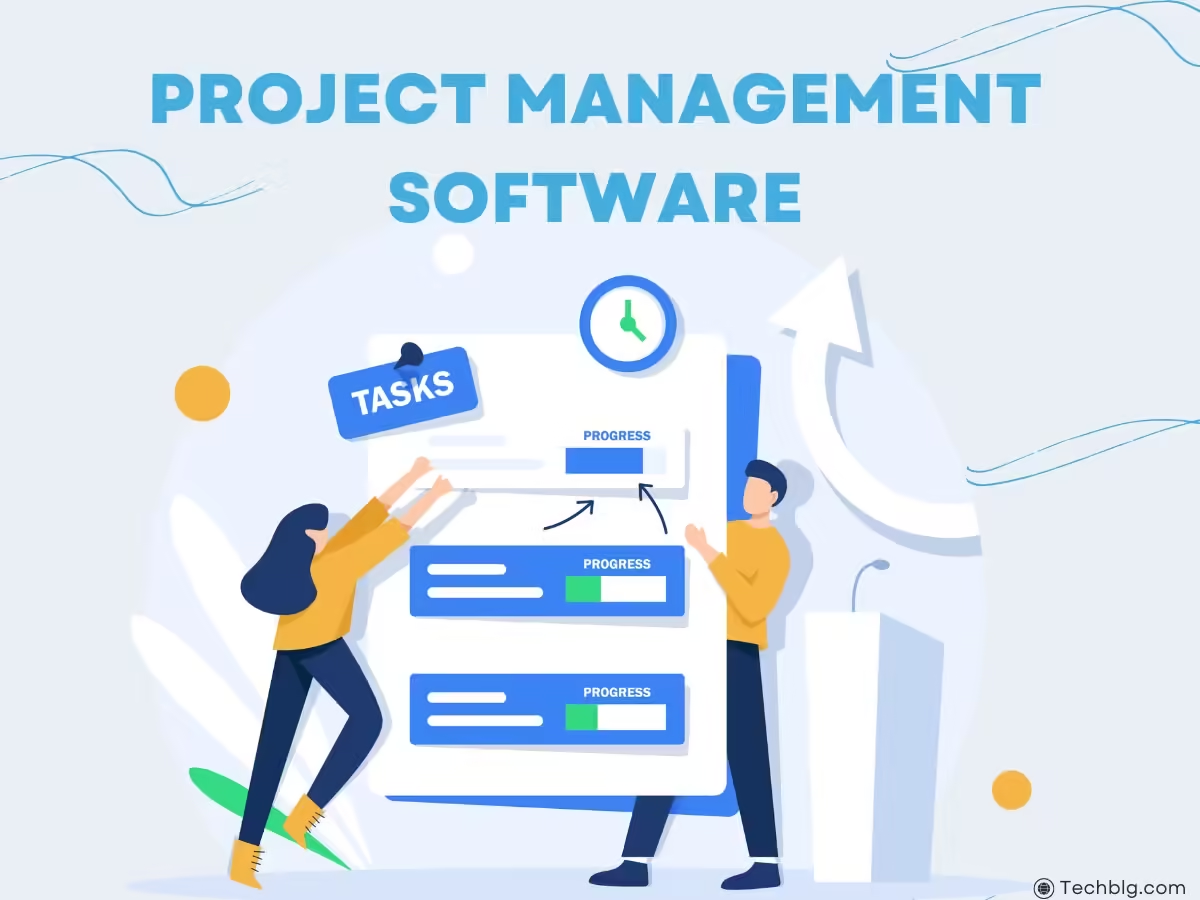
    4. Wave
    Wave is a free financial management software that offers accounting, invoicing, and receipt scanning. It’s ideal for startups and small businesses on a budget.

    • Free accounting software: Wave provides core accounting services at no cost, making it accessible to small businesses and solopreneurs.
    • Invoicing and payments: Businesses can send professional-looking invoices and accept credit card payments directly through the platform.
    • Bank reconciliation: Like other accounting software, Wave offers the ability to connect bank accounts and reconcile transactions.

    5. Zoho Books

    Zoho Books is an affordable and comprehensive financial management tool for small businesses. It covers a wide range of functions, including billing, invoicing, and accounting.

    • Collaboration: Zoho Books allows business owners to collaborate with their accountants and other stakeholders by giving them role-based access to the system.
    • Automation: Zoho Books helps automate repetitive tasks such as payment reminders, invoice generation, and reporting.
    • Inventory management: For businesses with physical products, Zoho Books provides inventory tracking, enabling users to manage stock levels efficiently.

    How to Choose the Right Financial Management Tool for Your Business

    Choosing the right finance tools for business depends on several factors:

    • Business Size and Complexity: A simple invoicing tool may suffice for a freelancer, while a small business with multiple employees may need more comprehensive accounting and payroll management solutions.
    • Budget: Some financial tools, like Wave, are free, while others, like QuickBooks, require a monthly subscription. Business owners must evaluate their budget and choose a tool that fits within their financial plan.
    • Industry Requirements: Certain industries, such as retail or construction, may require specialized financial management tools. Be sure to consider any unique accounting or reporting needs when selecting software.
    • Integration Capabilities: It’s essential to choose a tool that integrates seamlessly with other business systems, such as payment processors, CRM platforms, and payroll software.

    How Financial Management Tools Improve Efficiency

    The right financial management tools for small businesses can significantly improve operational efficiency by automating tedious financial tasks, reducing human error, and ensuring data accuracy. Here’s how these tools boost efficiency:

    1. Automation

    Many financial tools automate tasks such as sending invoices, generating reports, and tracking expenses, allowing business owners to focus on growth and strategy rather than manual data entry.

    2. Real-Time Insights

    Financial tools provide real-time data and analytics, enabling business owners to make quick, informed decisions. For example, having an updated cash flow statement at your fingertips allows you to identify potential liquidity issues before they become problems.

    3. Streamlined Tax Preparation

    Keeping financial records up to date throughout the year makes tax season significantly less stressful. Tools that automatically categorize expenses and track income make it easier to file taxes accurately and on time.

    4. Improved Cash Flow Management

    Many small businesses struggle with cash flow issues, especially in their early stages. Financial management tools provide insights into cash flow patterns, helping business owners identify periods of low cash reserves and plan accordingly.

    5. Reduced Errors

    Human error is a common issue in manual accounting. Financial tools minimize errors by automating calculations and data entry, ensuring that records are accurate and up-to-date.


    Creating a Customer Loyalty Program Template for Your Business

    Once you’ve chosen your financial management tools, integrating these systems into your daily business operations will help streamline your finances, giving you more time to focus on other important aspects, like customer retention.


    Conclusion: The Key to Financial Success in Small Businesses

    Mastering financial management is one of the most critical aspects of running a successful small business. Utilizing the right financial management tools for small businesses can simplify accounting, improve cash flow, and ensure the business remains profitable and sustainable in the long term. From tracking expenses to automating invoicing and tax preparation, the tools available today offer a wide range of solutions to meet the needs of small businesses across all industries.
    As a small business owner, choosing the right tools can be the difference between surviving and thriving in today’s competitive landscape. If you want to take your business to the next level in 2024, check out our detailed guide on the Top 5 Must-Have Tools for Small Business Success in 2024. These tools will streamline your operations, boost productivity, and help you stay ahead of the competition. Discover which tools can empower your small business to achieve new heights!


    References

    1. QuickBooks Official Site – https://quickbooks.intuit.com
    2. Xero Official Site – https://www.xero.com
    3. FreshBooks Official Site – https://www.freshbooks.com
    4. Wave Official Site – https://www.waveapps.com
    5. Zoho Books Official Site – https://www.zoho.com/books
  • How to Effectively Manage a Remote Business Team

    How to Effectively Manage a Remote Business Team

    How to effectively manage a remote business team has become a crucial skill in today’s evolving work landscape. The rise of remote work has transformed the way businesses operate, offering employees flexibility and companies access to a global talent pool. However, it presents unique challenges, from maintaining productivity to fostering team cohesion. As remote work becomes more common, mastering these challenges is essential for ensuring business success in the modern economy.

    In this article, we’ll explore strategies for managing remote teams, discuss best practices, and provide 10 actionable tips for ensuring your remote team thrives.


    Introduction: The Rise of Remote Work and Its Challenges

    Remote work, once considered a niche option, is now a mainstream approach for businesses worldwide. According to global surveys, more than 70% of organizations have adopted some form of remote work, and the trend is expected to continue. While remote work offers benefits such as cost savings, access to a broader talent pool, and increased flexibility, it also introduces challenges like managing team communication, tracking performance, and maintaining employee engagement.

    Effective leadership and a clear management structure are vital for addressing these challenges. Business owners and managers need to adapt to new methods of team collaboration, performance monitoring, and communication strategies. In this guide, we will explore how to overcome the obstacles of remote work and implement Managing Remote Teams effectively.


    How to Effectively Manage a Remote Business Team

    1. Establish Clear Communication Channels

    One of the biggest challenges in managing a remote team is ensuring that communication remains clear, consistent, and efficient. Without face-to-face interactions, miscommunication can easily occur, leading to confusion and decreased productivity. To avoid this, establish reliable communication channels.

    Use Multiple Platforms: Use a combination of tools such as email, instant messaging (e.g., Slack), and video conferencing (e.g., Zoom or Microsoft Teams) to communicate. Different tasks require different forms of communication—quick updates can be sent via chat, while complex discussions should be held over video calls.

    Set Expectations: Define communication expectations, such as response times and availability windows. For instance, you can establish core hours where all team members should be reachable regardless of their location or time zone.

    Regular Check-Ins: Schedule weekly or bi-weekly check-ins to discuss progress, address concerns, and align team goals. Frequent communication keeps remote teams engaged and ensures everyone is on the same page.

    2. Prioritize Task Management and Accountability

    Managing productivity without physical oversight requires clear task management. It’s essential to have systems in place that track tasks, deadlines, and team progress.

    Use Project Management Tools: Tools like Trello, Asana, or Monday.com allow teams to break projects into smaller tasks, assign responsibilities, and monitor progress in real-time. This ensures transparency and accountability, making it easier for managers to track deliverables without micromanaging.

    Set Clear Goals and KPIs: Every team member should know exactly what’s expected of them. Set specific, measurable, achievable, relevant, and time-bound (SMART) goals that align with the company’s overall objectives. Establish key performance indicators (KPIs) to measure performance.

    Encourage Ownership: Empower team members to take ownership of their tasks. When employees feel accountable for their own responsibilities, they’re more motivated to meet deadlines and deliver high-quality work.

    3. Foster Team Collaboration and Culture

    One downside to remote work is that it can lead to feelings of isolation among team members. Collaboration can suffer when employees aren’t sharing the same physical space. To combat this, actively cultivate a collaborative team culture.

    Encourage Virtual Socialization: Arrange virtual coffee breaks, team-building activities, or casual online meetups to foster a sense of camaraderie. A remote book club, virtual trivia, or casual Friday chats can help break the isolation and build stronger team bonds.

    Promote Cross-Team Collaboration: Facilitate collaboration across different departments or teams through joint projects, workshops, or brainstorming sessions. This encourages knowledge sharing and improves problem-solving as team members contribute diverse perspectives.

    Acknowledge Achievements: Celebrate individual and team accomplishments publicly to keep morale high. Recognition for a job well done can reinforce positive behaviors and encourage continued excellence.

    4. Maintain Work-Life Balance

    A common issue for remote workers is the blurred line between personal and professional life. Without a clear separation between work and home, employees can experience burnout or struggle with productivity. Managers should take proactive steps to encourage a healthy work-life balance.
    Set Boundaries: Encourage your team to stick to their work hours and take regular breaks. Establish company policies that discourage after-hours emails or messaging, helping employees to disconnect when the workday ends.

    Flexible Work Schedules: Offer flexibility in work hours to accommodate different time zones, family obligations, or personal preferences. Flexibility leads to increased job satisfaction and can improve overall productivity.

    Monitor Workload: Regularly check in on team members’ workloads and stress levels. Employees may feel pressured to overwork when they’re at home, so ensure that no one is taking on too much.


    10 Tips for Managing Remote Teams

    1. Set Clear Expectations from Day One: Make sure all team members understand their roles, responsibilities, and what success looks like in their position.
    2. Use the Right Technology: Invest in the best tools for communication, collaboration, and task management. The right technology bridges the gap of distance in remote teams.
    3. Establish Routine Communication: Daily or weekly check-ins, whether via video call or messaging platforms, are crucial to maintaining team alignment.
    4. Focus on Results, Not Hours: Avoid the trap of tracking the number of hours your team spends online. Instead, focus on the quality of their output and achievement of goals.
    5. Encourage Open Dialogue: Create a space where team members feel comfortable sharing concerns, challenges, or ideas without fear of judgment.
    6. Build Trust: Trust is foundational in a remote setting. Avoid micromanaging and instead focus on providing guidance and support when needed.
    7. Keep Everyone Informed: Transparency is key. Ensure that all team members are kept in the loop on company goals, updates, and any changes in direction.
    8. Provide Regular Feedback: Constructive feedback helps employees improve, while positive reinforcement keeps them motivated. Make feedback a regular part of your team’s routine.
    9. Celebrate Successes: Whether it’s completing a major project or hitting a personal milestone, make time to celebrate wins and show appreciation.
    10. Invest in Professional Development: Encourage remote employees to continue learning and growing by providing access to online courses, webinars, or mentorship opportunities.

    Conclusion: Managing Remote Teams for Success

    As the remote work landscape continues to evolve, the ability to manage a remote business team effectively is a crucial skill for modern leaders. By prioritizing clear communication, structured task management, team collaboration, and work-life balance, managers can create an environment where remote teams not only succeed but thrive. By implementing the 10 tips outlined in this article, you’ll be well on your way to mastering the art of Managing Remote Teams and driving your business toward sustained success in 2024 and beyond, also you can us software to managing remote teams, best managing remote teams software

    Remember that remote team management is an ongoing process that requires adaptation and continuous improvement. Stay open to feedback, monitor team dynamics, and keep evolving your approach to meet the ever-changing needs of your team.


    References

    1. ForbesManaging Remote Teams: Best Practices
    2. Harvard Business ReviewThe Secrets to Managing Remote Teams
    3. McKinsey & CompanyHow Remote Work is Reshaping Business

  • How to Build a Strong Customer Loyalty Program

    How to Build a Strong Customer Loyalty Program

    In today’s highly competitive market,How to Build a Strong Customer Loyalty Program acquiring customers is just one part of the equation; keeping them is another. Building customer loyalty has become increasingly vital for long-term business success, as loyal customers provide repeat business, referrals, and positive reviews that help strengthen brand reputation. A well-structured customer loyalty program is one of the most effective ways to achieve this. But how do you build a strong customer loyalty program? And what steps are involved in creating a customer loyalty program template? This guide will explore these topics in depth, along with examples of successful loyalty programs that have driven business growth.


    Introduction: The Importance of Customer Loyalty in Modern Business

    In a world where consumers are bombarded with countless options, businesses must go beyond offering good products or services to stay competitive. Customer loyalty programs are designed to reward and retain customers by offering incentives that encourage repeat purchases. They serve as a bridge between a one-time buyer and a long-term customer, nurturing a deeper relationship that benefits both parties. This strategy not only drives sales but also reduces customer churn and builds brand advocates. A solid customer loyalty program can be a powerful tool for sustainable growth in 2024 and beyond.

    The key to creating a successful customer loyalty program lies in understanding customer needs, providing value, and constantly refining the approach. In this article, we’ll explore how to build a strong customer loyalty program, develop a customer loyalty program template, and highlight real-world examples to guide you in implementing a program that works.


    How to Build a Strong Customer Loyalty Program

    1. Understand Your Customers’ Needs and Preferences

    The first step in creating a customer loyalty program is understanding your customers’ behaviors, needs, and preferences. Conduct market research, analyze buying patterns, and use customer feedback to gain insights into what motivates repeat purchases. For instance, do your customers value discounts, free products, exclusive experiences, or personalized rewards?

    Understanding the customer journey will allow you to design a loyalty program that resonates with your target audience. For example, if your customers value convenience, you might offer expedited shipping as part of the program. If they enjoy early access to new products, you can make that a reward for loyal members.

    2. Set Clear Objectives for Your Loyalty Program

    Before launching any program, define its goals. What do you want to achieve with your customer loyalty program? Common objectives include increasing customer retention, boosting average order value, encouraging referrals, and building long-term customer relationships. Each goal should be measurable to track progress effectively.

    For example, a retail company might aim to increase the frequency of repeat purchases by 20% within six months. Having clear objectives allows you to design a program that aligns with your business strategy and customer expectations.

    3. Choose the Right Type of Loyalty Program

    There are several types of customer loyalty programs, and choosing the right one depends on your business model and customer preferences. Some popular options include:

    • Point-based Programs: Customers earn points for every purchase, which can later be redeemed for rewards such as discounts, free products, or exclusive offers.
    • Tier-based Programs: Customers progress through different tiers based on their spending levels. The higher the tier, the better the rewards.
    • Paid Membership Programs: Customers pay a fee to join the loyalty program, gaining access to premium benefits such as free shipping, exclusive products, or priority customer service.

    • Referral Programs: Customers receive rewards for referring friends or family to the business.

    Each program has its advantages. Point-based programs encourage frequent purchases, while tier-based programs foster long-term loyalty. Paid memberships can offer exclusive benefits that customers value enough to pay for.

    4. Offer Relevant and Personalized Rewards

    Personalization is key to building a strong customer loyalty program. Generic rewards may not resonate with every customer, so tailoring rewards to individual preferences can increase engagement. Use customer data to offer personalized incentives that reflect their buying habits.

    For instance, if a customer frequently purchases a particular product line, offer a discount or early access to new arrivals in that category. Personalization shows customers that you understand their preferences and are committed to providing value.

    5. Keep the Program Simple and Easy to Understand

    The best customer loyalty programs are simple and straightforward. Avoid over-complicating the process by having too many rules, restrictions, or confusing redemption processes. Make it easy for customers to join, earn points, and redeem rewards.

    Simplicity also extends to the user experience. If customers have to go through multiple steps to claim a reward or if the benefits aren’t clearly communicated, they may lose interest in the program. Ensure that the signup process is quick and that the program’s terms are easy to understand.

    6. Promote Your Loyalty Program

    Even the best loyalty programs won’t be effective if your customers don’t know about them. Use multiple channels—email marketing, social media, in-store promotions, and your website—to promote the program and its benefits. Include a call to action that encourages customers to join, and make sure it’s highlighted at every customer touchpoint.

    Additionally, offer exclusive benefits for early adopters to create excitement around the program. Promotions like “Double points for the first month” or “Join now for a $10 welcome bonus” can motivate customers to sign up and start engaging with the program.

    7. Monitor and Optimize Your Program

    Once your customer loyalty program is up and running, continuously monitor its performance. Track key metrics such as customer engagement, retention rates, repeat purchase frequency, and average order value. Use this data to identify what’s working and where improvements are needed.

    Don’t be afraid to make changes based on customer feedback or evolving business needs. Loyalty programs should be flexible and adaptable, offering opportunities for improvement as customer expectations shift over time.


    How to Create a Customer Loyalty Program Template

    Creating a customer loyalty program template is a crucial step in standardizing and structuring your loyalty strategy. A well-defined template serves as a blueprint for implementation, ensuring that all aspects of the program are clearly articulated and ready for execution.

    1. Define the Program’s Name and Purpose

    Choose a memorable name for your loyalty program that aligns with your brand identity. Clearly state the program’s purpose and how it benefits your customers. For example, “Loyal Rewards” could emphasize how customers will be rewarded for their loyalty and continued patronage.

    2. List the Program Benefits

    Outline the specific rewards and benefits that participants will receive. This section should include:

    • Points or tiers earned
    • Redemption options (discounts, free products, exclusive offers)
    • Any other perks like birthday gifts, early access, or VIP customer service.

    3. Specify the Earning Rules

    Clearly state how customers can earn points or move up in tiers. For instance, customers could earn one point for every $1 spent, and upon reaching 100 points, they can redeem them for a $10 voucher.

    4. Set Expiration Terms

    Determine whether points or rewards expire after a certain period. This encourages timely use of the program and keeps customers engaged. For example, “Points expire 12 months after earning.”

    5. Include Enrollment Instructions

    Explain how customers can join the loyalty program. Is enrollment automatic, or do customers need to sign up online or in-store? Make this process as easy as possible.


    Customer Loyalty Program Examples

    To understand how to create a successful customer loyalty program, it’s helpful to look at examples of businesses that have implemented effective programs:

    1. Starbucks Rewards

    Starbucks’ loyalty program is a classic example of a points-based system. Customers earn “Stars” for every purchase, which can be redeemed for free drinks, food, and other perks. Starbucks also offers bonus Stars for promotional purchases and double Star Days, which encourage customers to visit more frequently. The program also provides personalized offers based on customer preferences, such as free birthday drinks.

    2. Amazon Prime

    Amazon Prime operates on a paid membership model, where customers pay an annual fee in exchange for benefits like free two-day shipping, access to exclusive deals, and streaming services. The value of the perks outweighs the cost for many customers, leading to high membership retention rates. This program is a great example of a loyalty model that offers premium benefits in exchange for a recurring fee.

    3. Sephora Beauty Insider

    Sephora’s Beauty Insider program is a tier-based system that rewards customers based on their spending. The higher the tier, the better the rewards, including free products, early access to new releases, and exclusive events. The tier structure motivates customers to spend more to unlock better perks, while also fostering long-term loyalty through experiential rewards.


    Conclusion: Building a Customer Loyalty Program for Success

    How to Build a Strong Customer Loyalty Program involves understanding your customers, choosing the right program model, and offering personalized, valuable rewards. A well-designed loyalty program can drive repeat purchases, improve customer retention, and create brand advocates who are eager to refer others to your business.

    Moreover, learning How to create a customer loyalty program in a company requires careful planning and consistent execution. Start with a clear template, defining the program’s name, benefits, earning rules, and expiration terms. Continuously optimize the program based on customer feedback and business needs to ensure its long-term success.


    References

    1. Forbes – The Importance of Customer Loyalty
    2. Harvard Business Review – Loyalty Programs and Their Effectiveness
    3. McKinsey & Company – Customer-Centric Strategies for Loyalty Programs

  • The Role of Leadership in Business Success

    The Role of Leadership in Business Success

    The Role of Leadership in Business Success: A Comprehensive Guide

    Leadership is one of the most critical factors in determining the success of a business. The Role of Leadership in Business Success is evident in how strong leadership provides direction, inspires employees, and shapes the vision and culture of an organization. As we navigate through the complexities of modern business environments, Leadership in Business becomes not just about managing people but about driving innovation, cultivating growth, and ensuring long-term sustainability. This article explores The Role of Leadership in Business Success, examining key qualities, styles, and how leadership fosters growth.

    Leadership is the driving force behind the success of any scalable business model. Without strong leadership, even the best plans fail to gain momentum. Effective leaders set the vision, foster innovation, and make strategic decisions that empower teams to embrace growth and change. In How to Create a Scalable Business Model, leadership plays a pivotal role in guiding a company through expansion while maintaining stability, ensuring the business can grow without losing quality, efficiency, or company culture. Strong leadership is essential for scalability and long-term success.

    Introduction

    Leadership in business is more than just having the authority to make decisions. It’s about having the vision to foresee challenges, the wisdom to navigate complex market dynamics, and the emotional intelligence to motivate and guide employees. In today’s fast-paced and competitive business world, the role of leadership has evolved from simply managing operations to fostering an environment where innovation, adaptability, and growth can flourish.

    Business leaders must now balance traditional management skills with soft skills like empathy, communication, and conflict resolution. They are responsible for not only setting the strategic direction of the company but also creating a culture that promotes collaboration, creativity, and resilience. This guide explores how effective leadership contributes to business success, examines different leadership styles, and highlights the qualities that make leaders successful in driving business performance.


    Understanding Leadership in Business

    At its core, Leadership in Business is about influencing and guiding a team towards achieving the organization’s goals. It involves setting a clear vision, providing the tools and motivation necessary for employees to meet their objectives, and creating a sense of purpose and direction within the company. Effective leadership is multi-faceted and requires a deep understanding of both the internal dynamics of the organization and the external market conditions that impact business.

    In modern business, leadership can no longer rely on rigid hierarchies or command-and-control models. Instead, leaders must adopt a more adaptive and fluid approach, enabling them to respond to change and uncertainty with agility. Leadership is essential in fostering a positive work culture, building strong teams, and driving innovation.

    Some of the key aspects of leadership include:

    • Visionary Thinking: The ability to set long-term goals and inspire others to work toward them.
    • Decision-Making: Leaders must be capable of making informed and timely decisions that consider both short-term and long-term impacts.
    • Communication: Clear, transparent, and effective communication is essential for guiding teams and ensuring alignment with business goals.
    • Emotional Intelligence: Leaders need to understand the emotional and motivational drivers of their employees, enabling them to create a more engaged and productive workforce.

    The Impact of Leadership on Business Success

    1. Setting the Strategic Direction

    The first major role of leadership in business success is to set the strategic direction. Leaders must have a clear vision of where the business is headed and be able to communicate this vision effectively to employees, investors, and stakeholders. A strong sense of direction provides the organization with a roadmap, helping to align all efforts towards common objectives.

    Strategic leadership ensures that business decisions are made in line with long-term goals rather than short-term gains. Leaders who can balance immediate operational needs with future growth initiatives are more likely to build businesses that can thrive in changing markets.

    2. Creating a Positive Work Culture

    Culture is one of the most significant drivers of business success, and leadership plays a central role in shaping and nurturing that culture. A healthy work culture boosts employee morale, increases productivity, and reduces turnover rates. Leadership in business is critical in promoting values such as teamwork, inclusivity, and innovation.

    Leaders set the tone for the organization’s culture by modeling the behaviors they expect from others. For instance, a leader who values transparency and open communication will foster a culture where employees feel comfortable sharing ideas and feedback. On the other hand, a leader who micromanages or instills fear will create a culture of anxiety and distrust, stifling creativity and collaboration.

    3. Driving Innovation and Change

    In a rapidly evolving marketplace, the ability to innovate is a crucial element of success. Leadership in business must encourage innovation by creating an environment where employees feel safe to take risks, experiment, and propose new ideas. Innovation is often born out of a willingness to challenge the status quo, and leaders play an essential role in cultivating that mindset within the company.

    Effective leadership is also about navigating change. Whether it’s responding to shifts in market conditions, adopting new technologies, or managing through crises, leaders must be adaptable and resilient. Businesses that thrive during times of uncertainty are often those led by individuals who embrace change and can guide their teams through transitions with clarity and confidence.

    4. Building Strong Teams

    No business can succeed without a strong, motivated, and capable team. Leadership plays a critical role in hiring the right talent, developing employee skills, and fostering a sense of unity and purpose within the organization. Leaders who invest in the professional development of their employees not only build a more skilled workforce but also increase employee loyalty and job satisfaction.

    Leadership in business is also about recognizing individual strengths and weaknesses and leveraging them to build high-performing teams. By delegating tasks effectively, leaders can ensure that employees are working in areas where they can excel, thus maximizing productivity and efficiency.

    5. Effective Decision-Making

    Good leaders are effective decision-makers. In business, decisions must often be made quickly and with limited information. The ability to make sound, strategic decisions is a hallmark of strong leadership. This involves not only analyzing data and weighing options but also considering the human element—how decisions will impact employees, customers, and stakeholders.

    Leaders who excel in decision-making can mitigate risks, seize opportunities, and steer their companies through challenging times. They must also be willing to take responsibility for their decisions, learning from mistakes and adapting their strategies as needed.


    Different Leadership Styles and Their Influence on Business

    There is no one-size-fits-all approach to leadership, and different leadership styles can have varying effects on business outcomes. Understanding the strengths and weaknesses of different leadership styles can help leaders adopt the most effective approach for their organization. Below are some common leadership styles and their impact on business success:

    1. Transformational Leadership

    Transformational leaders inspire and motivate their employees by creating a vision of the future and encouraging innovation. They are change-oriented and focus on long-term goals, pushing their teams to achieve more than they initially thought possible. This style of leadership is particularly effective in industries where innovation and adaptability are key.

    2. Servant Leadership

    Servant leaders prioritize the needs of their employees above their own. They focus on developing their team members, ensuring that they have the tools and support they need to succeed. By fostering a culture of empowerment and trust, servant leaders create loyal, motivated teams that are more likely to contribute to the long-term success of the business.

    3. Autocratic Leadership

    Autocratic leaders make decisions unilaterally, relying on their authority to drive business outcomes. While this style can be effective in crisis situations where quick decisions are needed, it often leads to low employee engagement and creativity in the long term. Autocratic leadership can stifle innovation and create a culture of dependency.

    4. Democratic Leadership

    Democratic leaders seek input from their employees and make decisions based on a collaborative approach. This leadership style encourages creativity and innovation, as employees feel their voices are heard and valued. However, it can sometimes slow down decision-making processes.

    5. Laissez-Faire Leadership

    Laissez-faire leaders take a hands-off approach, allowing their employees to make decisions and manage their own work. While this can empower highly skilled teams, it can also lead to a lack of direction and accountability if not managed carefully.


    Leadership Qualities That Drive Business Success

    While leadership styles vary, certain qualities are essential for all successful business leaders. These include:

    1. Vision

    A successful leader must have a clear vision for the future of the business. This vision acts as a guiding light for the organization, helping to align goals and strategies.

    2. Emotional Intelligence

    Emotional intelligence is the ability to understand and manage one’s own emotions, as well as the emotions of others. Leaders with high emotional intelligence are better equipped to handle conflict, build strong relationships, and create a positive work environment.

    3. Resilience

    Business leaders face constant challenges and setbacks. The ability to bounce back from failures and continue moving forward is a critical trait for any successful leader.

    4. Communication

    Effective communication is essential for ensuring that all employees understand the company’s goals, values, and expectations. Clear and transparent communication fosters trust and engagement within the organization.

    5. Integrity

    Leaders with integrity build trust with their employees, customers, and stakeholders. Ethical leadership ensures that the business operates in a fair and responsible manner, contributing to long-term success.


    Conclusion

    The Role of Leadership in Business Success cannot be overstated. Strong leadership is the cornerstone of any successful business, shaping its vision, culture, and operations. Whether through setting strategic goals, driving innovation, or fostering a positive work environment, leadership in business plays a vital role in ensuring long-term growth and sustainability. In an era where businesses face constant change and disruption, effective leadership is more important than ever. Leaders who adapt, inspire, and guide their teams with wisdom and empathy will be the ones to navigate their businesses toward success.

    References

    For references on The Role of Leadership in Business Success, you can consult the following sources:

    1. Forbes – Offers a variety of articles on leadership styles and business success:
      Forbes Leadership Articles
    2. Harvard Business Review – A leading resource on leadership, management, and business growth:
      HBR Leadership Topics
    3. McKinsey & Company – Provides insights into leadership’s role in driving business strategy and growth:
      McKinsey on Leadership
  • How to Create a Scalable Business Model in 2024

    How to Create a Scalable Business Model in 2024

    This is A Comprehensive Guide for How to Create a Scalable Business Model in 2024, so In today’s rapidly evolving business environment, creating a scalable business model is essential for sustained growth and long-term success. With new technologies, shifting market dynamics, and the post-pandemic economy, businesses need to build models that can scale effectively while maintaining efficiency and profitability. This guide will explore how to create a scalable business model in 2024, focusing on strategic approaches, key factors, and actionable steps that can help you scale your new business effectively.

    Introduction

    Scaling a business is often seen as the ultimate goal for entrepreneurs. However, many businesses fail to scale successfully due to poorly constructed models that cannot adapt to growth. In 2024, a scalable business model is one that can handle growth without a corresponding increase in costs. This allows a company to expand its reach, attract more customers, and generate higher profits while keeping operational complexity at bay. With the right model, businesses can thrive in competitive environments and embrace opportunities in both local and global markets.

    This article delves into how to create a scalable business model in 2024, providing a step-by-step guide, real-life examples, and expert insights into what makes a business model scalable.

    Understanding Scalability

    Scalability refers to the ability of a business to grow and expand without being hampered by its structure or resources. In essence, a scalable business model enables a company to increase its revenue while minimizing the growth of operational costs. For a business model to be scalable, it needs to meet several criteria:

    1. Replicability: The business processes should be easily replicated in different regions or markets.
    2. Flexibility: The model should be adaptable to changing demands, technologies, and trends.
    3. Automation: Processes must be automated as much as possible to reduce reliance on manual labor, allowing for growth without proportional increases in workforce.
    4. Technology Integration: Leveraging technology to handle operations, customer interactions, and data analytics can significantly enhance scalability.
    5. Sustainable Growth: Growth should be sustainable without overstretching resources, straining finances, or reducing product/service quality.

    In 2024, scalability also means being able to handle sudden surges in demand, especially in industries affected by trends, viral marketing, or unforeseen events.


    Why Is Scalability Crucial in 2024?

    The business landscape in 2024 presents unique challenges and opportunities. Globalization, digital transformation, and the aftermath of the COVID-19 pandemic have reshaped how businesses operate. Today’s businesses must be nimble, innovative, and capable of scaling quickly to seize emerging opportunities. Here’s why scalability matters:

    • Digital Disruption: The pace of digital innovation continues to accelerate. Businesses need to adopt digital strategies and integrate AI, automation, and data analytics to keep up with competition.
    • Global Market Access: Technology has enabled businesses to operate globally from day one. A scalable business model allows companies to enter new markets with ease.
    • Investor Attraction: Investors are more likely to fund businesses that demonstrate the potential for exponential growth without a proportional increase in costs.
    • Operational Efficiency: A scalable model minimizes inefficiencies as your business grows, ensuring that profits increase faster than operational costs.

    Scaling your business in 2024 requires not only vision and ambition but also a robust foundation that can support growth without collapsing under its own weight. Understanding how to scale your new business is essential in staying ahead of competitors.


    Key Components of a Scalable Business Model

    To create a scalable business model in 2024, it’s important to understand the key components that drive scalability. These components include:

    1. A Clear Value Proposition

    A strong, clear value proposition is the backbone of any scalable business. Your product or service needs to offer a unique solution to a widespread problem. If your value proposition is too niche, scalability becomes difficult. Think of businesses like Uber or Airbnb, whose value propositions cater to a broad market, enabling rapid global growth.

    2. Automation of Processes

    Automation is a crucial element in how to scale your new business. The more processes you can automate, the easier it is to handle increased demand. Automation reduces human error, speeds up operations, and allows your business to scale without a proportional increase in staffing.

    Some key areas to automate include:

    • Customer relationship management (CRM)
    • Marketing and email campaigns
    • Inventory and supply chain management
    • Financial reporting and accounting

    In 2024, AI-driven automation is becoming more sophisticated, making it easier for small businesses to adopt.

    3. Leverage Technology

    Technology is the enabler of scalability. A modern, scalable business uses cloud computing, software-as-a-service (SaaS) solutions, and digital platforms to manage operations, communicate with customers, and scale services globally. Whether it’s an e-commerce platform, a data analytics tool, or an AI-based chatbot, technology allows you to serve more customers with fewer resources.

    For instance, e-commerce businesses that use platforms like Shopify or WooCommerce can scale much faster than those using traditional retail models.

    4. Build Strong Partnerships

    Partnerships are another way to scale without increasing costs. By leveraging the resources and networks of other businesses, you can expand your reach without significant investment. Strategic partnerships, such as distribution agreements or affiliate programs, enable businesses to enter new markets or serve more customers without bearing the full burden of expansion.

    5. Create a Repeatable Sales Process

    A scalable business has a repeatable and predictable sales process. This involves understanding your target audience, knowing how to reach them, and having a streamlined sales funnel that consistently converts leads into customers. In 2024, this also means leveraging digital marketing strategies, SEO, and paid advertising to attract more customers at scale.

    6. Financial Planning and Forecasting

    Scalability requires solid financial planning. You need to ensure that your cash flow, pricing, and revenue model are aligned with growth goals. It’s important to have a financial cushion to invest in growth without overextending your resources.


    Steps to Creating a Scalable Business Model in 2024

    Now that we’ve covered the essential components of a scalable business model, let’s look at the actionable steps you can take to build one for your business:

    1. Identify Your Core Offering

    Your core offering is the foundation of your scalable business. Start by identifying the key product or service that offers the most value to your customers. Ensure that this offering is something that can be replicated easily and has the potential for widespread demand.

    2. Streamline Your Operations

    Before you scale, you need to ensure that your business operations are as lean and efficient as possible. Streamlining operations means eliminating redundancies, automating processes, and ensuring that your team is aligned with growth goals. The leaner your operations, the easier it will be to scale without friction.

    3. Invest in Scalable Technology

    Invest in the right technology from the beginning. This includes choosing cloud-based software that grows with your business, implementing automated marketing tools, and using AI-based customer service tools. Cloud technology, in particular, allows you to scale operations without large upfront costs.

    4. Create a Scalable Marketing Strategy

    Your marketing strategy needs to be scalable as well. Digital marketing allows businesses to reach a global audience at a fraction of the cost of traditional marketing. Leverage SEO, content marketing, social media, and paid ads to increase your customer base without significant increases in marketing expenses.

    5. Build a Strong Team

    A scalable business needs a strong, adaptable team. Hire employees who can take on more responsibilities as the company grows and foster a culture of innovation and efficiency. As you scale, focus on building a team that is proactive in seeking out growth opportunities and solving operational challenges.

    6. Secure Funding for Growth

    Scaling often requires an injection of capital. Whether through venture capital, angel investors, or loans, securing funding can provide the resources you need to scale quickly. In 2024, investors are particularly interested in businesses with scalable models, especially those in tech-driven industries.

    7. Expand Your Customer Base

    Scalability isn’t just about increasing revenue; it’s about broadening your customer base. Look for new markets, demographics, or regions where your product or service can be introduced. By diversifying your customer base, you reduce risk and open up new revenue streams.

    8. Monitor and Adjust Your Strategy

    A scalable business constantly monitors its growth and adjusts strategies as needed. Use key performance indicators (KPIs) to measure growth, customer satisfaction, and operational efficiency. In 2024, data analytics tools provide valuable insights into what’s working and what needs improvement.


    Challenges to Scaling a Business

    While scaling a business model offers many benefits, it also comes with its challenges. Common obstacles include:

    • Managing Cash Flow: Rapid growth can put pressure on cash flow, especially if your pricing or revenue models are not aligned with expansion.
    • Maintaining Quality: As you scale, maintaining the quality of your product or service becomes more challenging. Automation and process optimization are key to ensuring consistency.
    • Market Saturation: Expanding too quickly can lead to market saturation, where the demand for your product or service peaks, and you struggle to sustain growth.
    • Cultural and Operational Changes: Scaling often requires significant changes in company culture, structure, and operations, which can lead to internal resistance.

    By anticipating these challenges and planning accordingly, you can create a scalable business model that stands the test of time.


    Conclusion

    Creating a scalable business model in 2024 is essential for growth and success in today’s competitive market. By focusing on a clear value proposition, leveraging automation, adopting the right technology, and streamlining operations, businesses can grow exponentially while minimizing costs. Scalability isn’t just about growth; it’s about building a sustainable, efficient, and adaptable business that thrives in any environment.

    Whether you’re Creating a scalable business model in 2024 requires careful planning and execution, emphasizing adaptability, efficiency, and technology integration. The article provides an in-depth guide on how to achieve this, focusing on key components like automation, technology, partnerships, and financial planning. It discusses why scalability is essential in the current business landscape, offering actionable steps such as identifying your core offering, streamlining operations, and securing funding. The conclusion emphasizes the importance of sustainability and adaptability for long-term success.

  • iPhone 16 review

    iPhone 16 review

    Hands on: Apple iPhone 16 review

    (Image: © What Hi-Fi?)

    Introduction

    As anticipated, Apple has introduced several key upgrades in the latest iPhone 16 models, distinguishing them from their predecessors, the iPhone 15 lineup. While last year’s standout devices were the Pro models, this time around, it’s the entire iPhone 16 series that captures attention with substantial improvements across the board. Apple has made a clear effort to refine every aspect of the user experience, from design to performance, making the iPhone 16 models a significant leap forward. Whether you’re excited about advancements in processing power, enhanced camera capabilities, or improvements in display and sound quality, this year’s iPhones bring something fresh and noteworthy.

    Over the coming weeks, we will dive deep into testing the iPhone 16 models to explore these enhancements firsthand. Our focus will be on evaluating picture and sound quality, examining the new features in detail, and determining how well these upgrades hold up in everyday use. If you’re considering upgrading to the latest model, or simply curious about what Apple has done differently this time around, stay tuned as we provide thorough reviews and performance insights.

    Apple Unveils iPhone 16 Series: AI Advancements and Key Upgrades at September Event

    Apple’s September event was packed with exciting announcements this year, featuring not only updates to their popular entry-level and mid-range AirPods, but also celebrating the 10th anniversary of the Apple Watch with a special edition model. Of course, the main highlight was the unveiling of the latest iPhones. As expected, Apple introduced four new models: the iPhone 16, iPhone 16 Plus, iPhone 16 Pro, and iPhone 16 Pro Max.

    This year, a significant portion of the spotlight is on advancements in artificial intelligence, with Apple Intelligence set to roll out in the coming months. However, the new iPhones also boast notable improvements in both audio and visual technology that are definitely worth your attention. During the event, we had the opportunity to get a first look at all four models, and here are our initial thoughts on these devices, along with key features that stand out.


    Early Verdict

    The iPhone 16 lineup offers a blend of exciting new features and refinements to existing ones, making it a compelling option for those looking to upgrade. While the Pro models still have the edge with their larger, more advanced displays, better cameras, and superior audio features, the standard iPhone 16 models also pack plenty of power and innovations. With the Camera Control button, Spatial Video, and a range of AI-driven tools, all models in the iPhone 16 family feel like a significant step forward.

    We’ll be spending more time testing these devices in the coming weeks, so stay tuned for our in-depth reviews on the picture quality, sound performance, and overall experience. From first impressions, however, it’s clear that Apple has delivered another impressive lineup, and we can’t wait to explore all the details further.

    ProsCons
    + Larger displays on iPhone 16 Pro models– iPhone 16 models remain at 60Hz
    + All models get Camera Control button– No Always-On display for iPhone 16
    + Audio Mix feature seems great for video– iPhone 16 Pro only has 128GB base storage

    iPhone 16 Pricing Breakdown


    The iPhone 16 lineup offers a variety of pricing options, starting at $799 for the base model in the United States. For this price, you get the 128GB storage option, which may seem limited, especially for photography or video enthusiasts who require more space. If you’re someone who captures a lot of content, you’ll want to consider upgrading to higher storage capacities, as the iPhone 16 offers options up to 512GB. Naturally, increasing the storage comes with a higher price tag, but for those looking for extra room for their media and apps, it’s a worthwhile investment.

    The iPhone 16 Plus begins at $899, also offering 128GB as the base storage configuration. The Plus model gives you a larger screen, making it a great option for those who prefer more screen real estate, but again, the 128GB storage might not suffice if you frequently use your device for high-resolution content or store a lot of apps.

    For those looking to step up to the Pro models, the iPhone 16 Pro starts at $999. This base price also includes 128GB of storage, which is standard for the smaller Pro model. However, the iPhone 16 Pro Max, starting at $1,199, offers a bit more from the get-go with 256GB of storage in its base model. The Pro lineup caters to power users and professionals who need more from their devices, whether it’s in terms of camera quality, performance, or storage capacity. Both the Pro and Pro Max models have storage options that go all the way up to 1TB, providing ample room for heavy users who need significant storage for high-resolution videos, images, and applications.

    One important thing to note is that these prices are consistent with last year’s iPhone 15 prices in both the U.S. and U.K. markets. However, customers in Australia will be pleased to hear that this year’s models are slightly more affordable compared to last year, with the iPhone 16 priced at AU$1399 and the iPhone 16 Plus at AU$1599. The iPhone 16 Pro starts at AU$1799, while the Pro Max begins at AU$2149.

    Apple is already taking pre-orders for the entire iPhone 16 range, with the official release date set for September 20. Whether you’re looking for the entry-level model or the feature-packed Pro Max, the pricing and storage tiers provide a good range of options depending on your needs and budget.

    Apple iPhone 16 & 16 Plus hand-on review: Specifications

    Row 0 – Cell 0iPhone 16iPhone 16 Plus
    Starting price$799/£799/AU$1,399$899/£899/AU$1,599
    Screen size6.1 inches6.7 inches
    Refresh rate60Hz60Hz
    ProcessorA18A18
    RAMUnknownUnknown
    Storage128GB, 256GB, 512GB128GB, 256GB, 512GB
    Rear cameras48MP main (f/1.6) with 2x opitcal quality zoom, 12MP ultrawide (f/2.2)48MP main (f/1.6) with 2x opitcal quality zoom, 12MP ultrawide (f/2.2)
    Front camera12MP (f/1.9)12MP (f/1.9)
    Battery sizeUnknownUnknown
    Battery life22 hours, vide playback; 80 hours,27 hours, vide playback; 100 hours,
    Size5.8 x 2.8 x 0.31 inches (147.6 x 71.6 x 7.8mm)6.3 x 3.1 x 0.31 inches (160.9 x 77.8 x 7.8mm)
    Weight6 ounces (170 grams)7 ounces (199 grams)
    ColorsBlack, White, Pink, Teal, UltramarineBlack, White, Pink, Teal,

    iPhone 16 Design

    iPhone 16 Plus (Image credit: What Hi-Fi?)

    The iPhone has undergone several design changes since the revolutionary iPhone X was launched in 2017, though many of these changes have been subtle in comparison to the bold shift from the iPhone 8 to the iPhone X. The introduction of flat edges in the iPhone 12 models in 2020 marked the last major design overhaul, bringing a modern, squared-off look that has since become iconic. Although the overall shape hasn’t changed much since then, Apple has made various smaller design tweaks over the years.

    One such adjustment came with the iPhone 14 Pro, which swapped out the well-known notch for the Dynamic Island, providing a more immersive display experience. This change extended to the standard iPhone 15 in 2023, reflecting Apple’s trend of gradually bringing Pro features to the broader iPhone lineup. That same year, Apple made a more dramatic move by replacing the traditional silent toggle switch – a feature present since the original iPhone in 2007 – with the Action Button on Pro models. Apple also introduced titanium as a primary material for its high-end devices, replacing stainless steel and resulting in lighter, more premium-feeling phones.

    In 2024, Apple continues to evolve its design language with the iPhone 16 series. The most talked-about design feature this year is the Camera Control button, positioned on the right edge of both the standard and Pro models. This button allows users to quickly launch the camera and capture photos, making the phone’s photography capabilities even more accessible. But that’s not the only design update worthy of attention.

    The iPhone 16 Pro models stand out due to their larger displays, which now measure 6.3 inches for the iPhone 16 Pro and 6.9 inches for the iPhone 16 Pro Max, up from 6.1 and 6.7 inches, respectively. This size increase comes thanks to slimmer bezels, which allow for more screen real estate without significantly increasing the device’s overall size. The phones are slightly taller, but the difference is minimal when holding them, while the thinner bezels give the devices a sleek, modern appearance, maximizing the use of available space.

    Color options are another area where Apple shines with the iPhone 16 series. The iPhone 16 Pro models maintain their refined, professional look, with titanium as the primary material, but they now offer a more subtle finish than the brushed titanium of the iPhone 15 Pro. The new Desert Titanium color replaces last year’s Blue Titanium, offering a soft, elegant gold option that complements the Pro’s sophisticated aesthetic. Meanwhile, the standard iPhone 16 models retain their lightweight aluminum build, but this year’s colors are especially vibrant. Eye-catching shades like Pink, Teal, and Ultramarine deliver a bold, playful look, while classic Black and White remain available for those who prefer a more understated style.

    iphone 16 Key Features


    A significant focus of the iPhone 16 lineup is on artificial intelligence, with Apple Intelligence set to roll out in the coming months. This AI suite brings new tools like Clean Up, which allows users to remove unwanted elements from their photos with just a tap, making photo editing faster and more intuitive. Another exciting feature is Writing Tools, which provides assistance with proofreading, summarizing, and even helping craft well-written emails and replies.

    There are also new ways to interact with Siri, including typing requests rather than speaking them. The Voice Notes app now supports live transcription while recording, allowing users to capture and review audio notes more efficiently. Additionally, time-sensitive emails will be automatically flagged to appear at the top of your inbox, helping users prioritize important messages.

    Although AI advancements take center stage, there are several other noteworthy features in the iPhone 16 models. All devices come equipped with the Camera Control button, a standout addition that enables users to launch the camera and snap photos with a single press. It can also detect the difference between light and hard presses, making it easy to access camera tools like depth-of-field adjustments, Photographic Styles, and zoom. While it takes a little practice to master the right gestures and pressure, the button quickly becomes an intuitive way to streamline photography.

    iPhone 16 Camera Improvements

    As always, the camera is a critical focus for Apple, and the iPhone 16 series brings some exciting improvements in this area. The iPhone 16 Pro models come equipped with a 48-megapixel Fusion main sensor, paired with a 48-megapixel Ultra Wide lens and a 12-megapixel Telephoto lens, both carried over from the iPhone 15 Pro models. These Pro models are now capable of shooting in Dolby Vision at up to 4K/120fps, enabling incredibly smooth, detailed video capture, and they also support 48-megapixel macro photography for stunning close-up shots.

    The iPhone 16 standard models also bring something new to the table with the ability to shoot Spatial Video thanks to their vertically aligned rear lenses. Like the Pro models, they support macro photography as well, giving users more creative options when shooting. Additionally, all iPhone 16 models feature improved battery life, which we will thoroughly test during our reviews in the coming weeks.

    iPhone 16 Display and Picture Quality


    When it comes to display quality, the iPhone 16 Pro and Pro Max models are once again the stars of the show. With their larger screens and Super Retina XDR technology, these phones offer stunning visual experiences, enhanced by ProMotion technology, which delivers an adaptive refresh rate between 1Hz and 120Hz. This provides buttery-smooth scrolling and a more responsive display when compared to the 60Hz refresh rate on the standard iPhone 16 and iPhone 16 Plus models.

    Unfortunately, the standard models still lack Always-On display functionality, which some users may find disappointing. On the bright side, all models now feature a 1-nit minimum brightness for better nighttime viewing, and the display brightness remains impressive across the board, with 2000 nits peak brightness outdoors and 1600 nits peak HDR brightness indoors.

    iPhone 16 Audio Enhancements


    Audio output hasn’t seen a significant hardware change in the iPhone 16 series, but there are still some improvements worth mentioning. The iPhone 16 Pro and Pro Max now feature a studio-quality four-mic array, designed to enhance audio recording quality. These Pro models also introduce Audio Mix, which allows users to adjust audio settings between different presets while editing videos. Options like Standard, In Frame, Studio, and Cinematic provide a wide range of possibilities for fine-tuning audio, depending on the desired outcome.

    Even though the audio features are more advanced in the Pro models, all iPhone 16 devices support Spatial Audio and wind noise reduction, ensuring that video recordings sound great in a variety of environments.

    iPhone 16 and 16 Plus Pictures

    Ultimate Guide to Buying the iPhone 16 and iPhone 16 Plus: Why You Shouldn’t Miss Out

    If you’re in the market for the latest smartphone technology, the iPhone 16 and iPhone 16 Plus are two of the most compelling options available right now. Apple has outdone itself yet again, offering upgrades that make these models stand out, whether you’re looking for a powerful camera system, cutting-edge performance, or a stunning display. But with so many options and configurations, knowing which iPhone to buy can feel overwhelming. Don’t worry—we’ve got you covered! In this guide, we’ll break down the key features and pricing options to help you choose the right model for your needs, whether you’re upgrading your old iPhone or switching from another brand. And to make your shopping experience even easier, we’ve included links to the best deals on Amazon so you can get your hands on the latest iPhone 16 with just a few clicks!

    Check Out the Latest iPhone 16 and iPhone 16 Plus Deals on Amazon

    Conclusion

    The iPhone 16 and iPhone 16 Plus represent a significant leap forward in smartphone technology, blending powerful performance with innovative features that cater to a wide range of users. From the stunning Super Retina XDR displays and advanced camera systems to the refined design elements and extended battery life, these models are designed to meet the demands of modern users. Whether you’re seeking the enhanced capabilities of the Pro models or the solid performance of the standard iPhone 16, there’s something for everyone in this latest lineup.

    As you consider your next upgrade, keep in mind that both the iPhone 16 and iPhone 16 Plus offer excellent value and functionality. The added convenience of improved AI features and the enhanced Camera Control button further elevate the user experience. If you’re ready to make a purchase, be sure to explore the top deals on Amazon to get the best price and availability. With a range of options to suit different needs and budgets, the iPhone 16 series is poised to be a standout choice for anyone looking to embrace the future of mobile technology.

    References

    apple
    whathifi

  • How to Use Prompt Engineering to Optimize Your Business Workflows

    How to Use Prompt Engineering to Optimize Your Business Workflows

    How to Use Prompt Engineering to Optimize Your Business Workflows

    How to Use Prompt Engineering to Optimize Your Business Workflows
    How to Use Prompt Engineering to Optimize Your Business Workflows


    Introduction
    How to Use Prompt Engineering to Optimize Your Business Workflows is essential for companies looking to streamline operations and enhance productivity with AI. In today’s fast-paced digital environment, prompt engineering has emerged as a powerful tool to automate repetitive tasks, improve decision-making, and refine content marketing strategies. By mastering this innovative approach, businesses can unlock the full potential of AI, ensuring smoother and more efficient workflows that keep them ahead of the competition. This article will dive into how prompt engineering can optimize your business operations and bring measurable results.

    AI for business refers to the application of artificial intelligence technologies to streamline operations, improve decision-making, enhance customer experiences, and drive innovation across various sectors. Companies leverage AI for tasks such as data analysis, process automation, customer service, and personalized marketing. With AI, businesses can analyze large volumes of data, forecast trends, and optimize their workflows to remain competitive and efficient in an ever-evolving digital landscape.

    Prompt engineering, a critical skill within AI, involves crafting precise instructions to guide AI models like Google Gemini to generate accurate and relevant responses. When applied to business workflows, prompt engineering can significantly improve productivity by automating repetitive tasks, enhancing decision-making processes, and refining communication strategies. For example, businesses can use prompt engineering to automate customer service interactions, generate marketing content, or analyze market trends in real-time. By training AI systems with optimized prompts, teams can ensure that these systems provide actionable insights and perform tasks that align with specific business goals. This reduces time spent on manual processes and allows businesses to focus on strategic activities, ultimately driving growth and efficiency.

    So How to Use Prompt Engineering to Optimize Your Business Workflows ?

    Table of Contents

    1. What is Prompt Engineering?
    2. The Role of AI in Business Optimization
    3. How Prompt Engineering Works
    4. Benefits of Prompt Engineering for Business Workflows

    1. Automating Repetitive Tasks
    2. Enhancing Content Marketing
    3. Improving Decision-Making

    5. Steps to Implement Prompt Engineering in Your Business

    1. Identify Key Workflow Areas
    2. Design Effective Prompts
    3. Test and Refine the AI Model

    6. Real-World Applications of Prompt Engineering in Business

    1. Content Marketing
    2. Customer Support
    3. Data Analysis and Reporting
    4. Human Resources (HR)
    5. Sales Automation
    6. Project Management

    7. FAQs About Prompt Engineering in Business
    8.Looking for a Prompt Engineering Expert for Your Business?
    9. Conclusion
    10. References

    What is Prompt Engineering?

    What is Prompt Engineerin
    What is Prompt Engineerin


    Prompt engineering is a process used in AI writing, where specific input prompts are designed to generate high-quality outputs from AI models. By providing detailed instructions, businesses can guide the AI to produce content that meets their specific needs, whether it’s for content marketing, data analysis, or customer support.

    Unlike traditional automation tools, prompt engineering uses natural language prompts, making AI adaptable to various tasks, from simple text generation to complex decision-making processes.

    The Role of AI in Business Optimization

    The Role of AI in Business Optimization
    The Role of AI in Business Optimization


    The role of AI in business optimization is becoming increasingly pivotal as companies seek to enhance efficiency and drive growth. AI technologies offer significant advantages by automating routine tasks, improving accuracy in decision-making, and providing valuable insights through data analysis. Businesses can leverage AI for various functions such as predictive analytics, customer service automation, and personalized marketing strategies. These capabilities not only streamline operations but also enable organizations to respond swiftly to market changes and customer needs. By integrating AI into their workflows, companies can achieve greater operational efficiency and gain a competitive edge in their industry.

    To fully realize the benefits of AI, understanding how to use prompt engineering to optimize your business workflows is essential. Prompt engineering involves designing specific and effective prompts to guide AI models in generating relevant and accurate outputs. By tailoring these prompts, businesses can ensure that AI systems perform tasks in alignment with their specific goals and requirements. This optimization process can significantly improve the efficiency of AI-driven solutions, from automating customer interactions to generating data-driven insights. Properly engineered prompts lead to more precise and actionable results, thereby enhancing overall productivity and enabling businesses to make better-informed decisions.

    How Prompt Engineering Works

    how promt engineering works
    how promt engineering works


    Prompt engineering is a key technique in artificial intelligence, especially when dealing with language models like Google Gemini. It involves creating specific, clear, and contextually relevant instructions or questions that help guide the AI to produce accurate and useful responses. Understanding prompt engineering enables businesses to make the most of AI tools, improving efficiency and productivity.

    To optimize your business workflows using prompt engineering, start by clearly defining the tasks or outcomes you want to achieve. Create prompts tailored to these needs, providing enough context for the AI to generate relevant responses. For example, if you aim to automate customer service responses, design prompts that outline common customer queries and the preferred tone of the replies. This approach helps the AI deliver more accurate content, reducing manual work and boosting efficiency. By continuously refining and testing your prompts, you can ensure that AI systems align with your business goals, leading to more effective workflows.

    At its essence, prompt engineering is about crafting precise instructions to guide AI in delivering useful and accurate results. The process involves giving the AI model a “prompt” that tells it what you want to achieve. The quality of the prompt directly impacts the outcome. For instance:

    – Poor Prompt: “Write about marketing.”
    – Good Prompt: “Write a 500-word blog post on how small businesses can leverage social media to enhance their content marketing efforts. Include examples and actionable tips.”

    The more detailed the prompt, the more relevant and refined the AI’s output will be. This technique can be applied to various areas like content marketing, customer service, and operational processes within businesses.


    Benefits of Prompt Engineering for Business Workflows

    Benefits of Prompt Engineering for Business Workflows
    Benefits of Prompt Engineering for Business Workflows


    1. Automating Repetitive Tasks
    AI writing tools, through effective prompt engineering, can automate repetitive tasks like email responses, report generation, and data entry. By using tailored prompts, businesses can save time and ensure consistency in their operations.

    2. Enhancing Content Marketing
    In the realm of content marketing, AI-driven prompts can generate high-quality blog posts, social media updates, and newsletters. With prompt engineering, businesses can ensure their AI tools create content aligned with their brand voice, tone, and messaging goals.

    3. Improving Decision-Making
    AI can analyze large data sets to identify patterns and trends. By optimizing the prompts used for data analysis, businesses can obtain more accurate insights, enabling better decision-making. This can be applied in financial forecasting, market research, and customer behavior analysis.


    Steps to Implement Prompt Engineering in Your Business

    Steps to Implement Prompt Engineering in Your Business
    Steps to Implement Prompt Engineering in Your Business


    1. Identify Key Workflow Areas
    The first step in using prompt engineering is to identify areas of your business that would benefit from AI optimization. These areas could include content marketing, customer support, data analysis, or project management.

    2. Design Effective Prompts
    Crafting the right prompts is essential for success. Ensure your prompts are clear, detailed, and aligned with the desired outcome. For example, if you’re using AI to generate product descriptions, your prompt should include product features, target audience, and tone preferences.

    3. Test and Refine the AI Model
    Once you’ve designed your prompts, test the AI to see how well it delivers the desired outcomes. Tweak the prompts as needed to refine the AI’s responses, ensuring they meet your quality standards and business goals.

    Real-World Applications of Prompt Engineering in Business

    Real-World Applications of Prompt Engineering in Business
    Real-World Applications of Prompt Engineering in Business


    1. Content Marketing
    One of the most powerful uses of prompt engineering is in content marketing. Creating high-quality, relevant content is essential for businesses to engage with their target audience. AI writing tools, when guided by well-crafted prompts, can generate blog posts, newsletters, product descriptions, and social media updates quickly and efficiently. For example, prompts can specify the tone, structure, keywords, and main points, resulting in content that aligns with your brand’s message and objectives.

    Businesses can also use AI to perform tasks like A/B testing for email campaigns, producing multiple content variations that maximize engagement. This not only saves time but also helps marketers tailor their strategies to meet evolving consumer preferences.

    2. Customer Support
    Another critical area where prompt engineering is making waves is customer support. AI-powered chatbots, guided by detailed prompts, can handle a wide variety of customer inquiries such as FAQs, product troubleshooting, and order tracking. With effective prompts, these chatbots can provide quick, accurate responses, improve response times, and ensure customers get the help they need—without human intervention.

    This allows companies to offer 24/7 customer service, reducing pressure on human agents and enabling them to focus on more complex issues. As AI chatbots evolve, the role of prompt engineering becomes even more critical in ensuring the interaction feels natural, empathetic, and customer-centric.

    3. Data Analysis and Reporting
    Data is a vital resource for businesses today, and prompt engineering can significantly enhance how data is analyzed and reported. AI tools can be instructed to analyze sales performance, market trends, customer behavior, and much more through precise prompts. For example, a prompt can ask an AI model to “generate a monthly report analyzing sales trends across different regions, highlighting top-selling products and providing insights into customer demographics.”

    By using prompt engineering, businesses can generate insightful reports in seconds, enabling faster decision-making and identifying opportunities or risks that might have been overlooked through manual data analysis.

    4. Human Resources (HR)
    In the realm of human resources, prompt engineering can streamline recruitment, employee management, and performance evaluations. AI tools can be used to generate job descriptions, automate interview scheduling, and even screen resumes based on pre-defined criteria. For instance, an AI-powered hiring assistant might be prompted to “review resumes for candidates with at least five years of experience in software development and strong problem-solving skills.”

    Additionally, HR departments can use prompt-based AI for employee training programs, generating materials or quizzes that align with company policies or industry regulations.

    5. Sales Automation
    Prompt engineering is also highly effective in sales automation. AI can be guided to create personalized sales emails, follow-up reminders, and customer recommendations based on past interactions. For example, a well-crafted prompt might instruct an AI tool to “generate a personalized email offering a 10% discount on products a customer has shown interest in over the past month.”

    By automating these processes, businesses can nurture leads more efficiently, reduce the risk of human error, and increase conversion rates. Sales teams can then focus on higher-level tasks, such as strategy and relationship-building.

    6. Project Management
    Managing multiple projects simultaneously can be overwhelming, but prompt engineering can help organize and automate routine project management tasks. AI tools can be prompted to track project milestones, assign tasks, and even generate reports on progress and deadlines. For instance, “generate a project status update for Task A, including completed steps, upcoming milestones, and any risks or blockers” could be an effective prompt for keeping teams informed and on track.

    This level of automation ensures that project managers spend less time on administrative tasks and more time on strategic planning, improving overall project outcomes.

    FAQs About Prompt Engineering in Business


    Q: How does prompt engineering differ from traditional AI models?
    A: Prompt engineering focuses on creating specific instructions for AI to follow, ensuring more accurate and relevant results compared to generalized AI models.

    Q: Can prompt engineering be used for both small and large businesses?
    A: Yes, prompt engineering is scalable and can be adapted for businesses of any size, from small startups to large corporations.

    Q: How do I know if my prompt is effective?
    A: The effectiveness of your prompt can be measured by the relevance and accuracy of the AI’s output. Refine the prompt if the results are too vague or off-target.

    Q: Can prompt engineering be integrated into existing business tools?
    A: Yes, many AI platforms with prompt engineering capabilities can be integrated with CRM systems, project management software, and marketing tools to optimize workflows also with ERP for small business.

    Looking for a Prompt Engineering Expert for Your Business?

    That’s a solid hook! It’s clear and directly addresses the reader’s need. You could also tweak it slightly for extra impact: “Looking for a Prompt Engineering Expert for Your Business?”

    Unlock the full potential of prompt engineering without breaking the bank by exploring Fiverr to how to Find the Right Fiverr Expert ! This platform offers a vast array of skilled experts who specialize in crafting precise and effective prompts for AI models. Whether you’re looking to optimize your business workflows, enhance content creation, or improve customer service automation, you can find top-notch professionals at competitive rates. With Fiverr’s budget-friendly options, you can easily connect with experienced prompt engineers who can help you achieve your goals while staying within your budget. Don’t miss out on this opportunity to elevate your AI strategies affordably and efficiently! if you need more about How to Find the Right Fiverr Expert

    Get the best recommend services

    Conclusion : How to Use Prompt Engineering to Optimize Your Business Workflows

    Prompt engineering is a powerful tool that can significantly enhance business workflows, from automating repetitive tasks to creating effective content marketing strategies. By mastering the art of crafting detailed and effective prompts, businesses can maximize the potential of AI writing, streamline their operations, and improve decision-making processes. As AI continues to evolve, prompt engineering will play an increasingly crucial role in helping businesses stay competitive and efficient.

    References

    1. Smith, J. (2022).
    2. Patel. Retrieved from contentmarketinginstitute.com


  • How to Score the Best Deals on Temu Black Friday 2024

    How to Score the Best Deals on Temu Black Friday 2024

    How to Score the Best Deals on Temu Black Friday 2024: Expert Tips – Coupons – and Must-Have Products

    Introduction:

    How to Score the Best Deals on Temu Black Friday 2024 so Temu is quickly becoming a go-to platform for savvy shoppers seeking quality products at unbeatable prices. With Black Friday 2024 approaching, Temu promises some of the biggest deals of the year, offering steep discounts on a wide range of products from electronics and fashion to home essentials. For those looking to save big, Temu’s Black Friday event will be the perfect opportunity to snag amazing bargains.

    In this article, we’ll provide you with expert shopping tips, reveal how to find the best Temu Black Friday deals, and show you how to use coupons and flash sales to maximize your savings.

    Table of Contents for How to Score the Best Deals on Temu Black Friday 2024

    Why Temu Black Friday 2024 Will Be Huge

    Temu Black Friday 2024 is poised to deliver some of the best deals available, rivaling major platforms such as AliExpress, Amazon, and Wish. Temu’s commitment to high-quality goods at lower prices—often achieved through direct sourcing from manufacturers—sets it apart. Here’s why this shopping event is not to be missed:

    • Best Temu Black Friday Deals 2024: Anticipate significant discounts on a wide range of products, from electronics to fashion and home goods.
    • Temu Black Friday Coupons and Discounts: In addition to sitewide deals, Temu frequently offers stackable coupons that can further reduce prices.
    • Free Shipping and Flash Deals: Enjoy free shipping promotions and limited-time flash deals, making it easy to save big.

    Temu Coupon: $100 Off

    Unlock incredible savings with the Temu coupon offering $100 off your next purchase! This exclusive deal allows you to enjoy significant discounts on a wide range of products, from electronics to fashion. Simply apply the coupon code at checkout to slash your total and maximize your shopping experience. Whether you’re stocking up on holiday gifts or treating yourself, this coupon is a fantastic opportunity to save big on quality items at Temu.

    Temu 90% Off Code

    Get ready for jaw-dropping discounts with the Temu 90% off code! This amazing promotion provides a rare chance to purchase your favorite items at a fraction of the price. With just a few clicks, you can access unbelievable savings across various categories, including home goods, apparel, and tech gadgets. Don’t miss out on this limited-time offer—apply the code during checkout and enjoy the thrill of scoring unbeatable deals at Temu!

    How to Find the Best Temu Black Friday Deals

    1. Download the Temu App
      The Temu app is a crucial tool for Black Friday shopping. It offers exclusive deals, app-only coupons, and real-time notifications about flash sales and price drops. Download the app ahead of the event.
    2. Use Temu Black Friday Coupons and Discounts
      During major sales events, Temu provides stackable coupons. Keep an eye out for sitewide coupons, flash sales, and category-specific discounts to maximize your savings.
    3. Shop Early and Create a Wishlist
      Popular items sell out quickly during Black Friday. Creating a wishlist in advance allows you to be ready to purchase as soon as discounts go live, focusing on high-demand items.
    4. Take Advantage of Flash Sales
      Flash sales during Temu Black Friday 2024 will feature steeply discounted products for a limited time. Set notifications to act quickly and snag the best bargains.
    5. Use Price Comparison Tools
      For electronics and high-ticket items, compare prices with competitors like AliExpress and Amazon. Temu often matches or beats prices, but it’s wise to check.

    Best Product Categories for Temu Black Friday 2024

    Electronics: Best Electronics Deals on Temu Black Friday

    Tech enthusiasts can look forward to fantastic deals on smartphones, smart home devices, headphones, and other gadgets during Temu Black Friday 2024.

    Top Tip: Watch for limited-time promotions on big brands and buy early, as electronics tend to sell out fast.

    Fashion: Best Fashion Deals on Temu Black Friday

    With discounts up to 70% on select apparel, Temu Black Friday is a prime time to refresh your wardrobe.

    Top Tip: Use Temu coupons for extra savings and check size charts to avoid fitting issues.

    Home & Kitchen: Best Home and Kitchen Deals on Temu Black Friday

    Upgrade your living space with bargains on furniture, cookware, and home decor during the Black Friday sale.

    Top Tip: Use flash deals and price alerts to find the best offers on popular items.

    Beauty & Health: Best Beauty and Health Deals on Temu Black Friday

    Stock up on skincare, makeup, and health gadgets at heavily discounted prices, making this an excellent time for holiday self-care shopping.

    Top Tip: Utilize free shipping deals to save on beauty essentials.

    Top 5 Tips for Shopping on Temu Black Friday 2024

    1. Look for the Best Temu Black Friday Deals 2024
      Use the app, search for deals, and browse flash sales to find the best discounts across categories.
    2. Combine Coupons with Flash Sales
      Stack discount coupons with existing sales to enhance your savings.
    3. Check Product Reviews
      Read reviews and seller ratings before purchasing, especially for electronics and higher-value items, to ensure quality.
    4. Shop Early for Limited-Stock Items
      Keep your wishlist handy and shop early to secure popular products before they sell out.
    5. Watch for Free Shipping Deals
      Take advantage of free shipping promotions, especially for bulkier items or international orders.

    How Temu Stacks Up Against Competitors for Black Friday

    When comparing Temu with platforms like AliExpress and Amazon, it stands out in several ways:

    • Lower Prices: Temu’s direct-from-manufacturer model cuts out the middlemen, leading to lower prices.
    • Personalized Deals: The app offers personalized recommendations based on your shopping habits, making it easier to discover relevant discounts.
    • Free Shipping: Frequent free shipping offers can significantly reduce costs, especially on larger purchases.

    While Amazon provides faster delivery and a broader selection of big-name brands, Temu excels in affordability, making it an excellent choice for budget-conscious shoppers.

    Frequently Asked Questions (FAQs) – How to Shop on TEMU blackfriday

    What are the best deals on Temu Black Friday 2024?

    Answer: The best deals on Temu during Black Friday will likely include electronics, fashion, and home goods, with discounts of up to 70%. Use flash sales and stackable coupons for additional savings.

    When does Temu Black Friday 2024 start?

    Answer: Temu Black Friday 2024 will likely start a few days before Black Friday and extend through Cyber Monday. Check the Temu app and website for exact dates and early deals.

    How do I find Temu Black Friday coupons?

    Answer: Temu Black Friday coupons are typically available on the website, app, and via promotional emails. Keep an eye out for sitewide discounts and category-specific offers that can be stacked for maximum savings.

    Does Temu offer free shipping during Black Friday?

    Answer: Yes, Temu frequently offers free shipping promotions during Black Friday, especially for select categories or orders over a certain amount. Look out for these deals to save on shipping costs.

    Are Temu Black Friday deals available worldwide?

    Answer: Yes, Temu ships to many countries, and Black Friday deals are available internationally. Be sure to check for country-specific shipping fees and delivery times.

    How to Score the Best Deals on Temu Black Friday 2024

    To score the best deals on Temu Black Friday 2024, download the Temu app for exclusive offers and flash sale alerts. Look for stackable coupons and create a wishlist to quickly purchase high-demand items. Using price comparison tools will help ensure you get the best prices across platforms.

    Conclusion

    Temu Black Friday 2024 presents an unparalleled opportunity for savvy shoppers to find exceptional deals. By utilizing expert tips, staying informed about discounts, and leveraging coupons and flash sales, you can maximize your savings. Whether you’re shopping for electronics, fashion, home goods, or beauty products, Temu has something for everyone. Happy shopping!

    References

    Temu Official Website & Blog

    How to Score the Best Deals on Temu Black Friday 2024?

    Black Friday is a massive shopping event across platforms like AliExpress, Amazon, Temu, Walmart, and eBay, each offering significant discounts and deals. AliExpress is known for its affordable electronics and fashion, with flash sales and global shipping.

    Amazon dominates with Prime-exclusive deals and fast delivery on a wide range of products, from gadgets to home essentials. Temu offers competitive prices on various unique and trending items. Walmart combines its online store with in-store pickup, offering steep discounts on electronics and everyday goods. Meanwhile, eBay provides a mix of new and used items, allowing shoppers to score bargains through auctions and Buy It Now deals. Each platform brings something unique to the Black Friday frenzy, ensuring shoppers can find the best deals across the board.

    How to Score the Best Deals on Temu Black Friday 2024

    90% Off 2024 TEMU Black Friday +100$ Free

    ⭐️Click the link  to get 💰1,000 DH coupon bundle !! Directly get 💰100$ DH in Temu.
    Another surprise for you! Click on GET DEAL


    Get Deal

  • Best AliExpress Black Friday Deals 2024

    Best AliExpress Black Friday Deals 2024

    The Ultimate Guide to the Best AliExpress Black Friday Deals 2024: Tips, Coupons, and Top Discounts

    Introduction:
    With Best AliExpress Black Friday Deals 2024 just around the corner, now is the perfect time to prepare for the biggest online shopping event of the year. For savvy shoppers, AliExpress Black Friday is a goldmine for massive discounts, flash sales, and exclusive coupons. Whether you’re hunting for cheap electronics on AliExpress Black Friday, looking to revamp your wardrobe, or want to snag the best deals on home essentials, this guide will ensure you’re ready to make the most of the event.

    In this article, we’ll cover how to find the best AliExpress Black Friday deals, reveal top shopping tips, and compare AliExpress to other e-commerce platforms. Let’s dive in and discover how you can save big on AliExpress Black Friday 2024!

    Why AliExpress Black Friday is the Best for Bargain Hunters

    Why AliExpress Black Friday is the Best for Bargain Hunters
     Best AliExpress Black Friday Deals 2024

    Black Friday is always a frenzy, but when it comes to global shopping, AliExpress stands out. The platform offers massive discounts on millions of products, from electronics to fashion and home goods. Here’s why AliExpress Black Friday 2024 will be an unmissable event:

    – Best AliExpress Black Friday Deals 2024: Shoppers can expect huge discounts across a wide range of categories.
    – AliExpress Black Friday Coupons and Discounts: In addition to sitewide savings, you can find hidden coupons for even more discounts.
    – Cheap Electronics on AliExpress Black Friday: From smartphones to gaming gadgets, AliExpress offers some of the lowest prices in the tech category.

    How to Find the Best Deals on AliExpress Black Friday 2024

    Best AliExpress Black Friday Deals 2024

    1. Create a Wishlist Early

    Before the Black Friday madness begins, it’s smart to create a wishlist of the items you want. This ensures you’re ready when the discounts go live. Many popular items will sell out fast, especially in categories like cheap electronics and fashion, so having a wishlist saves you time.

    2. Look for AliExpress Black Friday Coupons and Discounts

    AliExpress often releases exclusive Black Friday coupons and flash sales that are not always visible at first glance. You can find additional discount codes directly on product pages or within seller stores. These coupons can be applied on top of the already existing discounts, leading to massive savings.

    3. Use Price Drop Alerts

    AliExpress features price drop alerts that notify you when an item on your wishlist has decreased in price. This is especially useful during Black Friday 2024 when prices may fluctuate during flash sales or time-limited offers.

    4. Take Advantage of Flash Deals

    AliExpress is famous for its Black Friday flash deals, where certain products are deeply discounted for a limited time. Keep an eye on these deals as they come and go quickly. You may find cheap electronics, fashion items, or household products at rock-bottom prices.

    Best Product Categories for AliExpress Black Friday 2024

    1. Electronics

    Tech lovers rejoice! Cheap electronics on AliExpress Black Friday are some of the most sought-after items. Whether you’re looking for smartphones, gaming gadgets, or smart home devices, AliExpress has got you covered.

    – Top Tips: Make sure to compare prices, read reviews, and check for product specs to ensure you’re getting the best tech deal.

    2. Fashion

    From trendy apparel to seasonal clothing, AliExpress offers huge discounts on fashion during Black Friday. Expect to see markdowns on everything from jackets to shoes and accessories.

    – Sizing Tip: Always check the sizing charts, as sizes on AliExpress may differ depending on the region.

    3. Home & Garden

    AliExpress’s home and garden section is packed with Black Friday deals on furniture, decor, and kitchen appliances. Whether you’re sprucing up your living space or looking for some holiday decorations, you can find it all at discounted prices.

    4. Beauty & Health

    Beauty lovers can score big on AliExpress Black Friday with markdowns on skincare, makeup, and haircare products. Brands like BIOAQUA and O.TWO.O offer quality beauty products at incredibly low prices.

    How AliExpress Automation Gives You an Edge on Black Friday

    One of the biggest advantages of shopping on AliExpress is its automated features, which make it easier to find deals and ensure real-time product availability. Here’s how AliExpress’s automation stands out:

    – Real-Time Inventory Updates: Unlike some platforms where stock levels can lag behind during sales events, AliExpress provides real-time inventory updates, meaning you won’t accidentally buy something that’s sold out.
    – Personalized Recommendations: Thanks to its AI-powered algorithms, AliExpress offers personalized product recommendations that are relevant to your search history, helping you discover more Black Friday deals.
    – Order Fulfillment Automation: AliExpress uses automated systems for order processing, ensuring smooth and timely fulfillment of your purchases during Black Friday 2024.

    Top 5 Tips for Shopping on AliExpress Black Friday 2024

    1. Search for the Best AliExpress Black Friday Deals 2024

    Always start by searching for the best AliExpress Black Friday deals across multiple categories. Whether you’re interested in fashion, electronics, or home goods, there will be deals aplenty. Using keywords like “Best Black Friday deals on AliExpress” can help you find curated lists of top offers.

    2. Use AliExpress Black Friday Coupons and Discounts

    Be on the lookout for exclusive coupons and hidden discounts. These can stack with flash deals for extra savings.

    3. Check Seller Reviews and Ratings

    While most sellers on AliExpress are reputable, checking reviews and ratings ensures you get the best product quality. Look for sellers with high ratings and a proven track record, especially during Black Friday when you want quick and reliable shipping.

    4. Download the AliExpress App

    Many of the best Black Friday flash deals are app-exclusive. By using the app, you can get notifications about new deals and flash sales, ensuring you don’t miss out.

    5. Stick to a Budget

    With so many deals flying around, it’s easy to overspend. Set a budget ahead of time and prioritize the items on your wishlist.

    AliExpress vs. Competitors: Automation and Savings Compared

    AliExpress vs amazon
    AliExpress vs amazon

    When comparing AliExpress to platforms like Amazon and eBay, one standout feature is its automation:

    – Real-Time Updates: AliExpress excels in keeping real-time stock updates during high-traffic periods like Black Friday.
    – Pricing Algorithms: AliExpress often provides more personalized discounts and price adjustments compared to Amazon, where sellers manually adjust prices.

    These features make AliExpress Black Friday 2024 a smoother and potentially more lucrative shopping experience than other platforms.

    Frequently Asked Questions (FAQs)

    1. What are the best AliExpress Black Friday deals for 2024?
    Answer: The best AliExpress Black Friday deals for 2024 will include massive discounts on electronics, fashion, home goods, and beauty products. To find the top deals, check AliExpress’s dedicated Black Friday section, look for flash sales, and use exclusive coupons. Be sure to compare prices and check for additional savings during the event.

    2. How can I get AliExpress Black Friday coupons and discounts?
    Answer: AliExpress offers various ways to obtain Black Friday coupons and discounts. You can find them on the AliExpress website and app, in promotional emails, or through third-party coupon websites. Look for special coupon codes on product pages or within seller stores. Also, keep an eye on AliExpress’s official social media channels for time-sensitive offers.

    3. When does AliExpress Black Friday 2024 start and end?
    Answer: AliExpress Black Friday 2024 typically starts a few days before Black Friday and continues through the weekend, ending on Cyber Monday. Specific dates will be announced closer to the event, so be sure to check AliExpress’s official site or app for the exact timing.

    4. How do I use AliExpress Black Friday coupons?
    Answer: To use AliExpress Black Friday coupons, first add your selected items to your cart. During checkout, you’ll see a field to enter coupon codes. Paste the coupon code into this field to apply the discount. Ensure that the coupon is valid for the items in your cart and check for any minimum purchase requirements.

    5. Are AliExpress Black Friday deals available worldwide?
    Answer: Yes, AliExpress Black Friday deals are available to shoppers worldwide. However, the availability of specific deals and shipping options may vary by country. Always check the shipping details and any additional costs associated with your purchase.

    6. Can I return items bought during the Black Friday sale?
    Answer: Yes, you can return items bought during the Black Friday sale, but the return policy depends on the seller and product category. Review the return policy on AliExpress and the seller’s store page before making a purchase. Ensure you understand the return process and any associated costs.

    7. How do I track my AliExpress Black Friday orders?
    Answer: To track your AliExpress Black Friday orders, log in to your AliExpress account and go to “My Orders.” Here, you’ll find tracking information for each of your purchases. You can also use the tracking number provided to check the status of your shipment directly through the carrier’s website.

    8. What should I do if my AliExpress Black Friday order is delayed?
    Answer: If your AliExpress Black Friday order is delayed, first check the tracking information for any updates. If the delay persists or there are issues with the order, contact the seller through the AliExpress platform for assistance. You can also open a dispute if the problem cannot be resolved directly with the seller.

    9. Are there any special promotions for AliExpress Black Friday on the app?
    Answer: AliExpress often offers exclusive promotions and flash deals through its app during Black Friday. Download the AliExpress app to access these special offers, receive notifications about new deals, and participate in app-only sales events.

    10. How can I make sure I get the best deals on AliExpress during Black Friday?
    Answer: To get the best deals on AliExpress during Black Friday, create a wishlist of desired items and set up price drop alerts. Use AliExpress coupons and look for flash sales. Compare prices across different sellers and categories, and act quickly when you find a great deal, as stock can be limited.

    Conclusion:

    Get Ready for the Biggest AliExpress Black Friday Yet

    AliExpress Black Friday 2024 is shaping up to be one of the best yet, with huge discounts on electronics, fashion, home goods, and more. By following the tips outlined in this guide, you’ll be well-prepared to navigate the deals and find the best AliExpress Black Friday deals. From using coupons to watching flash sales, you’ll be able to maximize your savings and make the most of this year’s event.

    Start preparing today, and get ready to take advantage of AliExpress Black Friday 2024!

    References:


    Best AliExpress Black Friday Deals 2024

    Black Friday is a massive shopping event across platforms like AliExpress, Amazon, Temu, Walmart, and eBay, each offering significant discounts and deals. AliExpress is known for its affordable electronics and fashion, with flash sales and global shipping. Amazon dominates with Prime-exclusive deals and fast delivery on a wide range of products, from gadgets to home essentials. Temu offers competitive prices on various unique and trending items. Walmart combines its online store with in-store pickup, offering steep discounts on electronics and everyday goods. Meanwhile, eBay provides a mix of new and used items, allowing shoppers to score bargains through auctions and Buy It Now deals. Each platform brings something unique to the Black Friday frenzy, ensuring shoppers can find the best deals across the board.

  • How to Find the Right Fiverr Expert

    How to Find the Right Fiverr Expert

    How to Find the Right Fiverr Expert and How Fiverr Can Help Small Businesses Do It Right: A Step-by-Step Guide to Hiring Freelancers on Fiverr

    How to Find the Right Fiverr Expert and How Fiverr Can Help Small Businesses Do It Right: A Step-by-Step Guide to Hiring Freelancers on Fiverr
    How to Find the Right Fiverr Expert and How Fiverr Can Help Small Businesses Do It Right: A Step-by-Step Guide to Hiring Freelancers on Fiverr


    How to Find the Right Fiverr Expert?

    Hi business owners and entrepreneurs! do you need How to Find the Right Fiverr Expert and How Fiverr Can Help Small Businesses Do It Right this is A Step-by-Step Guide to Hiring Freelancers on Fiverr to Navigating the vast world of freelancing can be overwhelming, especially for small businesses and startups with limited budgets. In today’s digital age, Fiverr has emerged as a gamechanger, offering a platform where you can connect with topnotch freelancers across various industries. This guide will walk you through the essentials of finding the right Fiverr expert, highlight the benefits Fiverr offers to small businesses, and provide a stepbystep approach to hiring freelancers. Whether you’re looking for a designer, developer, or content creator, understanding how to leverage Fiverr effectively can be the key to unlocking your business’s potential.

    Table of Contents

    1. Why Choose Fiverr ?
    2. Understanding Fiverr’s Ecosystem
    3. Finding the Right Expert on Fiverr
    4. Step by Step Guide to Hiring Freelancers on Fiverr
    5. Fiverr vs. Agencies: What’s Better for Your Business ?
    6. Key Features of Fiverr
    7. Conclusion
    8. References

    —-

    Why Choose Fiverr ?

    Fiverr has transformed the landscape of freelance work by providing a streamlined, accessible platform for businesses of all sizes. Here’s why it’s a top choice for many:

    Cost Effective Solutions

    Traditional agencies can be costly, often charging premium prices for their services. Fiverr offers a range of services at competitive prices, making it ideal for small businesses and startups looking to maximize their budgets. Whether you need a logo design or a comprehensive digital marketing strategy, Fiverr’s gigbased system allows you to find affordable options that meet your needs.

    Diverse Talent Pool

    With freelancers from around the globe, Fiverr provides access to a wide array of skills and expertise. This diversity means you can find professionals with specific experience tailored to your project’s requirements. From experienced graphic designers to innovative digital marketers, Fiverr’s talent pool is vast and varied.

    Flexibility and Convenience

    Fiverr’s platform allows for flexible engagements. You can hire freelancers for shortterm projects or ongoing tasks without the longterm commitments typically associated with hiring fulltime staff. This flexibility is particularly advantageous for startups and small businesses that need to adapt quickly to changing demands.

    Understanding Fiverr’s Ecosystem and How to Find the Right Fiverr Expert

    Fiverr operates on a gigbased model, where freelancers list their services, known as “gigs,” with detailed descriptions and pricing. Here’s a breakdown of how Fiverr works:

    Gigs

    Each gig represents a specific service offered by a freelancer. Gigs include detailed descriptions, pricing tiers, and examples of previous work. This transparency helps you make informed decisions about which freelancer best fits your needs.

    Reviews and Ratings

    Freelancers on Fiverr are rated and reviewed by previous clients. These ratings provide valuable insights into the freelancer’s reliability, quality of work, and communication skills. Reviewing these ratings helps ensure you choose a freelancer who meets your expectations.

    Pro Services

    For those seeking premium quality, Fiverr Pro offers access to toprated professionals with verified credentials. Fiverr Pro freelancers are vetted to ensure they meet high standards of quality and expertise.

    Finding the Right Expert on Fiverr

    How to Find the Right Fiverr Expert
    How to Find the Right Fiverr Expert


    When you’re in need of a freelancer, your first stop should be your own network of contacts—those freelancers you’ve previously collaborated with. You’re already familiar with their skills and how they perform, making it a reliable starting point.

    However, if your Rolodex doesn’t have the right talent for your current needs, you’ll need to look elsewhere. Start by identifying the specific skills required for your project and the timeline you’re working with.

    For short-term gigs or tasks, a freelance marketplace could be an excellent option. There are nearly 800 such platforms available, catering to a broad spectrum of needs—from niche areas like PR, SEO, and web development to local marketplaces focusing on specific countries like India, Germany, or Australia.

    If you’re seeking a highly skilled expert, consider reaching out to friends and colleagues for recommendations. Referrals are valuable because they come from people you trust who have firsthand experience with the freelancer’s work quality and professionalism. This way, you get a reliable insight into whether the freelancer is both competent and pleasant to work with.

    So How to Find the Right Fiverr Expert

    Top Tips for Finding the Perfect Freelancer

    Once you’ve identified where to search for freelancers, the next challenge is determining what to look for.

    It’s a crucial question because for every freelancer who perfectly matches your needs, there are likely several who won’t be a good fit.

    Here are some essential tips to help you find the ideal freelancer for your project:

    1. Define Your Project Needs

    Before you start searching on Fiverr, clearly define what you need. Consider the following:

    Project Scope: What are the specific tasks or deliverables required ?
    Budget: What is your budget range ?
    Timeline: What is the deadline for your project ?

    Having a clear understanding of these factors will help you narrow down your search and find the right freelancer more efficiently.

    2. Utilize Fiverr’s Search and Filters

    Fiverr’s search functionality allows you to enter keywords related to the service you need. Use specific terms to find freelancers with relevant expertise. For example, if you need a website developer, search for “WordPress developer” or “eCommerce site designer.” Utilize filters to refine your search based on factors like delivery time, budget, and seller level.

    3. Evaluate Freelancer Profiles

    Once you’ve found potential freelancers, review their profiles thoroughly:

    Experience and Expertise: Look for relevant experience and skills.
    Portfolios: Examine examples of their previous work to assess quality and style.
    Ratings and Reviews: Check client feedback to gauge satisfaction and reliability.

    4. Communicate Your Needs

    Contact potential freelancers to discuss your project in detail. Clear communication is crucial to ensure that the freelancer understands your requirements and expectations. Be prepared to answer any questions they may have and provide additional information if needed.

    Step by Step Guide to Hiring Freelancers on Fiverr

    How to Find the Right Fiverr Expert
    How to Find the Right Fiverr Expert

    Step 1: Search and Filter

    Use Fiverr’s search bar to find freelancers offering the services you need. Apply filters to narrow down your options based on criteria such as price, delivery time, and seller level.

    Step 2: Review and Shortlist

    Evaluate the profiles, portfolios, and reviews of freelancers who match your criteria. Create a shortlist of candidates who seem wellsuited for your project.

    Step 3: Initiate Contact

    Reach out to your shortlisted freelancers to discuss your project in detail. Provide a clear brief and answer any questions they may have. This step helps ensure that both parties have a mutual understanding of the project scope and expectations.

    Step 4: Place an Order

    Once you’ve selected a freelancer, place an order through Fiverr. Choose from the available packages or negotiate a custom offer if necessary. Ensure that all terms are clearly outlined and agreed upon before proceeding.

    Step 5: Monitor Progress and Provide Feedback

    Track the progress of your project through Fiverr’s platform. Provide feedback and request revisions as needed. Maintaining open communication throughout the process helps ensure that the final deliverable meets your expectations.

    Step 6: Complete the Order and Leave a Review

    Once the project is completed to your satisfaction, mark the order as complete and leave a review for the freelancer. Your feedback helps other clients make informed decisions and contributes to the freelancer’s reputation on the platform.

    Fiverr vs. Agencies: What’s Better for Your Business ?

    Fiverr :  How to Find the Right Fiverr Expert

    Cost Effective: Fiverr’s pricing is generally lower than traditional agencies, making it ideal for small businesses on a budget.
    Flexible Engagements: Hire freelancers for specific projects or tasks without longterm commitments.
    Wide Range of Talent: Access a global pool of professionals with various skills and expertise.

    Agencies

    Comprehensive Services: Agencies often provide a range of services and strategic oversight, which can be beneficial for larger projects.
    Dedicated Teams: Agencies offer dedicated teams that work on your project simultaneously, potentially speeding up delivery.
    Higher Costs: Agencies typically charge higher rates due to overhead costs and fulltime staff.

    Key Features of Fiverr

    Fiverr Business

    Fiverr Business is tailored for companies that need ongoing support and dedicated account management. It offers:

    Dedicated Account Managers: Personalized support to help manage your projects.
    Custom Solutions: Access to a curated selection of freelancers and custom offers.

    Fiverr Pro

    Fiverr Pro provides access to top rated freelancers with verified credentials. It includes:

    Verified Professionals: High quality experts with proven experience.
    Premium Services: Premium gigs with higher standards of quality and service.

    Custom Offers

    Freelancers can create custom offers tailored to your specific needs. This flexibility allows you to negotiate terms and pricing to fit your project requirements, and this is How to Find the Right Fiverr Expert.

    Conclusion

    Fiverr is a powerful platform that offers small businesses and startups access to a vast network of talented freelancers at competitive prices. By following this guide, you can effectively find and hire the right experts to meet your needs, whether you’re seeking onetime services or ongoing support. With its coste ffective solutions, diverse talent pool, and user friendly interface, Fiverr can be a valuable asset in helping your business achieve its goals and thrive in today’s competitive market.

    Explore Fiverr today and discover how it can help streamline your outsourcing needs, save costs, and contribute to your business’s success. so do you know How to Find the Right Fiverr Expert ?

    References

    1. Fiverr Official Site
    2. Fiverr Business Overview
    3. Fiverr Pro Servicesh